TECH
10 Smartphone Privacy Settings You Should Turn On Right Now to Better Protect Your Personal Data
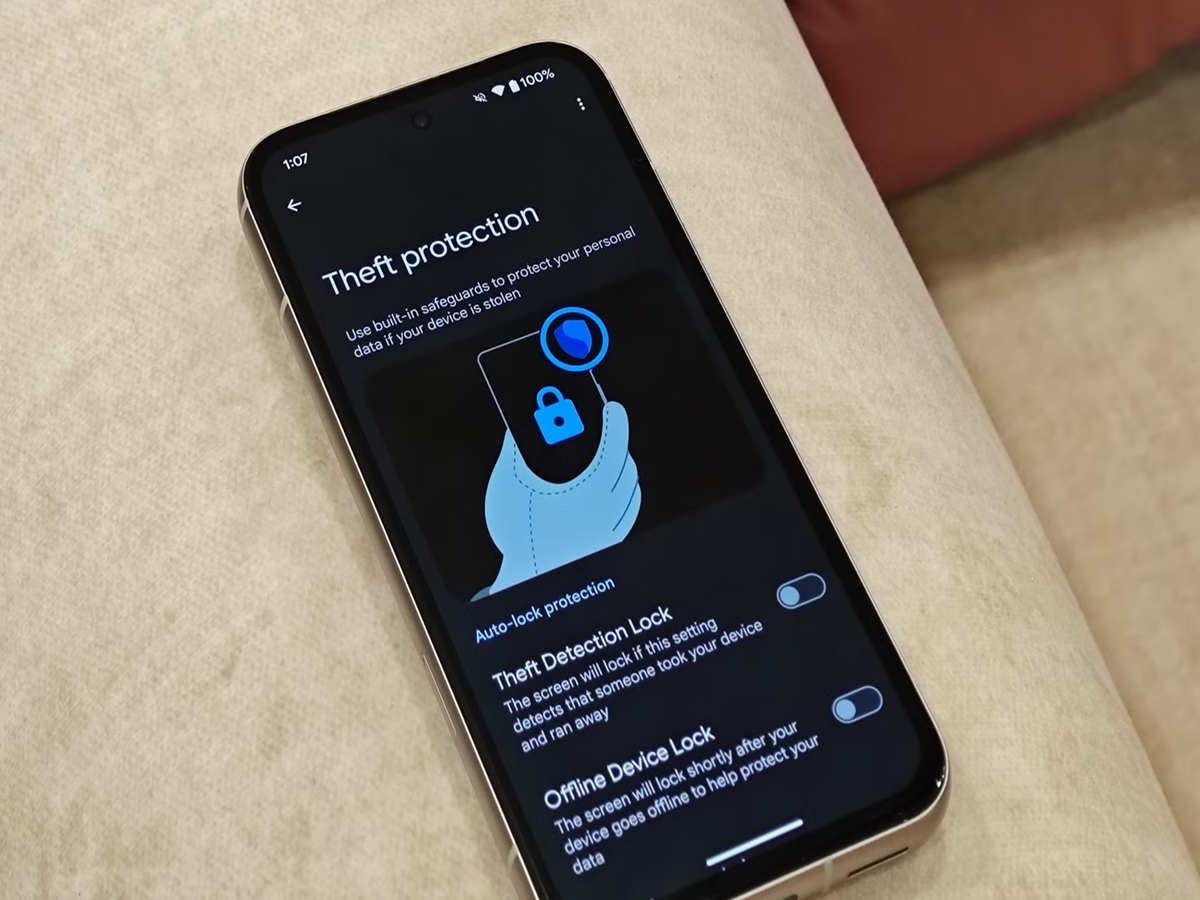
Smartphones store everything from photos and messages to banking apps and personal documents. While modern devices come with several built-in privacy features, many users never enable them. As a result, sensitive information may be more exposed than necessary.
Taking a few minutes to review your privacy settings can significantly improve your digital security without affecting your day-to-day use.
1. Review App Permissions Regularly
Many apps request access to your camera, microphone, contacts, location, and storage—even when they don't need them.
Go through your app permissions periodically and revoke access for apps that no longer require certain permissions. Grant only the minimum access needed for an app to function.
2. Use Face Unlock or Fingerprint Authentication
Instead of relying only on a PIN or password, enable biometric authentication if your phone supports it.
Fingerprint or facial recognition can make it more difficult for someone else to unlock your device while also making it quicker for you to access it.
3. Turn Off Location Access When It's Not Needed
Some apps continue tracking your location even when you're not actively using them.
Where possible, set location permission to "Allow only while using the app" instead of allowing continuous access.
4. Enable Find My Device
Losing your phone can expose your personal information.
Both Android and iPhone include features that let you locate, lock, or erase your phone remotely if it's lost or stolen. Make sure these features are enabled before you need them.
5. Hide Sensitive Notifications on the Lock Screen
Messages and OTPs appearing on the lock screen can sometimes be viewed by others.
Adjust your notification settings so message content is hidden until you unlock the device.
6. Turn On Automatic Security Updates
Security updates often fix newly discovered vulnerabilities.
Keeping automatic updates enabled ensures your phone receives important protection without requiring you to remember to install updates manually.