BUSINESS
Aadhaar Update: Updating mobile number in Aadhaar card has now become very easy; learn the complete process
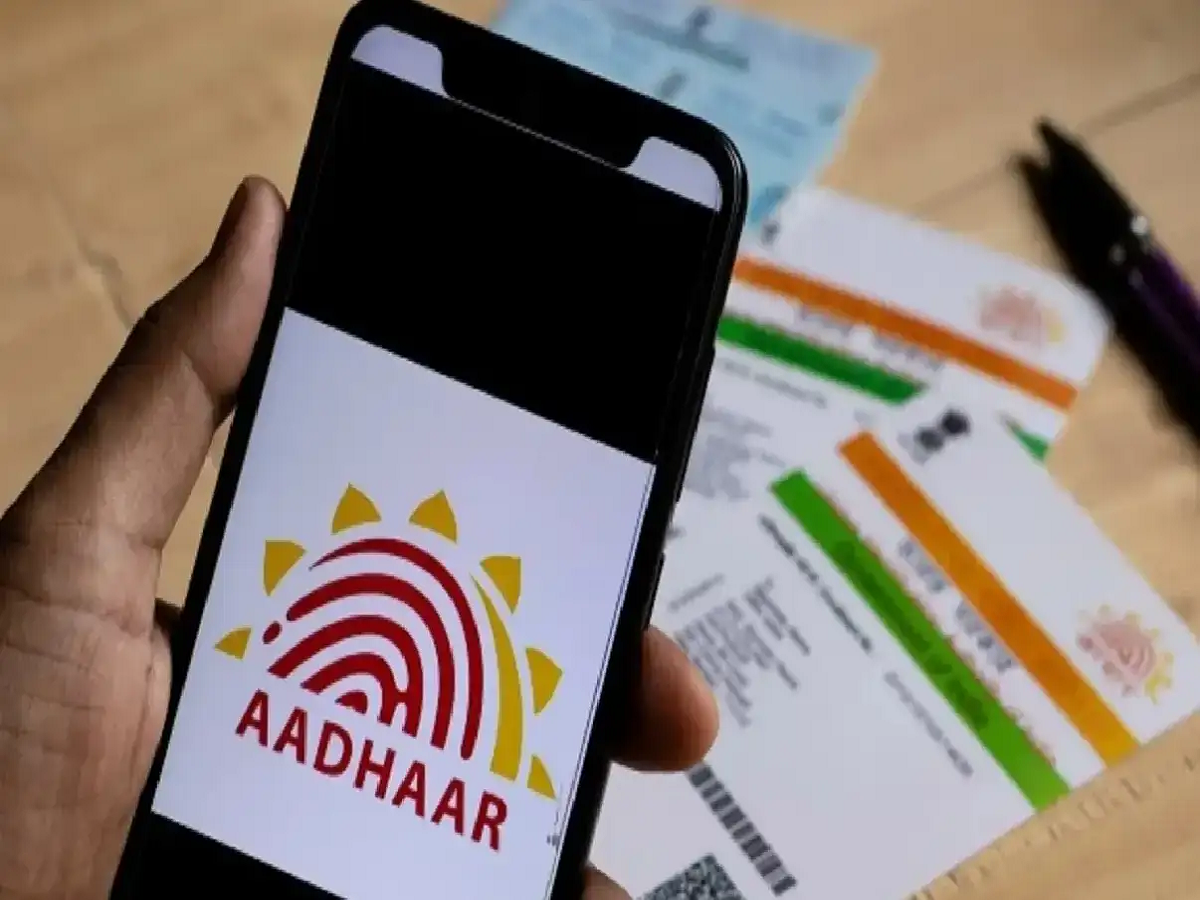
Nowadays, the Aadhaar card has become the most essential identification document for every citizen. Linking your mobile number to your Aadhaar card is crucial. Previously, updating or changing your mobile number on your Aadhaar card required visiting an Aadhaar service center or office, and submitting numerous documents. But now, this significant hassle has ended. You can easily update your mobile number on your Aadhaar card from the comfort of your home without any documents.
This simple process has greatly relieved people from waiting in lines or making rounds of offices. If you also want to link a new mobile number to your Aadhaar card, you can do so by following the simple steps below.
Easy process to update mobile number
First, open the respective Aadhaar service app on your mobile by entering the PIN.
After opening the app, you will see the option of 'Services' on its home page, click on it.
In the Services option, you have to find the option of 'My Aadhaar' and click on it.
Next, some important instructions will appear on the screen. Read all the instructions carefully and click on the 'Continue' option below.
Next, you'll see two different sections or options. The first option will display your current old mobile number. In the second option, you'll need to correctly enter the new number you want to link to your Aadhaar card.
After entering the number, a one-time password (OTP) will be sent to your new mobile number. Enter that OTP in the appropriate field.
After entering the OTP, your face authentication process will be completed. To do this, you'll need to turn on the camera and show your face. This will complete your verification process and your new mobile number will be successfully linked to your Aadhaar card.
PC: INDIA TV HINDI