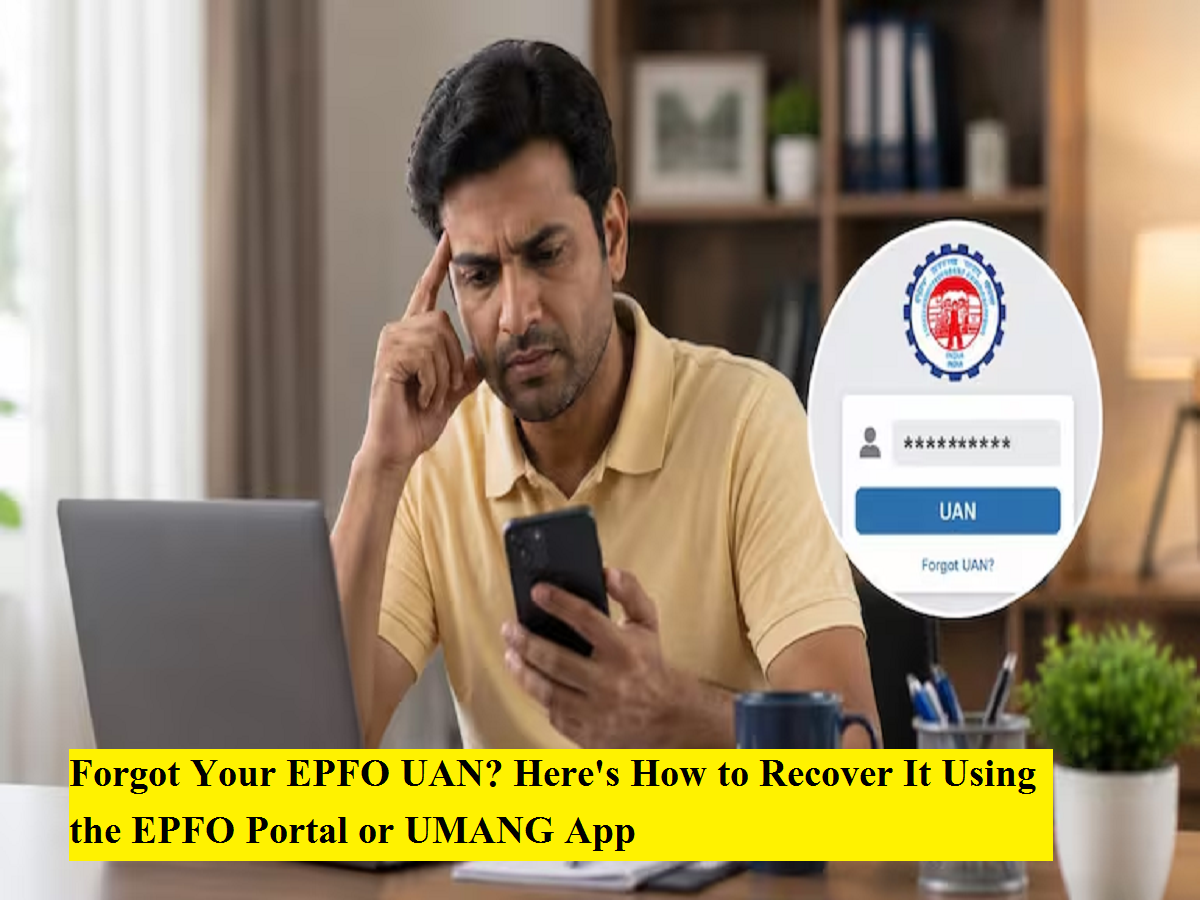
Your Universal Account Number (UAN) is the key to accessing your Employees' Provident Fund (EPF) account. Whether you want to check your PF balance, download your passbook, transfer your PF after changing jobs, or submit a withdrawal claim, the UAN is essential.
Many employees forget their UAN after switching jobs or remaining inactive for a long period. Fortunately, recovering it is a simple process. The Employees' Provident Fund Organisation (EPFO) allows members to retrieve their UAN through its official Member Portal as well as the UMANG mobile application.
Here's a step-by-step guide to help you recover your forgotten UAN.
Why Is the UAN Important?
The Universal Account Number serves as a permanent identification number for EPF members throughout their working career. It links multiple PF accounts created by different employers and allows members to manage their retirement savings through a single account.
Your UAN is required for:
-
Viewing your EPF passbook
-
Checking PF balance
-
Filing online PF withdrawal claims
-
Transferring PF after changing jobs
-
Updating KYC details
-
Accessing various EPFO online services
How to Recover Your UAN Through the EPFO Member Portal
Recovering your UAN from the official EPFO portal takes only a few minutes.
Step 1: Visit the EPFO Member Portal
Open the official EPFO Member Portal and select the "Know Your UAN" option.
Step 2: Enter Your Registered Mobile Number
Provide the mobile number linked with your Aadhaar and complete the CAPTCHA verification.
Click on "Request OTP."
Step 3: Verify the OTP
Enter the One-Time Password (OTP) received on your registered mobile number to continue.
Step 4: Choose an Identity Document
Select one of the available identity options:
-
Aadhaar Number
-
PAN
-
Member ID (PF Number)
Enter the requested information accurately.
Step 5: Submit Your Details
Provide your:
-
Full name
-
Date of birth
-
CAPTCHA code
Click "Show My UAN."
Your UAN will appear on the screen and will also be sent to your registered mobile number through SMS.
How to Find Your UAN Using the UMANG App
The UMANG app also provides a convenient way to retrieve your UAN.
Follow these steps:
Step 1
Open the UMANG application on your smartphone.
Step 2
Search for EPFO and select Employee Centric Services.
Step 3
Tap "Know Your UAN."
Step 4
Enter your registered mobile number and complete OTP verification.
Step 5
Select one of the identity options:
-
Aadhaar
-
PAN
-
Member ID
Step 6
Enter your name and date of birth.
Step 7
Tap "Show My UAN."
Your Universal Account Number will be displayed on the screen after successful verification.
Can You Recover Your UAN Using Only Your Old PF Number?
Yes. If your Aadhaar or PAN is not linked but you still have your old PF account number, you may still be able to recover your UAN.
Here's how:
-
Open the Know Your UAN section.
-
Select Member ID as your identification method.
-
Enter your previous PF Member ID.
-
Provide your name and date of birth exactly as recorded in EPFO records.
-
Complete the verification process.
If the information matches EPFO records, your UAN will be retrieved successfully.
What Does the 'ORA-20001' Error Mean?
Some users may encounter the error:
"ORA-20001: Demographic details do not match."
This error usually indicates that the personal details in EPFO records do not match the information available in your Aadhaar database.
The mismatch could involve:
-
Name spelling
-
Date of birth
-
Gender
In such cases, you should first update or correct your EPFO records through your employer or by following the applicable EPFO profile correction process. Once the records are updated, you can attempt to retrieve your UAN again.
Tips to Avoid Future Problems
To ensure uninterrupted access to your EPF account:
-
Keep your Aadhaar, PAN, and mobile number updated.
-
Link your KYC details with your UAN.
-
Save your UAN in a secure location.
-
Verify your personal information after changing jobs.
-
Regularly log in to your EPFO account to monitor your records.
Bottom Line
Forgetting your UAN does not mean losing access to your EPF account. EPFO provides quick recovery options through its Member Portal and the UMANG app, allowing members to retrieve their UAN using their registered mobile number and identity details. If your Aadhaar or PAN is unavailable, your old PF Member ID can also help recover the account. In case of demographic mismatch errors, updating your EPFO records is the first step toward restoring access to your UAN and all related EPF services.