TECH
Hidden Android Features You’re Probably Not Using: 7 Built-In Tools That Make Your Phone Smarter
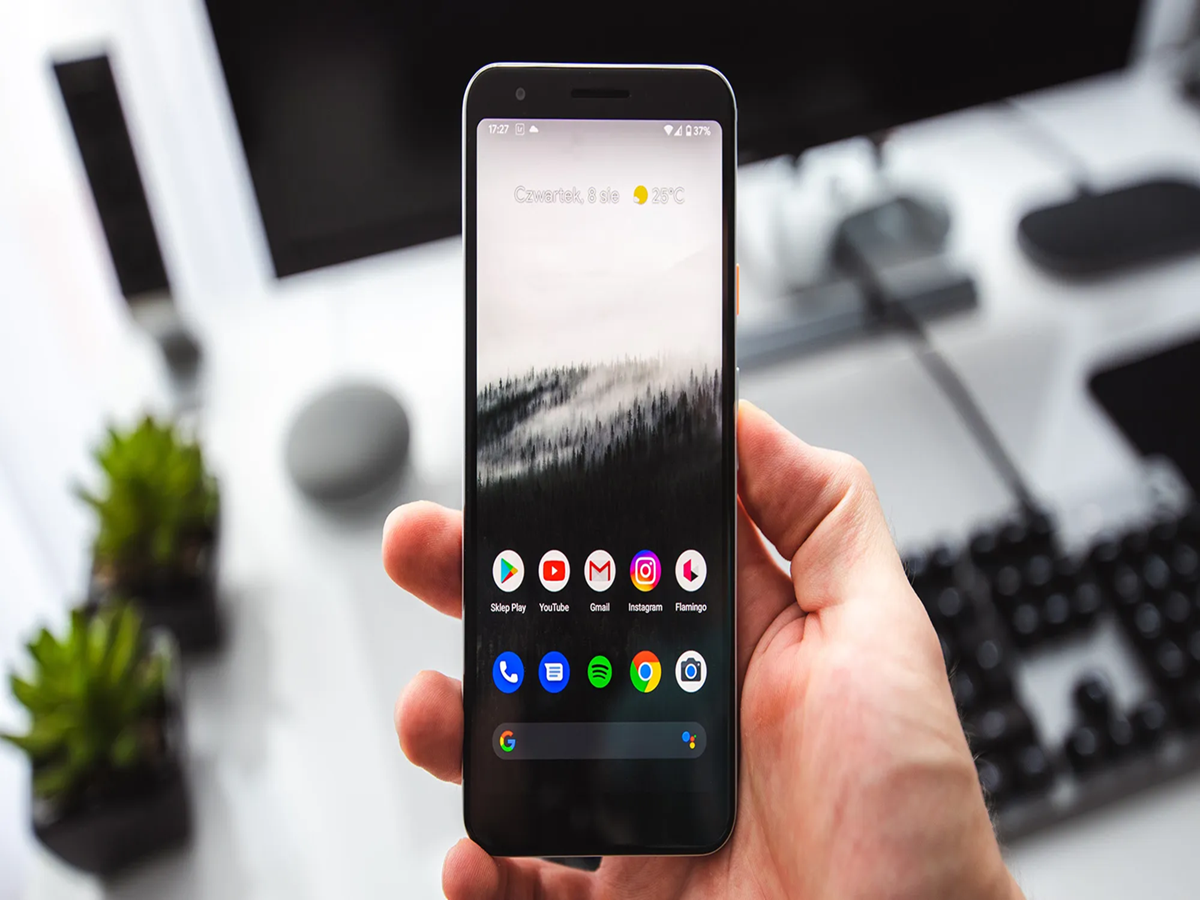
Most Android users only scratch the surface of what their smartphones can do. While people often download third-party apps for productivity, security, and convenience, many useful features are already built into Android—you just need to know where to find them. These hidden tools can help improve battery life, protect your privacy, save time, and even recover a lost phone.
One of the most underrated features is App Pinning. If you hand your phone to someone to watch a video or make a call, App Pinning locks the device to a single app, preventing access to your photos, messages, or other personal data. You can enable it from Settings > Security > App Pinning on most Android phones.
Another useful tool is Live Caption. With a single tap on the volume button, compatible Android phones can automatically generate captions for videos, podcasts, and voice messages—even if the content doesn't include subtitles. The processing happens on the device, making it both fast and privacy-friendly.
Many users also overlook Nearby Share (now integrated with Google's Quick Share). It lets you transfer photos, videos, documents, and apps between Android devices and even Windows PCs without using mobile data or messaging apps. Large files can be shared in seconds over Wi-Fi Direct and Bluetooth.
If you've ever struggled to read small text on a webpage or document, Android's built-in Magnification feature can help. It allows you to zoom into any part of the screen, making it especially useful for reading fine print, medicine labels, or detailed images.
Privacy-conscious users should also explore the Privacy Dashboard, available on recent Android versions. It shows which apps have accessed your camera, microphone, or location over the past 24 hours. If an app is requesting permissions too frequently, you can revoke access with just a few taps.
Another feature worth enabling is Adaptive Battery. Powered by artificial intelligence, it learns which apps you use most often and limits background activity for apps you rarely open. Over time, this can significantly improve battery life without affecting everyday performance.
Finally, every Android user should set up Find My Device. If your phone is ever lost or stolen, you can locate it on a map, make it ring even when it's on silent mode, lock it remotely, or erase all personal data if recovery isn't possible. Setting up this feature takes only a minute but could save you from losing valuable information.
Android continues to add new capabilities with every major update, yet many of its best features remain hidden inside the Settings app. Spending a few minutes exploring these built-in tools can make your smartphone more secure, more efficient, and much easier to use—without installing a single additional app.