Losing a PAN card can be stressful, especially when it is required for filing income tax returns, opening bank accounts, or completing financial transactions. The good news is that you don't always need to wait for a physical duplicate card. Eligible taxpayers can download a digital e-PAN online within minutes and use it for most official purposes.
Here's everything you need to know.
What Is an e-PAN?
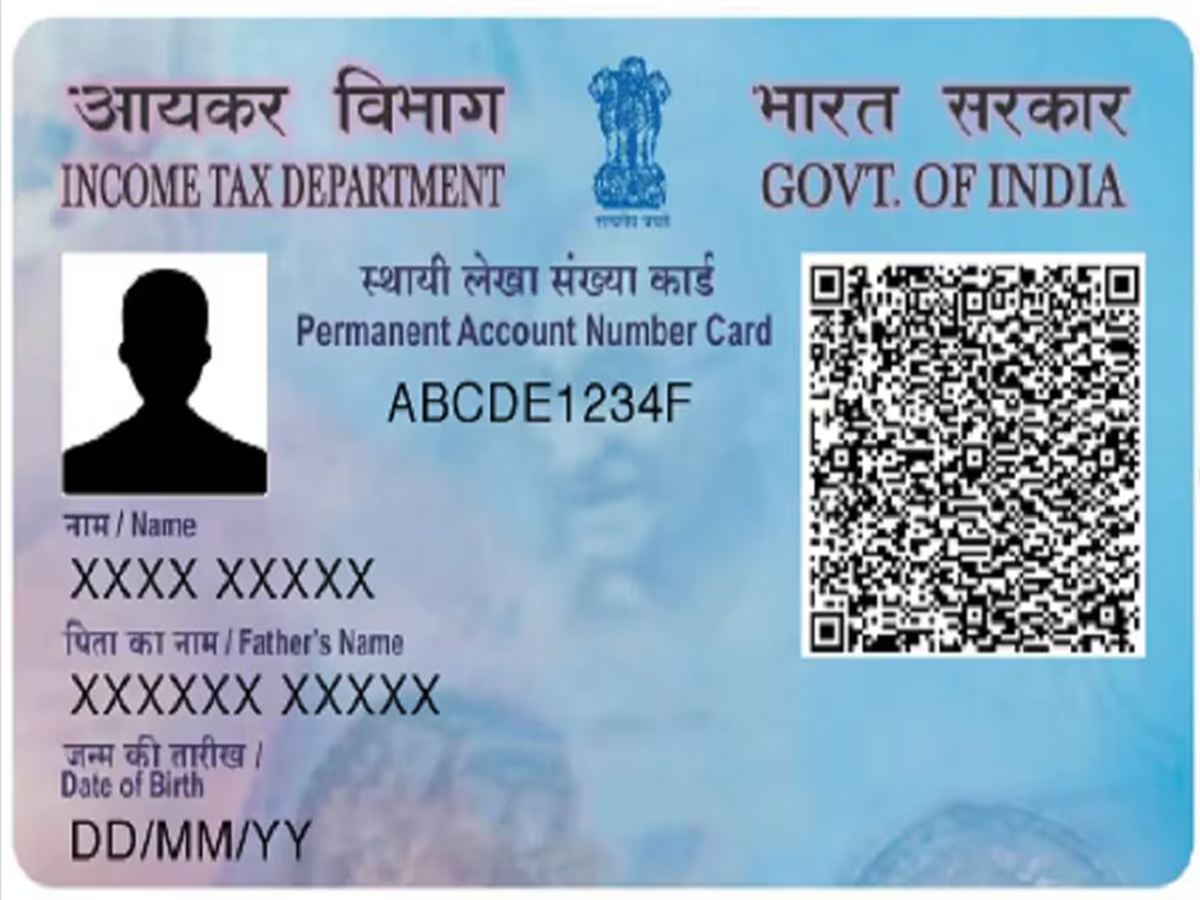
An e-PAN is a digitally signed electronic version of your Permanent Account Number (PAN) card. It carries the same PAN details as the physical card and can be stored on your smartphone, laptop, or DigiLocker for easy access.
Who Can Download an e-PAN?
You can generally download your e-PAN if:
Your PAN has already been allotted.
Your Aadhaar is linked with your PAN, where applicable.
Your mobile number or email is updated with the PAN records for OTP verification.
When Can an e-PAN Be Useful?
An e-PAN can come in handy if:
Your physical PAN card is lost or damaged.
You need your PAN urgently for KYC verification.
You are filing your Income Tax Return.
You are opening a bank or demat account.
You are applying for a loan or credit card.
Steps to Download an e-PAN
The process is simple and can be completed online:
Visit the official PAN services portal.
Select the option to download your e-PAN.
Enter your PAN, Aadhaar (if required), and date of birth.
Verify your identity using the OTP sent to your registered mobile number or email.
Download the digitally signed PDF of your e-PAN.
Keep Your Mobile Number Updated
If your registered mobile number or email is outdated, OTP verification may fail. In such cases, you may first need to update your contact details through the relevant PAN service provider before downloading the e-PAN.
Benefits of Using an e-PAN
An e-PAN offers several advantages:
Instant access without waiting for a physical card.
Easy to store on your phone or computer.
Accepted for many KYC and financial services.
Helps avoid delays during tax filing and banking transactions.
Can be shared digitally whenever required.
Protect Your PAN Details
Since a PAN card contains important financial information, avoid sharing its details with unknown individuals or websites. Always download your e-PAN only from official government-authorised portals and keep a password-protected copy for added security.
A Convenient Backup for Every Taxpayer
An e-PAN serves as a reliable digital backup whenever your physical card is unavailable. Keeping a copy on your smartphone or in DigiLocker can save time during emergencies and ensure you always have access to one of your most important financial documents.