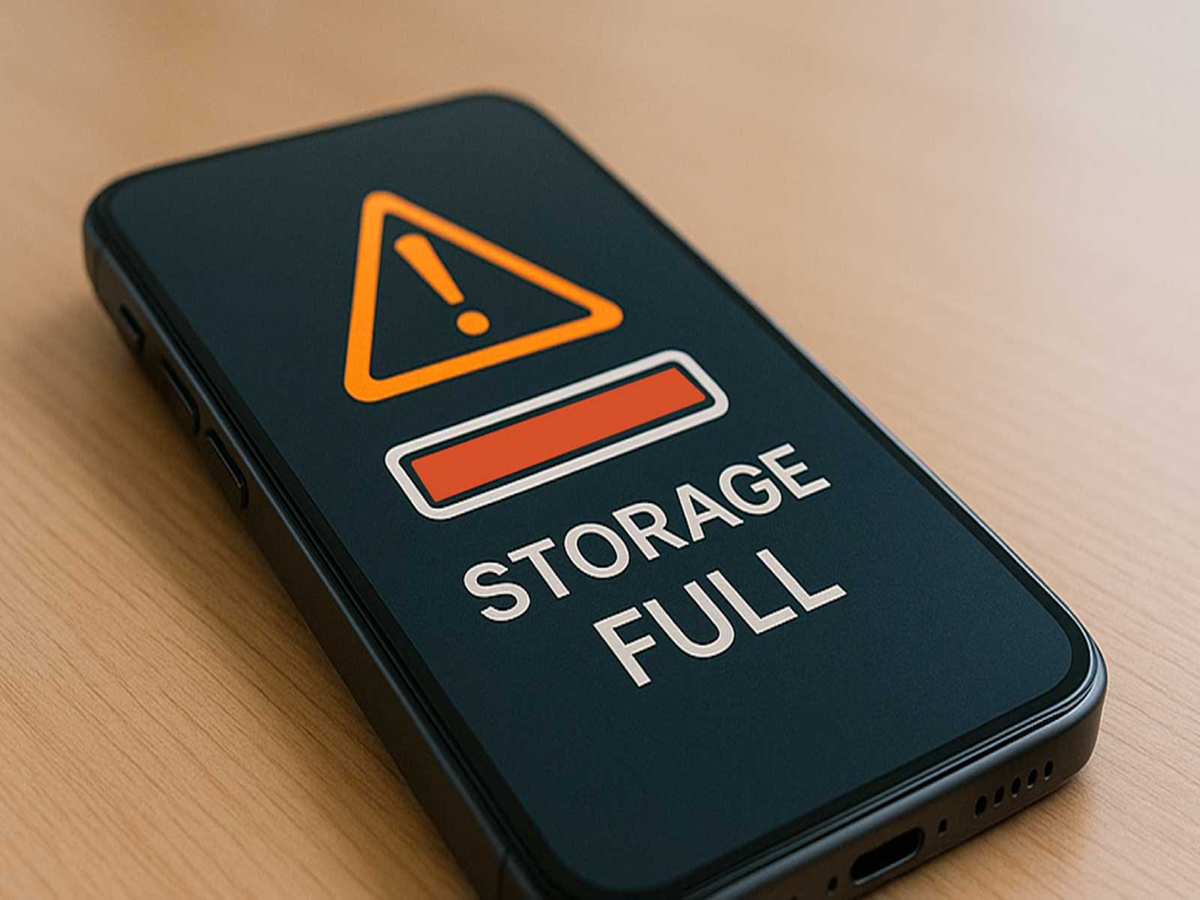
Running out of storage is one of the most common smartphone problems. A full phone can become slow, prevent app updates, and even stop you from taking new photos or videos. The good news is that you can recover several gigabytes of storage without deleting your precious memories.
Here are some simple tricks that work on most Android phones and iPhones.
1. Clear the Downloads Folder
The Downloads folder often contains old PDFs, APK files, images, and documents that are no longer needed. Deleting these forgotten files can instantly free up a surprising amount of storage.
2. Remove Duplicate Photos
Many users have multiple copies of the same photo or screenshot. Delete duplicate images and blurry photos to create more space without losing important memories.
3. Delete Old Screenshots
Screenshots pile up quickly, especially if you frequently save payment receipts, OTPs, or shopping confirmations. Most of these are no longer useful after a few days.
4. Clear App Cache
Apps like Instagram, Facebook, YouTube, and web browsers store temporary files that can occupy several gigabytes over time. Clearing the cache helps recover storage without deleting your account or personal data.
5. Remove Offline Videos and Music
Downloaded movies, TV shows, playlists, and podcasts continue using storage even after you've watched or listened to them. Delete content you no longer need and download it again later if required.
6. Uninstall Apps You Rarely Use
If an app hasn't been opened in months, it's probably taking up space unnecessarily. Removing unused apps not only frees storage but can also improve your phone's performance.
7. Empty the Trash Folder
Deleted photos and files often remain in the Trash or Recently Deleted folder for several days before being removed permanently. Emptying this folder can instantly recover additional storage.
8. Check Large Files
Most smartphones let you sort files by size. Review large videos, recordings, or documents and remove the ones you no longer need. A single old video can occupy hundreds of megabytes or even several gigabytes.
Bonus Tip: Don't Fill Your Phone Completely
Try to keep at least 15–20% of your storage free. Phones generally perform better when they have some free space available for system processes, app updates, and temporary files.