TECH
QR Code Scams Are Increasing: 7 Safety Tips to Follow Before Scanning Any QR Code With Your Phone
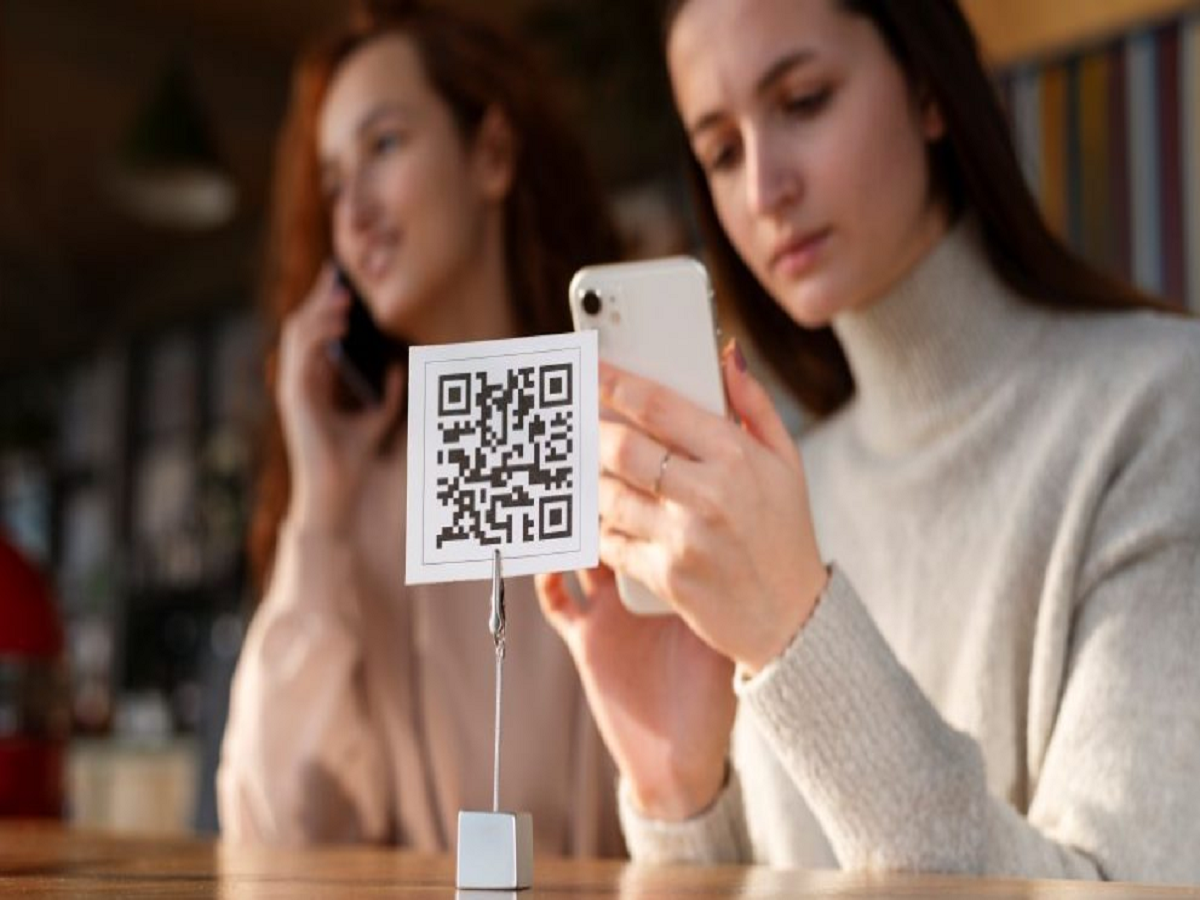
QR codes have become a common part of everyday life. From making UPI payments at shops to accessing restaurant menus, booking tickets and downloading applications, people scan these square-shaped codes almost everywhere.
However, cybercriminals are also exploiting this convenience to trick users into visiting fraudulent websites, sharing sensitive information and making unauthorised payments.
A QR code may look harmless, but scanning an unknown code without checking its destination can expose you to financial and privacy risks.
Here are seven important precautions you should follow before scanning any QR code.
1. Never Scan a QR Code From an Unknown Source
Avoid scanning QR codes received through suspicious WhatsApp messages, emails, social media posts or unknown websites.
Scammers may use these codes to redirect users to fake payment pages or websites designed to steal personal information.
Always verify who shared the QR code before opening it.
2. Check the Website Link Before Opening It
Most smartphone cameras display a website link when they detect a QR code.
Before tapping the link, carefully inspect the website address. Look for unusual spellings, unfamiliar domain names and suspicious characters.
A website that looks similar to a popular brand may still be fraudulent.
3. Remember That You Do Not Need to Scan a QR Code to Receive Money
This is one of the most important rules for UPI users.
You generally do not need to scan a QR code or enter your UPI PIN to receive money. Your UPI PIN is used to authorise payments and certain other transactions.
If someone asks you to scan a code and enter your PIN to receive a refund or payment, treat it as a warning sign.
4. Verify the Recipient Before Making a Payment
Before approving a UPI payment through a QR code, check the recipient's name displayed in your payment application.
If the name does not match the shop, merchant or person you intend to pay, stop the transaction and verify the details.
Never approve a payment simply because someone is pressuring you to complete it quickly.
5. Avoid QR Codes Placed Over Original Payment Codes
Scammers may place fraudulent QR code stickers over genuine payment codes at shops, parking areas or public locations.
Before scanning a payment code, check whether it appears to have been tampered with. If anything looks unusual, confirm the payment details directly with the merchant.
6. Do Not Download Unknown Applications Through QR Codes
Some fraudulent QR codes redirect users to websites that encourage them to download suspicious applications.
Never install an application simply because a QR code tells you to do so. Download apps through trusted platforms such as the Google Play Store or Apple's App Store.
Also, avoid granting unnecessary permissions to unfamiliar applications.
7. Report Suspicious Transactions Immediately
If you accidentally make a fraudulent payment, contact your bank and payment service provider immediately.
You can also report financial cyber fraud through India's cybercrime helpline at 1930 or the official National Cyber Crime Reporting Portal at cybercrime.gov.in.
Keep your transaction reference number, screenshots and other relevant details ready when filing a complaint.
Can Scanning a QR Code Automatically Hack Your Phone?
Simply scanning a QR code does not normally give someone complete access to your smartphone. The greater risk usually comes from what happens next, such as opening a malicious website, entering sensitive information, downloading an unsafe application or approving a fraudulent payment.
Therefore, always inspect the destination before proceeding.
Final Words
QR codes make digital payments and everyday activities faster, but they should not be trusted blindly. Check the destination link, verify payment details and never enter your UPI PIN to receive money.
A few seconds of caution before scanning an unfamiliar QR code can help protect your bank account, personal information and smartphone.