LIFESTYLE
Ration Card Update: Is your ration card active or inactive? Check this way, read the step-by-step process
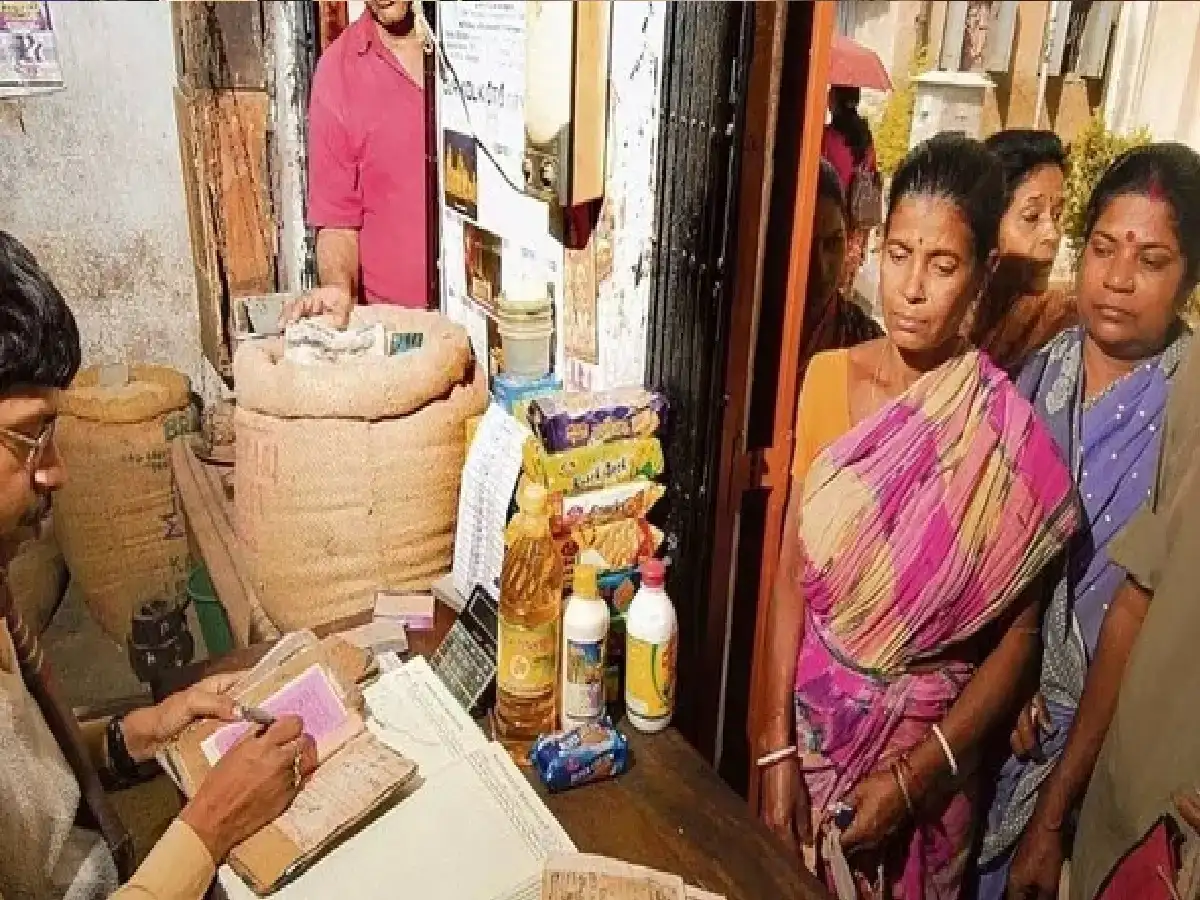
Before going to a ration shop to buy food grains, it's important to check whether your ration card is active. If your ration card is inactive or a family member's e-KYC is incomplete, you may face difficulties in getting food grains. However, there's no need to visit the ration shop every time. You can check your ration card information using official digital services on your mobile phone. Learn the process to follow.
What are the reasons for a ration card being disabled?
There are several reasons why a ration card or its member records may become inactive. These include:
Prolonged absence of grain – In some cases, verification can be done by not receiving rations for six consecutive months. However, not receiving grain alone does not automatically deactivate every card.
Incomplete e-KYC – If the identity verification of family members is not complete, the relevant records may need to be updated.
Aadhaar seeding problem – If the Aadhaar number is not linked to the ration card or there is a problem in verification, then there may be obstacles in getting the benefits.
Duplicate Entry – If the name of the same person appears on two ration cards, the respective entry can be verified.
Process to check ration card status on mobile:
To check ration card information, the steps given below can be followed.
1. First of all, open the official UMANG app of the Central Government on your mobile.
2. Log in to the app and search for 'Mera Ration' or 'PDS' option in the search bar.
3. Select Maharashtra state from the available services.
4. If the option to view ration card details is available, fill in the required information.
5. Check the available entries related to the card and family members.
How to complete Aadhaar seeding and e-KYC?
If Aadhaar seeding or e-KYC for a member on the ration card is incomplete, contact the relevant real estate shop. Bring the required documents with you. Depending on the facility, e-KYC can be completed through biometric verification at a POS machine or other established process. It may take some time for the records to be updated after verification. Once the process is complete, recheck the status of the relevant member.
PC: MINT