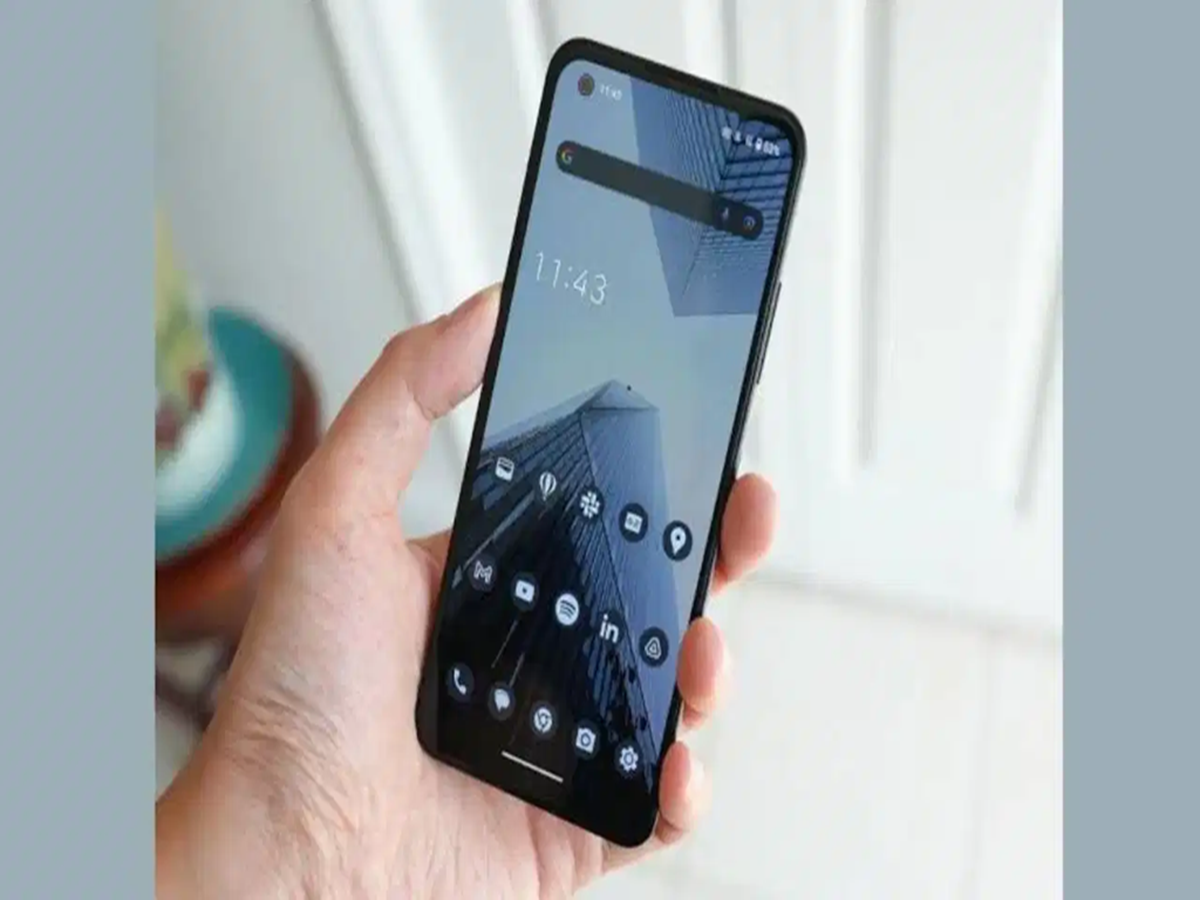
Selling your old smartphone is a great way to recover some of its value, but protecting your personal information should be your top priority. Modern smartphones store everything from photos and contacts to banking details, emails, and important documents. Simply performing a factory reset may not be enough if you skip other essential steps.
Here's a checklist to help keep your data safe before handing over your device.
1. Back Up Your Important Data
Before erasing your phone, make sure you've saved everything you want to keep, including:
- Photos and videos
- Contacts
- Messages
- Documents
- WhatsApp chats
Android users can back up their data using Google Drive, while iPhone users can use iCloud. You can also copy your files to a computer or an external storage device.
2. Sign Out of All Your Accounts
Before selling the phone, log out of every account linked to the device, including:
- Google Account or Apple ID
- Email accounts
- Social media apps
- Other apps that store personal information
Signing out ensures the next owner cannot access your accounts or personal data.
3. Turn Off Device Protection Features
Security features linked to your account should be disabled before you reset the device.
For Android:
- Turn off Find My Device
For iPhone:
- Disable Find My iPhone
- Sign out of your Apple ID
Also remove your:
- Screen lock
- Passcode
- Fingerprint or Face ID
This prevents activation lock issues for the new owner.
4. Remove the SIM and Memory Cards
Many users forget this simple but important step.
Before handing over your phone, remove:
- SIM card
- microSD card (if your phone has one)
These may contain contacts, photos, messages, and other personal data.
5. Check the Phone's Condition
Inspect the device before listing it for sale.
Check the:
- Display
- Cameras
- Battery
- Speakers
- Charging port
- Buttons
If you still have the original charger, box, or purchase invoice, include them with the phone. These can improve its resale value.
6. Perform a Factory Reset
Once you've backed up your data, signed out of all accounts, and removed your SIM card, perform a factory reset. This erases your personal data and restores the phone to its default settings, allowing the next owner to set it up as a new device.
Protect Your Privacy Before You Sell
Taking a few extra minutes before selling your smartphone can help protect your personal information and prevent unauthorized access to your accounts. Backing up your data, removing linked accounts, disabling security features, and performing a factory reset together provide a much safer handover than relying on a reset alone.