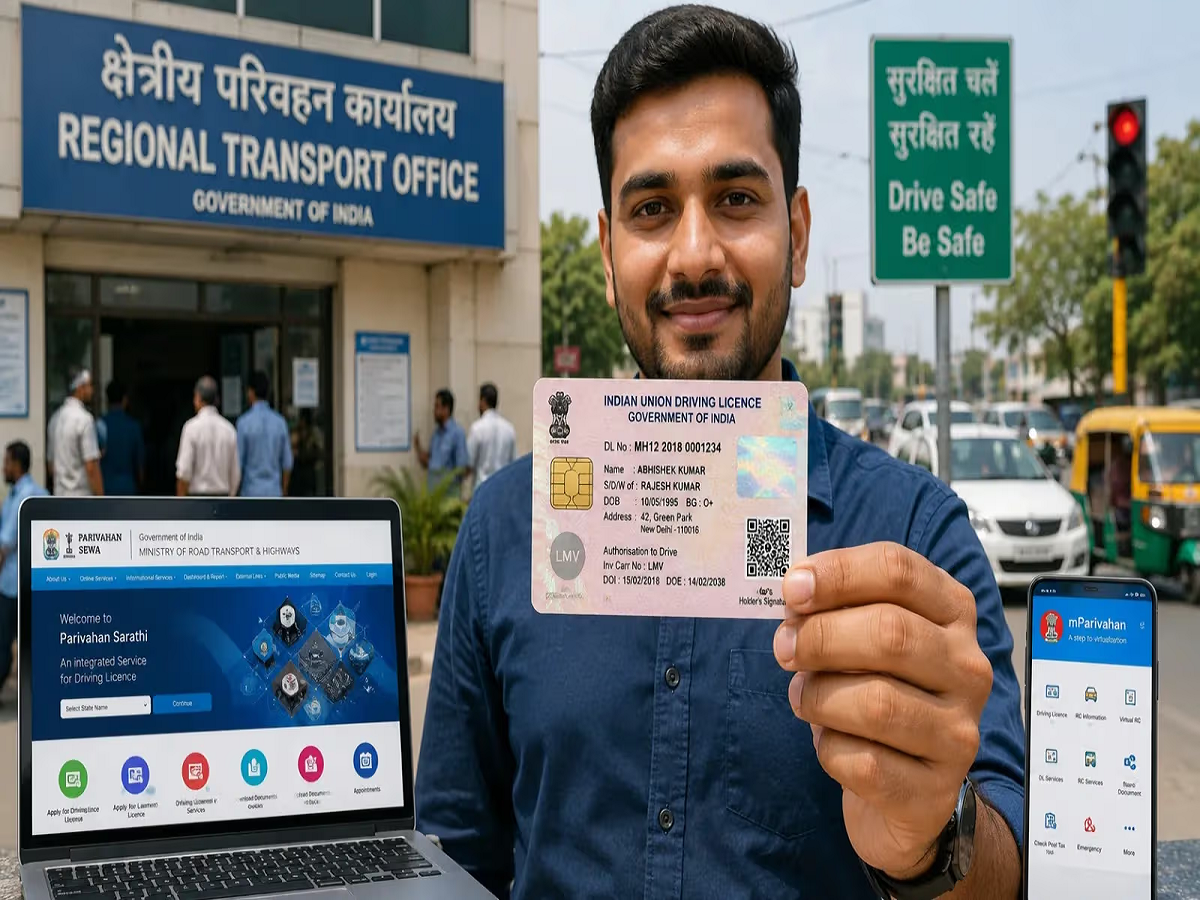
In an era where smartphones have replaced physical wallets, carrying laminated, easily damaged plastic cards for your vehicle is rapidly becoming a thing of the past. Under India’s Central Motor Vehicles Rules, digital copies of your Driving License (DL) and Vehicle Registration Certificate (RC) are legally recognized as 100% valid and on par with physical documents when pulled through approved government platforms.
Transitioning your vehicle documents into the digital ecosystem not only saves dashboard space but also safeguards you against hefty spot-fines if you leave your physical wallet at home. Here is a step-by-step guide on how to safely digitize your motoring credentials.
The Authorized Platforms: DigiLocker vs. mParivahan
The Ministry of Road Transport and Highways (MoRTH) officially recognizes two digital storage platforms for traffic compliance. Law enforcement officers cannot insist on physical documents if you present your credentials through either of these applications:
-
DigiLocker: Acts as a holistic national digital wallet. It fetches legally valid, digitally signed copies of your documents directly from the issuing authority's database (like your state's RTO).
-
mParivahan: A dedicated transport utility app that allows you to instantly generate a secure, scannable QR code containing your vehicle's live insurance, pollution certificate (PUC), and fitness status.
Step-by-Step Guide to Pulling Your Digital DL
To pull your authentic electronic driving license into your cloud wallet, follow this standard procedure on the DigiLocker app or website:
-
Step 1: Log in to your DigiLocker account using your registered mobile number via secure OTP authentication.
-
Step 2: Navigate to the "Search Documents" tab and type "Driving License". Select the Ministry of Road Transport and Highways or your specific State Transport Department from the list.
-
Step 3: Enter your Exact Driving License Number as it appears on your card (ensure proper spacing and state prefix codes, e.g., DL-XXXXXXXXXXXXX).
-
Step 4: Click "Get Document". The system will instantly communicate with the National Sarathi Database, verify your details, and place a digitally signed e-DL into your "Issued Documents" section.
Digitizing Your Vehicle's Registration Certificate (RC)
Similar to the DL process, pulling your RC requires a few extra security parameters to prevent unauthorized individuals from viewing your vehicle data:
-
Search for "Registration of Vehicles" under the MoRTH section in DigiLocker.
-
Input your vehicle's Registration Number (e.g., MH-XX-XX-XXXX).
-
Enter the Full Chassis Number and Engine Number of your vehicle. You can find these alphanumeric strings stamped directly on your physical RC smart card or insurance policy document.
-
Click submit to download the digital RC certificate into your wallet.
Key Legal Privileges Every Motorist Should Know
The Legal Reality Check: According to official directives issued to traffic authorities nationwide, digital documents pulled inside DigiLocker or mParivahan feature an encrypted, verifiable QR code. Traffic police cannot legally fine you for not carrying physical cards, nor can they refuse to accept the app-based display.
However, presenting simple photo screenshots, scanned PDFs stored in your standard gallery, or photocopies does not constitute valid digital compliance. The documents must be generated actively through the official secure apps to ensure they reflect your vehicle's real-time legal status, such as active insurance and a valid Pollution Under Control (PUC) certificate.