TECH
Your Smartphone Could Be Overheating for a Simple Reason! 8 Mistakes That Make Your Phone Hot Even in Normal Use
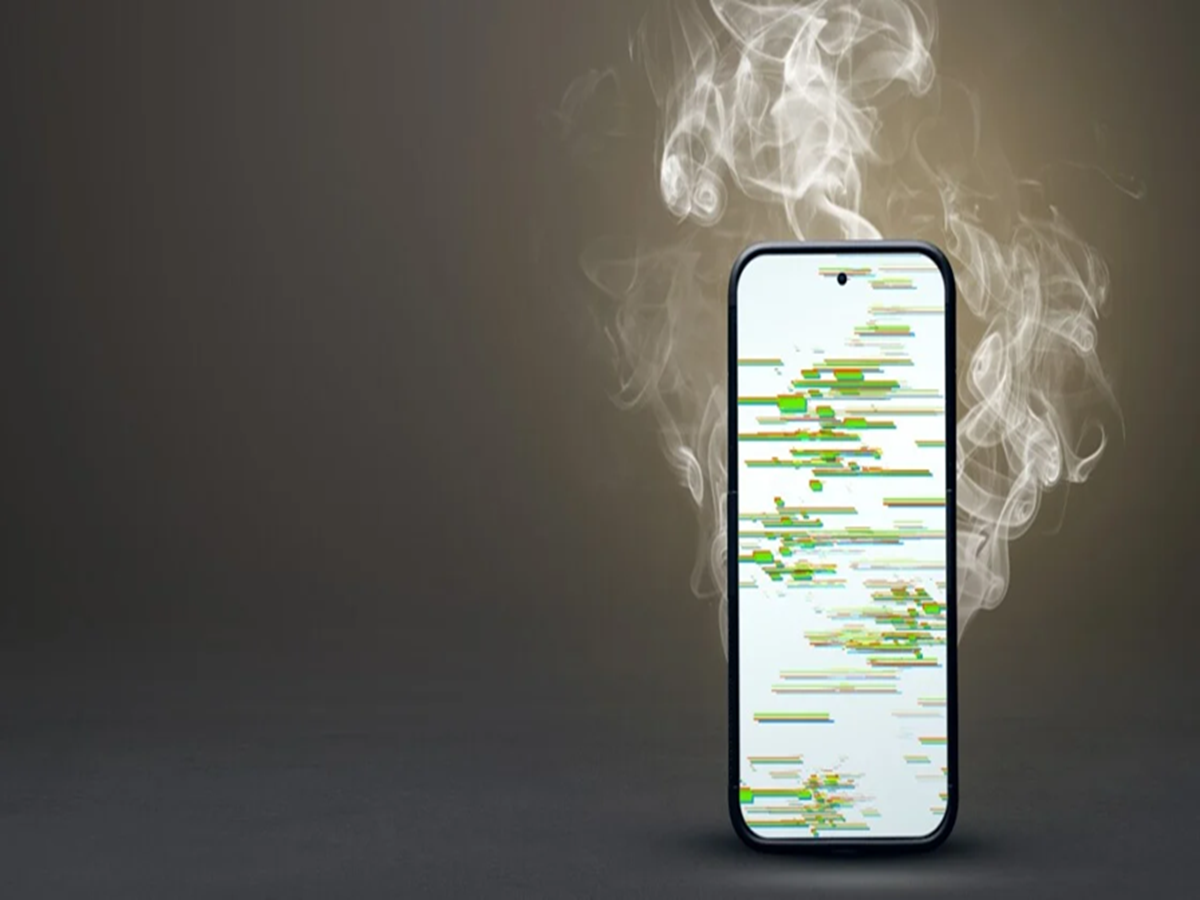
If your smartphone becomes unusually warm while browsing the internet, watching videos, or charging, it may be trying to tell you something. While some heat is normal, frequent overheating can affect battery performance, reduce processing speed, and shorten the lifespan of your device. In many cases, the problem isn't a hardware fault but everyday habits that most users don't even notice.
One of the most common causes of overheating is running too many apps at the same time. Background applications continue using the processor, memory, and internet connection even when you're not actively using them. Closing apps you no longer need can reduce unnecessary workload on your phone.
Charging habits also play a major role. Using your phone for gaming, video calls, or streaming while it's plugged in generates extra heat because the battery is charging and discharging at the same time. Letting your phone charge without heavy use helps keep temperatures under control.
Another mistake is leaving your phone in direct sunlight. A device left on a car dashboard, near a window, or outdoors on a hot day can heat up rapidly. Extreme temperatures not only affect performance but can also trigger safety mechanisms that temporarily slow down charging or processing.
Poor network coverage is another hidden reason. When your phone struggles to find a stable mobile signal, it continuously increases power to stay connected to nearby towers. This constant effort can make the device noticeably warmer while also draining the battery faster.
Heavy phone cases can trap heat during charging or prolonged use. While protective cases are useful, removing very thick cases during intensive tasks or fast charging may help the phone cool more effectively.
Many users also postpone software updates, not realizing they often include improvements for battery efficiency, processor management, and thermal performance. Keeping your operating system and apps updated can help your device manage heat more efficiently.
Malicious or poorly optimized apps can also be responsible. If your phone suddenly starts overheating after installing a new application, check battery usage statistics or uninstall the app to see if temperatures return to normal.
Finally, don't ignore ventilation. Placing your phone under pillows, blankets, or on soft surfaces while charging traps heat and prevents proper cooling. Charging on a hard, open surface allows heat to dissipate naturally.
Overheating isn't always a sign that you need a new smartphone. Simple changes like avoiding direct sunlight, reducing background activity, charging correctly, and keeping software updated can significantly improve your phone's temperature, battery health, and overall performance.