TECH
Android Users Get New Safety and Tracking Features: Google’s October 2026 Update Brings Useful Changes
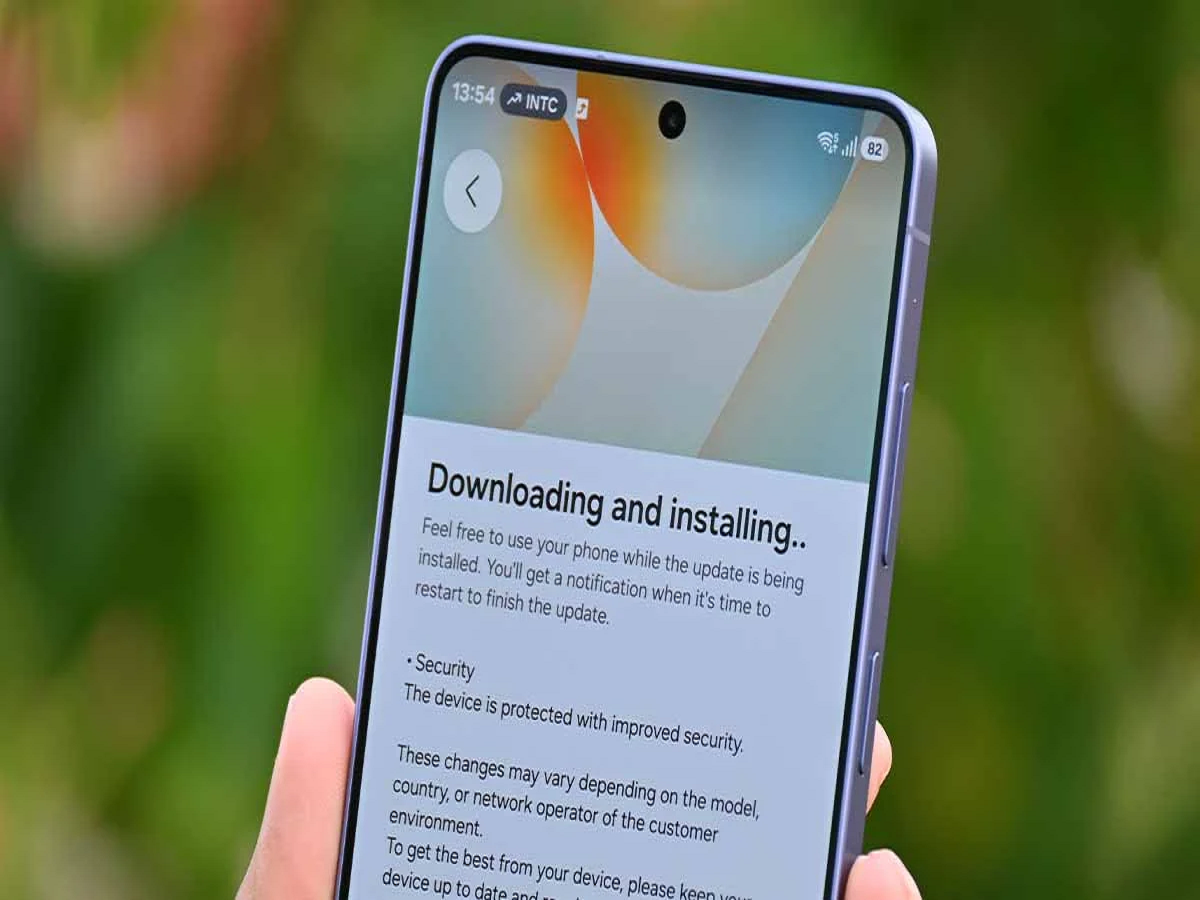
Google is rolling out a fresh set of Android improvements this October, bringing new features designed to make smartphones safer, more convenient and easier to use. The latest updates include better protection against certain digital scams, reminders for belongings left behind, changes to Google Wallet and smarter tools for discovering apps on the Play Store.
While some changes may appear minor, they address everyday problems faced by smartphone users, from forgetting a bag to recognising suspicious app activity. However, availability may vary depending on the device, Android version, app version and region.
1. Android Gets Additional Protection Against Certain Scams
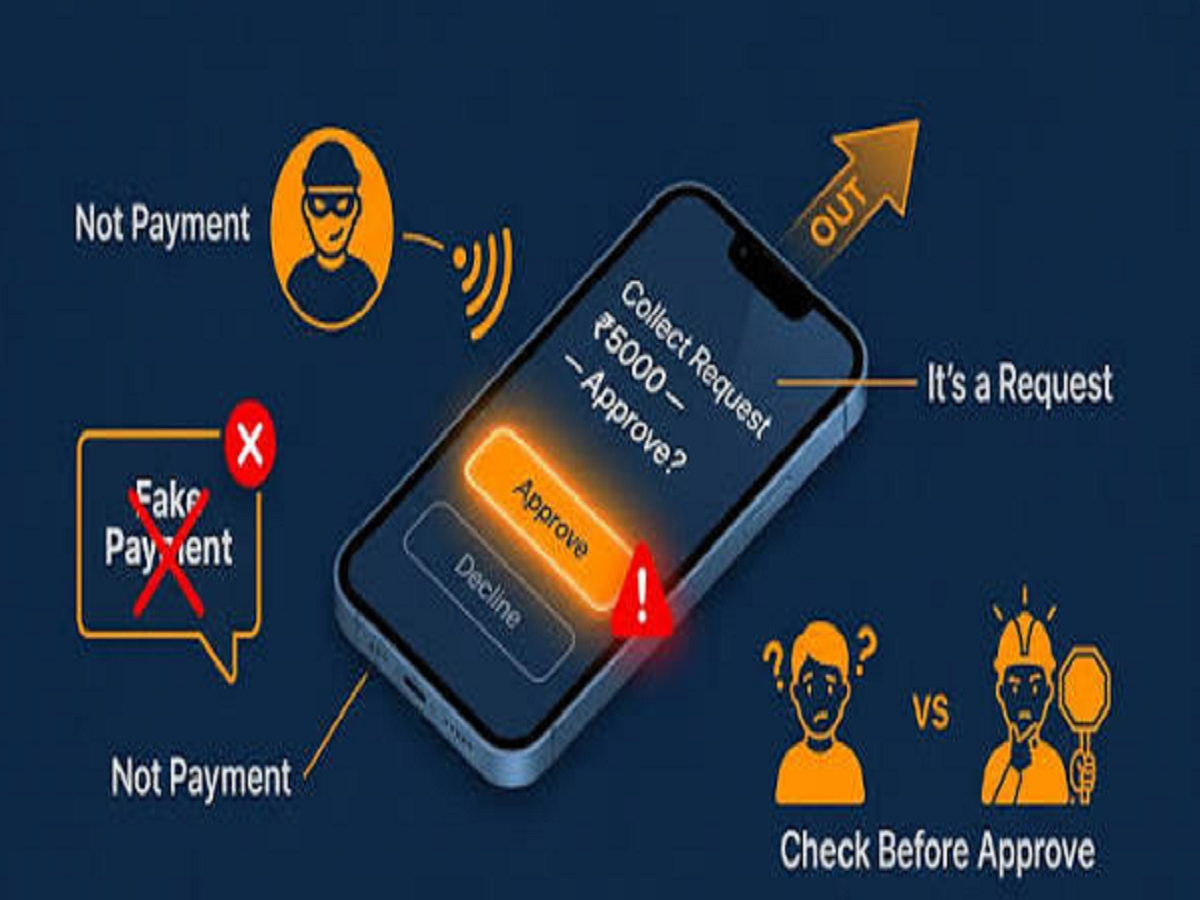
One of the most important additions involves protection against certain threats associated with suspicious apps and phone calls.
Scammers increasingly attempt to persuade victims to install unfamiliar applications or grant permissions that could expose sensitive information. Accessibility permissions are particularly important because they can allow apps to interact with parts of the phone interface and access information displayed on the screen.
Google’s October update introduces additional safeguards against certain risks involving apps that request accessibility permissions during calls on supported devices.
This is especially relevant for people who receive calls claiming to be from banks, customer support teams or government departments.
However, no security feature can prevent every scam. Users should continue following basic precautions:
-
Never share an OTP, banking PIN or password with an unknown caller.
-
Avoid installing applications through links sent by strangers.
-
Do not grant accessibility permissions to unfamiliar apps without understanding why they need them.
-
Verify suspicious requests directly through an organisation’s official website or customer support number.
These habits remain essential even when a phone has updated security protections.
2. Find Hub Can Help You Remember Belongings
Google is also improving Find Hub, its service for locating compatible devices and tracking accessories.
The October update introduces Left-Behind Reminders for supported tracking devices. The feature is designed to notify users when they leave a tracked belonging behind, depending on device compatibility and configuration.
Imagine leaving home with your phone but accidentally forgetting your bag, or walking away from a location without your keys. A compatible tracker and reminder feature could help alert you before you get too far away.
This functionality can be particularly useful for people who frequently travel, commute to work or carry multiple belongings.
Google is also making the setup process for supported tracking tags easier, with improvements intended to simplify configuration.
Before relying on these alerts, users should check whether their tracker supports the feature and whether the necessary permissions and notification settings are enabled.
3. Google Wallet Receives an Aadhaar-Related Update
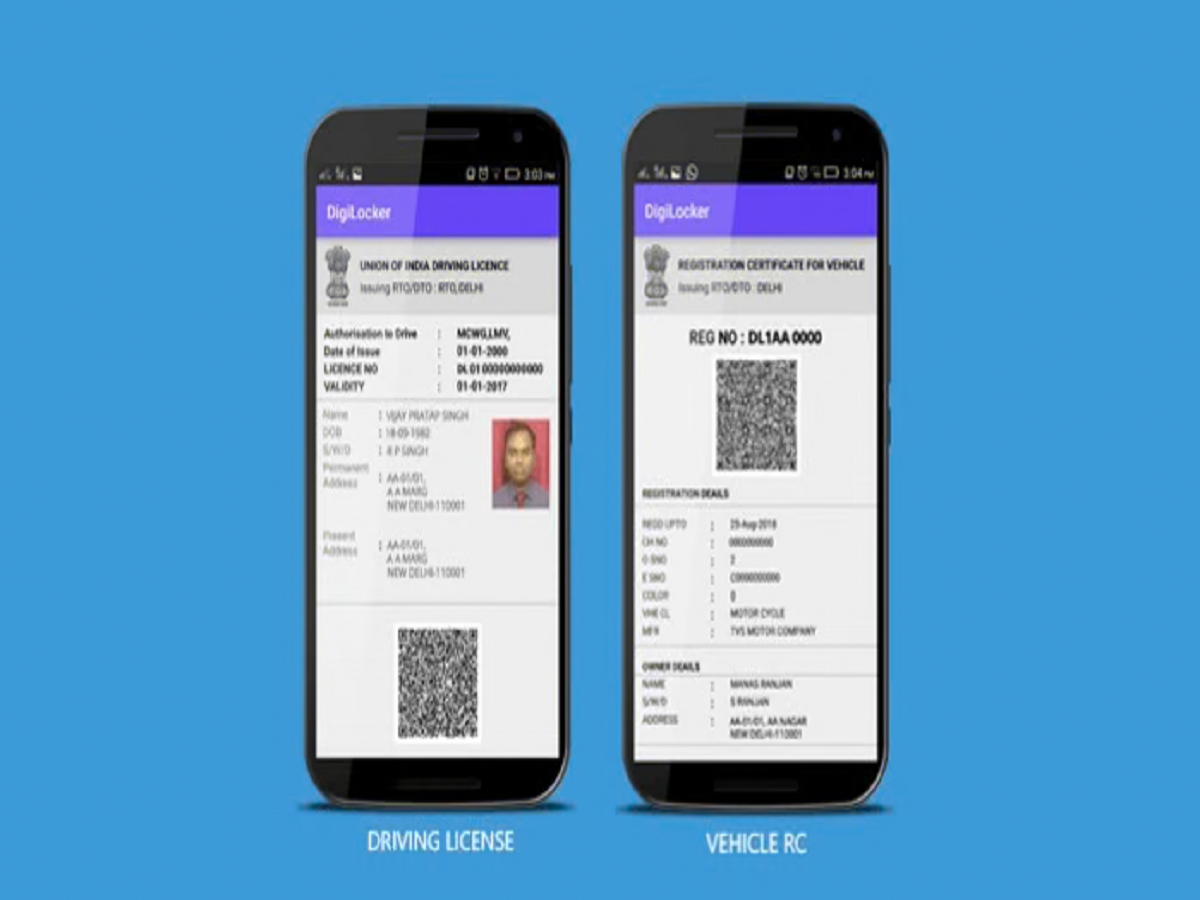
Another development worth watching is the addition of Aadhaar-related digital ID support in Google Wallet in India.
The October update information describes an option to upgrade a digital ID to an Aadhaar card in the Wallet app. The precise process and availability may depend on eligibility and the rollout.
Digital identity features can make it more convenient to access supported credentials from a smartphone instead of searching through physical documents.
However, storing or displaying a digital credential does not mean it will automatically be accepted for every purpose. Users should check the requirements of the organisation requesting identification and follow official instructions for setting up the feature.
It is also important to distinguish Google Wallet from Google Pay. Wallet is primarily designed to store supported digital items, while Google Pay is used for payments and related financial services.
4. Google Play Store Makes App Downloads Easier to Track
Google is also updating the Play Store experience with a more informative download progress display.
Instead of relying only on a percentage indicator, supported versions can show an estimated time remaining or the amount of data left to download.
This can be useful when installing large applications or games, especially when using mobile data or a slower internet connection.
For example, knowing how much time a download may take can help users decide whether to wait for it to finish or continue using their phone for other tasks.
The Play Store is also introducing personalised device offers in supported experiences, giving users another way to discover relevant deals.
As with other Google updates, these changes may not appear on every device immediately.
5. AI Is Making App Discovery More Convenient
Artificial intelligence is becoming a bigger part of the Google Play Store, and the latest changes extend its role in helping users explore applications.
AI-powered features can summarise user reviews, highlight common opinions and provide links to the original feedback. This can help users understand an application's strengths and weaknesses without reading hundreds of reviews individually.
Some experiences also summarise community discussions, allowing users to get a quick overview before opening the original posts.
These tools could make it easier to compare apps, but AI-generated summaries should not be treated as a substitute for checking the underlying information. Important details, including privacy practices, subscription charges and permissions, still require careful review.
Google has also introduced AI-related labels for certain generated images in the Play Store in India, helping users identify some AI-generated content.
How to Check for the Latest Android Updates
Users can take a few simple steps to make sure their devices are up to date.
-
Open Settings on your Android phone.
-
Look for the Software update or System update section.
-
Check for available Android or security updates.
-
Open the Google Play Store and update your installed apps.
-
Review Google Play system update settings if that option is available on your device.
The exact menu names vary between manufacturers. Some Google services also update independently of the main Android operating system, so installing a system update does not necessarily mean every new feature will become available immediately.
Why This Update Matters
Google’s October 2026 improvements focus on practical smartphone problems rather than a complete redesign. Better scam safeguards, reminders for forgotten belongings, digital identity options and AI-assisted app discovery could all make everyday phone use more convenient.
The biggest benefit may come from the combination of these features. A smartphone is increasingly used for payments, personal information, navigation and digital identification, making both convenience and security important.
For Android users, keeping the operating system, Google Play services and applications updated is a simple way to benefit from supported improvements as they roll out. Just remember that feature availability depends on the phone and region, and security tools work best when combined with cautious digital habits.