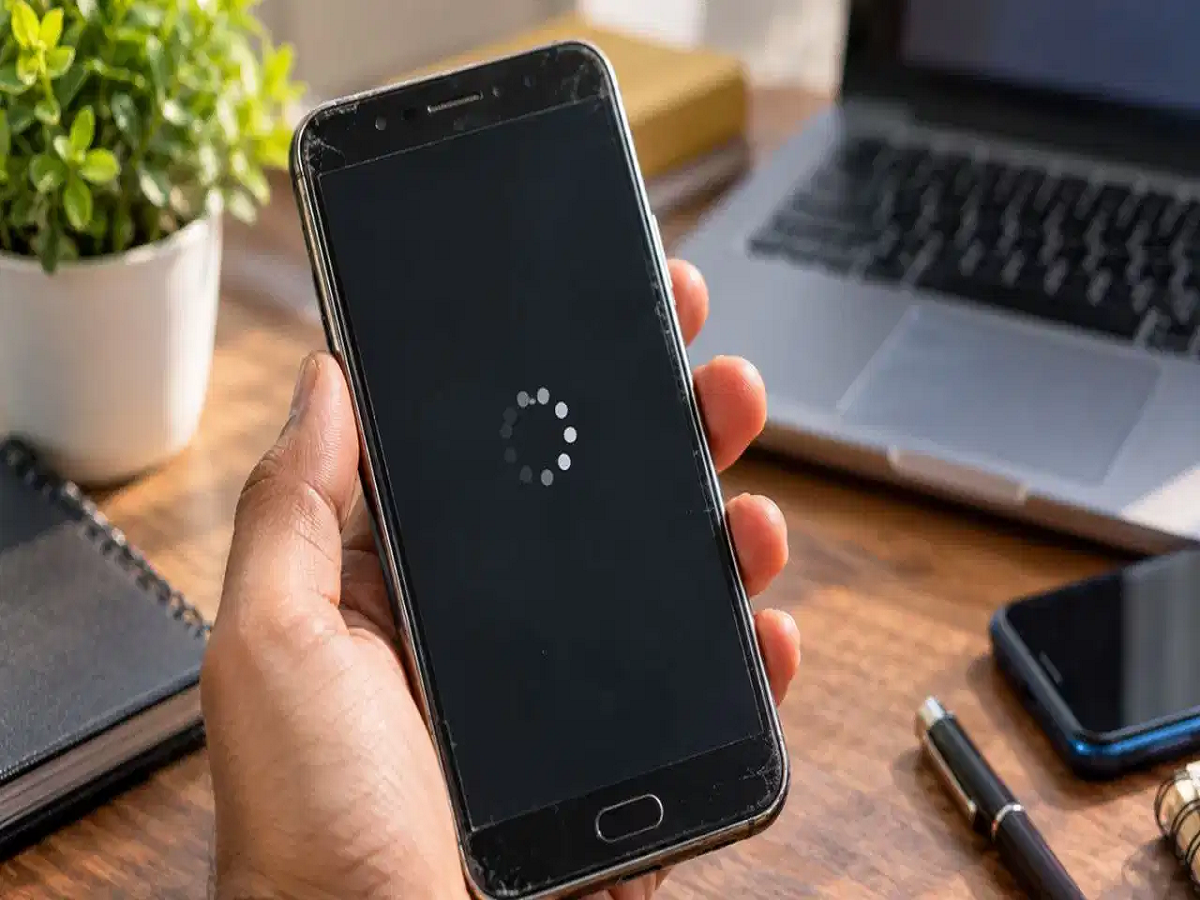
Smartphones have become an essential part of everyday life, helping us manage everything from online payments and office work to entertainment and communication. However, as a phone gets older, its performance may gradually decline. Apps can take longer to open, scrolling may become sluggish, and the device may occasionally freeze.
Many users assume that buying a new smartphone is the only solution. Fortunately, that is not always necessary. Unnecessary files, limited storage, demanding apps and outdated software can contribute to performance problems.
Before spending money on a new device, try these five simple tricks to improve the performance of your existing smartphone.
1. Clear App Cache and Free Up Storage Space
One reason an older smartphone may slow down is that its internal storage is nearly full. Apps, downloaded videos, duplicate photographs and temporary files can consume considerable space over time.
Clearing an app's cache can sometimes resolve problems caused by corrupted temporary files and free up storage space. However, cache files do not automatically slow down the processor, and clearing them may only provide a temporary improvement.
On Android phones, you can generally follow these steps:
-
Open Settings and select Apps.
-
Choose an app that occupies considerable storage.
-
Open Storage or Storage and cache.
-
Tap Clear cache.
Avoid selecting Clear storage or Clear data unless you understand the consequences, as this can remove app settings and locally stored information.
On an iPhone, you can open Settings, select General and then iPhone Storage to review storage usage. Some apps provide their own cache-clearing options, while others may need to be offloaded or reinstalled.
Removing unnecessary downloads and large videos can also help maintain sufficient free storage.
2. Uninstall Apps You No Longer Use
Many people install applications for a specific purpose and forget to remove them later. Over time, these apps can occupy valuable storage space, send unnecessary notifications and, in some cases, run they do not increase the processor's actual computing power. iPhone users can instead go to Settings, select Accessibility, then Motion, and enable Reduce Motion.
5. Restart Your Smartphone Regularly
A simple restart can sometimes resolve temporary glitches, unresponsive apps and processes that are behaving incorrectly.
Restarting your phone closes active processes and gives the operating system a fresh start. It can be particularly useful if your device has been running continuously for a long time or has recently become unusually sluggish.
To restart your phone, use the power menu and select Restart where available. On devices that do not display that option, follow the manufacturer's instructions.
A restart is not a permanent solution for every performance problem, but it is an easy troubleshooting step that costs nothing.
Bonus Tip: Check Which Apps Are Draining Your Resources
If your smartphone continues to hang, identify whether a particular app is responsible.
On Android, check Battery usage and app storage in Settings. On an iPhone, review Battery and iPhone Storage. Apps consuming unusually high amounts of battery or storage may deserve closer attention.
Also, avoid installing unfamiliar RAM boosters or third-party cleaning applications that promise dramatic speed improvements. Some offer little benefit, display excessive advertisements or introduce privacy risks.
If the phone remains slow despite these steps, possible causes include insufficient RAM, battery degradation, overheating or a hardware problem.
When Should You Consider Replacing Your Old Phone?
If your smartphone regularly freezes, restarts unexpectedly or struggles to run essential applications even after you have freed storage and updated its software, the problem may be related to ageing hardware or limited system resources.
On some Android devices, a degraded battery can also contribute to unexpected shutdowns or performance management. Persistent overheating, a swollen battery or other signs of physical damage require professional attention.
Before replacing your phone, back up important data and consider having the device assessed by an authorised service centre.
A few simple maintenance steps can improve the everyday experience of using an older smartphone. While they cannot overcome every hardware limitation, clearing unnecessary files, removing unused apps and adjusting settings may help you extend your phone's useful life without spending money.