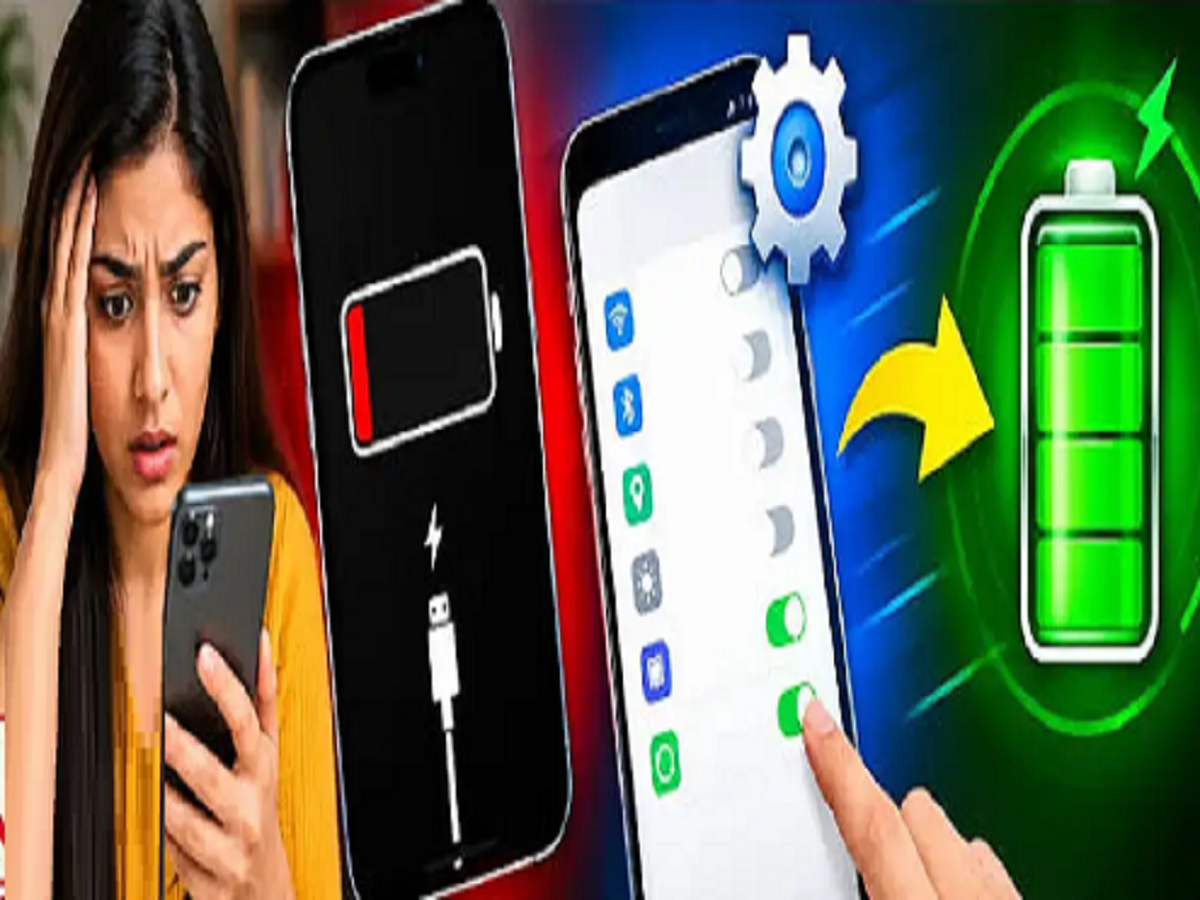
If your smartphone fails before the end of the day and you have to keep searching for the charger, you can increase both battery life and backup by changing these small settings:
1. Use 'Dark Mode'
If your phone has an AMOLED or OLED display, then dark mode proves to be a big help in saving battery.
What to do: Turn on the Dark Theme or Dark Mode in your phone's settings. This will reduce the power consumption of the screen's lights.
2. Limit location and Bluetooth permissions.
Many apps track your location all the time, which drains battery quickly in the 'mso-bidi-font-weight:normal'>What to do: Go to Settings and check which apps always have location access. Set it to 'Only while using the app.' Also, keep Bluetooth off when not in use.
3. Turn off 'Auto-Sync'
Auto-sync of mails, contacts and cloud data runs in the 'mso-bidi-font-weight:normal'>What to do: Turn off auto-syncing of unrefreshed apps in Accounts & sync settings. Refresh manually when needed.
4. Adjust the refresh rate
Many phones nowadays have a high refresh rate of 90Hz or 120Hz, which consumes a lot of battery.
What to do: If you want to use normal mode, go to the display settings and set the refresh rate to 60Hz (Standard). You'll notice an immediate difference in battery life!
PC: Amar ujala