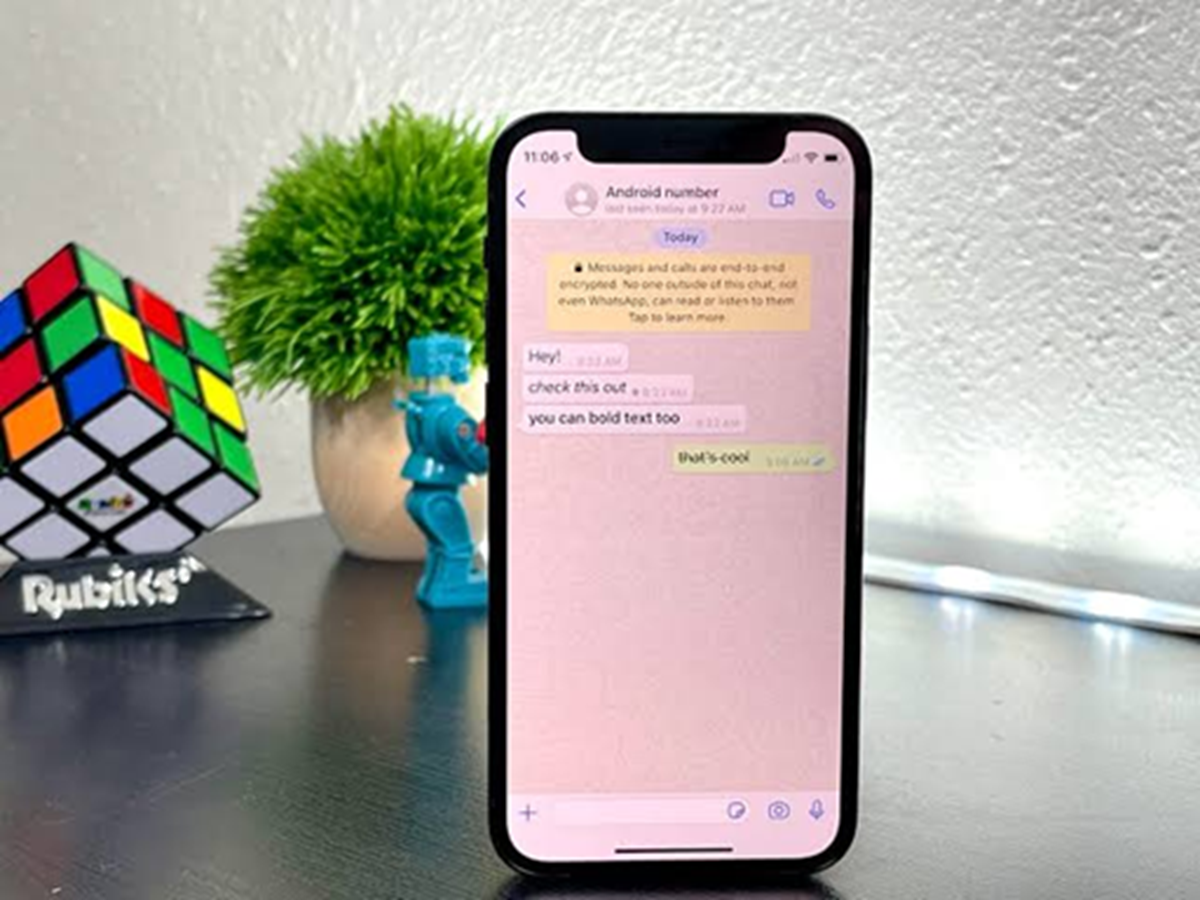
WhatsApp is one of the most-used messaging apps in the world, but most people only use a small part of what it offers. Beyond sending messages and making calls, there are several built-in features that can improve privacy, save time, and make conversations more organized. Here are seven useful WhatsApp tips you should start using today.
1. Lock Individual Chats for Extra Privacy
If you share your phone with family or friends, you can protect specific conversations without locking the entire app. Chat Lock keeps selected chats behind your device's fingerprint, Face ID, or passcode, making them accessible only to you.
2. Pin Your Most Important Conversations
Tired of scrolling to find your favorite contacts? Pin up to three important chats so they always stay at the top of your chat list. This is perfect for family members, work groups, or your closest friends.
3. Search Messages Like a Pro
Instead of scrolling endlessly through old conversations, use the search feature. You can search by keywords, photos, videos, links, or documents to find exactly what you're looking for in seconds.
4. Send HD Photos Without Losing Quality
By default, images may be compressed. Before sending a photo, tap the HD option to share a higher-quality version. This is especially useful for travel photos, work documents, and important images.
5. Edit Sent Messages
Made a typo or sent the wrong information? Long-press your message and tap Edit. You can correct mistakes within the available editing time, helping keep conversations clear and professional.
6. Use Message Yourself as a Digital Notebook
Create quick reminders, save important links, store shopping lists, or transfer files between your devices by sending messages to yourself. It's a simple feature that works like a personal note-taking space.
7. Silence Unknown Callers
Spam calls can be annoying. Enable Silence Unknown Callers in Privacy settings to automatically mute calls from numbers that aren't in your contacts while still recording them in your call history.