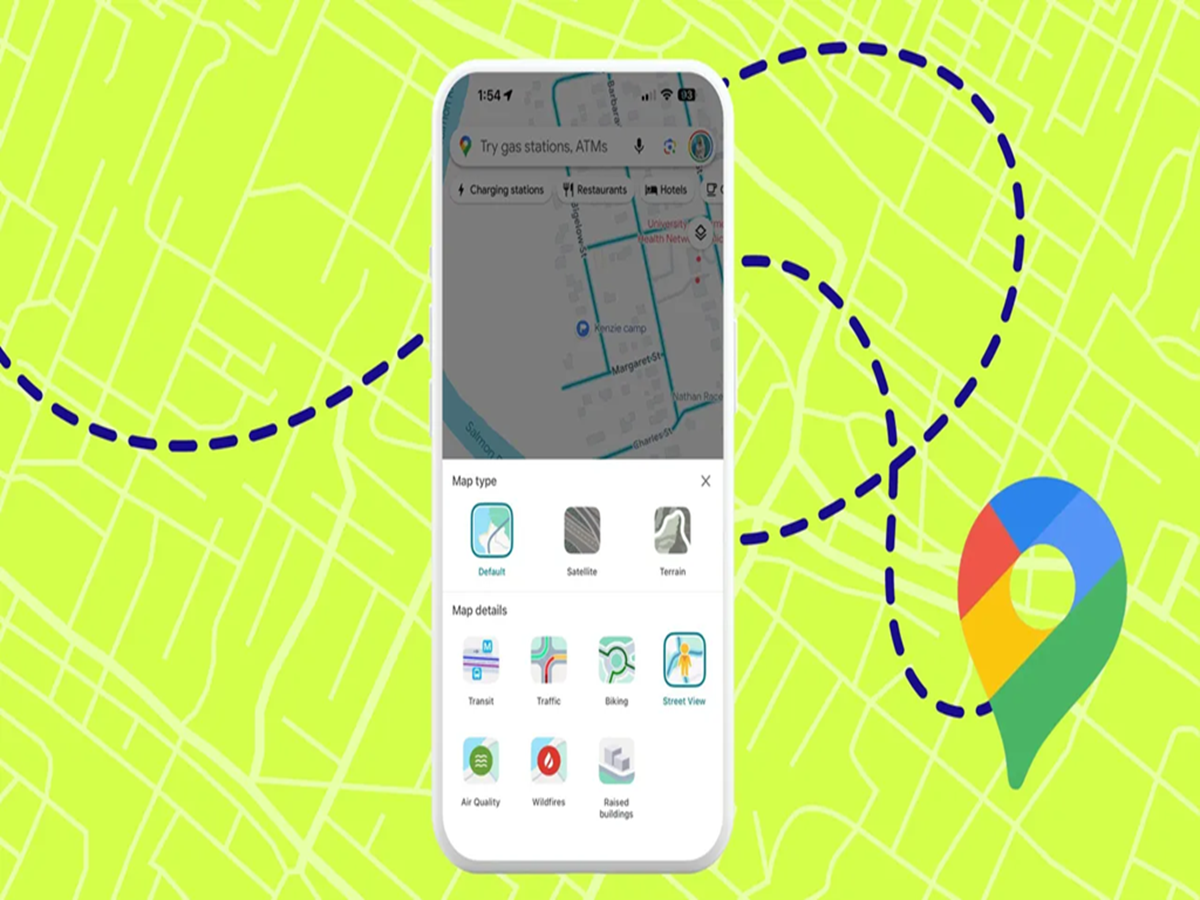
Google Maps is one of the most-used navigation apps, but many people only use it for getting directions. The app includes several hidden features that can help you avoid traffic, save fuel, find parking, and even navigate without an internet connection. Here are eight Google Maps tips every smartphone user should know.
1. Download Maps for Offline Navigation
Travelling to an area with poor network coverage?
Before you leave, open Google Maps, search for your destination, tap your profile picture, and select Offline Maps. Download the area in advance so you can continue navigating even without mobile data.
2. Check Live Traffic Before Leaving
Always check traffic conditions before starting your journey.
Google Maps shows roads in different colours:
-
Green: Smooth traffic
-
Orange: Moderate traffic
-
Red: Heavy traffic
-
Dark Red: Severe congestion
Choosing a less crowded route can save both time and fuel.
3. Share Your Live Location
If you're meeting friends or travelling alone, use Location Sharing.
You can let selected contacts see your live location and estimated arrival time, making it easier for them to track your journey.
4. Save Your Home and Work Addresses
Adding your frequently visited places allows Google Maps to provide quicker directions and more accurate travel time estimates every day.
5. Find Nearby Petrol Pumps, Restaurants, and ATMs
Instead of searching separately, tap the search bar and choose categories like:
-
Petrol Pumps
-
Restaurants
-
ATMs
-
Pharmacies
-
Hospitals
-
EV Charging Stations
Google Maps will display nearby options along with ratings, opening hours, and directions.
6. Use the "Explore" Feature
Planning to visit a new city?
The Explore tab recommends popular attractions, cafés, shopping areas, and highly rated restaurants based on your location.
7. Save Parking Location
After parking your vehicle, tap the blue location dot and choose Save Parking.
This helps you quickly find your car later, especially in large malls, airports, or crowded parking lots.
8. View Air Quality and Weather (Where Available)
In supported regions, Google Maps can display useful information such as air quality and local weather conditions.
This feature can help you plan outdoor activities or travel more comfortably.
The Bottom Line
Google Maps is much more than a navigation app. Features like offline maps, live traffic updates, parking reminders, and location sharing can make every journey safer, faster, and more convenient. Exploring these built-in tools can help you save time, fuel, and mobile data while getting the most out of your travels.