BUSINESS
Aadhaar Card: If you don't have an Aadhaar card, don't worry! Download it on your mobile in just 1 minute. Learn the complete process
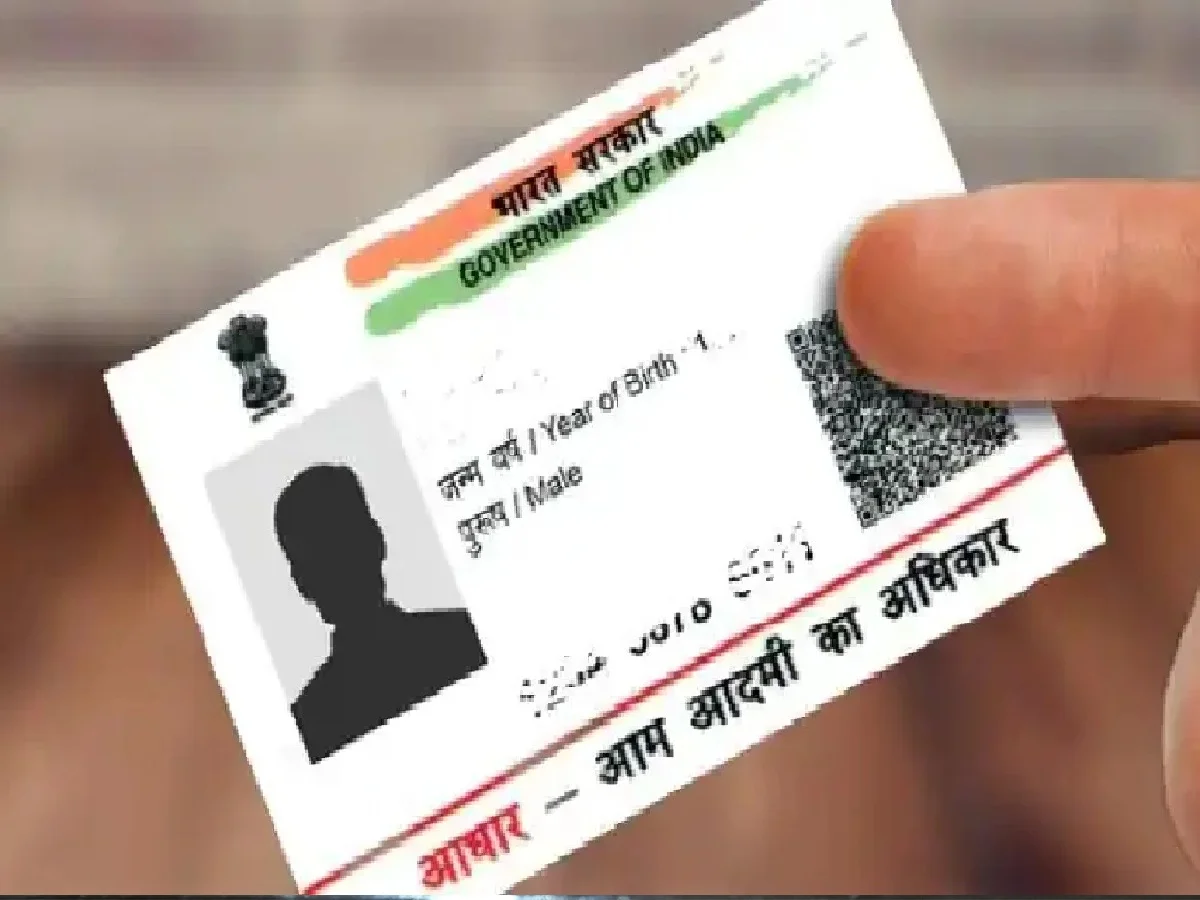
Nowadays, the Aadhaar card is considered the most important proof of identity. It's required for many purposes, such as banking, government scheme benefits, KYC, or identity proof. However, in a hurry, we often forget to keep it with the Aadhaar card. There's no need to worry, as you can download e-Aadhaar on your mobile phone from the comfort of your home.
What is e-Aadhaar?
E-Aadhaar is a digital version of your original Aadhaar card. It is provided by the Unique Identification Authority of India (UIDAI). E-Aadhaar can be downloaded in PDF format. It contains information such as the Aadhaar holder's name, address, Aadhaar number, and QR code. Importantly, e-Aadhaar is valid for the same period as a physical Aadhaar card.
CricketFind Kit
What is required to download the e-Aadhaar card?
1. Aadhaar number
2. Enrollment ID (EID)
3. Virtual ID (VID)
Also, the mobile number linked to your Aadhaar card should be handy, as the OTP is sent to the registered mobile number.
Easy process to download e-Aadhaar on mobile:
First, visit the official UIDAI website https://uidai.gov.in. Select the 'Download Aadhaar' option on the website. Enter any one of the details: Aadhaar number, EID, or VID. Enter the captcha code displayed on the screen. Click on the 'Send OTP' option. Enter the OTP received on your mobile and complete the next process. Now download the e-Aadhaar PDF.
PC: Jansatta