
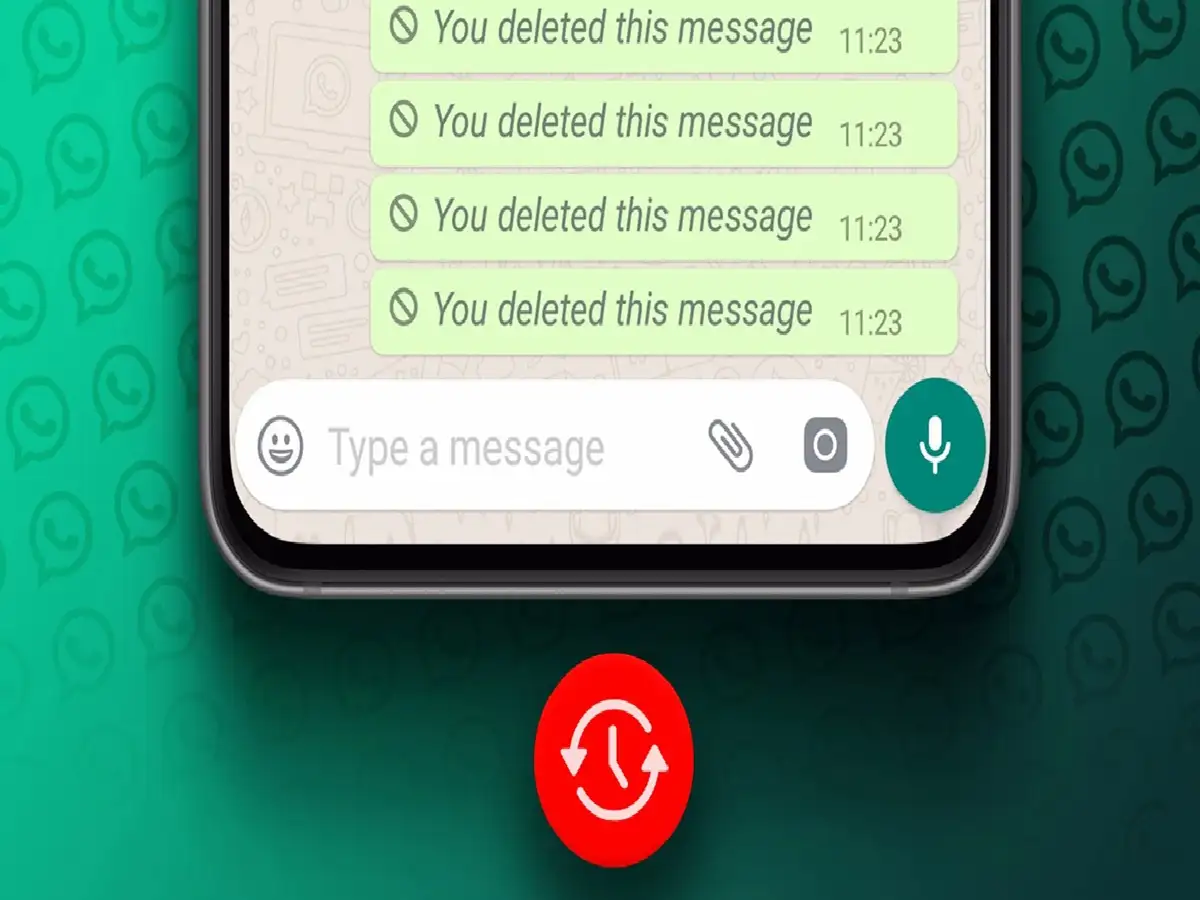
While chatting on WhatsApp, sometimes an important message gets deleted in a hurry. Sometimes an entire chat thread is accidentally deleted, or sometimes an important photo, document, or message is deleted. The first question that comes to mind is: can a deleted message be recovered?
The answer isn't the same in every case. If your WhatsApp data is already backed up, there's a possibility of recovering old chats in some circumstances. However, the backup date and the time of the deleted message play a crucial role here.
First of all check WhatsApp Backup
WhatsApp chats can be backed up via your Google Account on Android and via iCloud on iPhone. Therefore, it's important to check when the last backup was made before attempting to recover messages.
Backup information can be found in WhatsApp by going to Settings > Chats > Chat Backup. If the backup was made when your important message was still in the chat, it may be possible to recover it.
How to get chats back from backup?
If you have a backup from the correct time, you may be able to restore the backup by reinstalling WhatsApp and setting it up with the same phone number and associated Google or Apple Account.
But it's important to understand one important thing here: After restoring, WhatsApp will only restore the data that was in the backup. This means that if a new backup was created after the messages were deleted, it may not be possible to recover the old messages.
What if the other person has deleted the message?
If someone sent you a message and then deleted it for everyone, the situation is different. To retrieve such messages, it's recommended to use one of the many third-party apps available online, but it's important to exercise caution before giving such apps access to your phone's notifications or other personal information.
Never share your WhatsApp password, OTP, or account information with any unknown app.
A mistake that should not be made
If you think you accidentally deleted an important chat, avoid creating a new WhatsApp backup without thinking. The new backup may affect existing backups and limit recovery options.
So first check the Chat Backup date and available backups carefully.
Not every deleted message is recovered
It's also important to understand that WhatsApp doesn't have a magic button that will restore every deleted message. Recovery depends primarily on the available backups and the time since the message was deleted.
So if you have any very important chats in your WhatsApp, then keeping regular backup of it is the safest way.
PC: Hindustan


