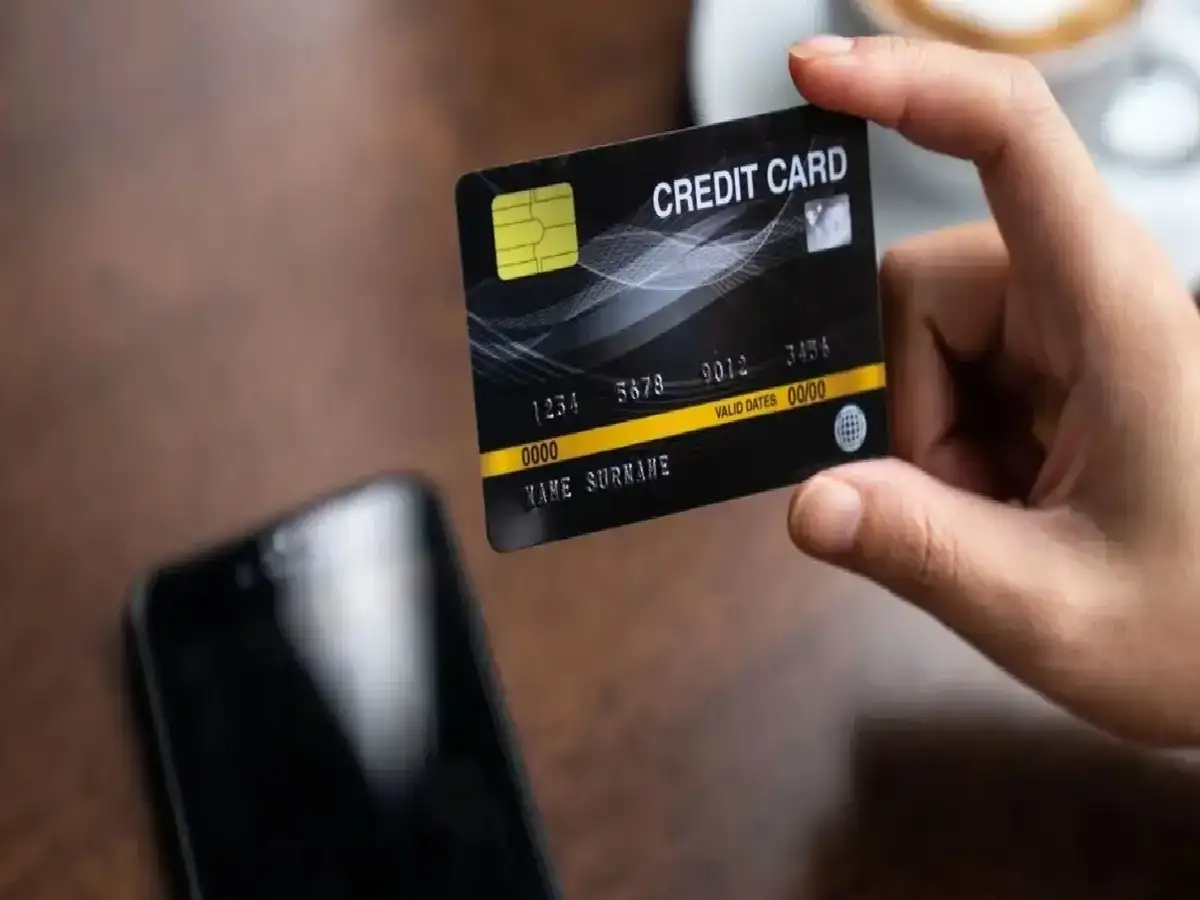
Making purchases using credit cards has become incredibly easy these days. Online shopping, paying bills, and booking hotels can be done in minutes. However, with the increasing use of credit cards, the risk of fraud has also increased. Often, simple negligence can lead to unauthorized withdrawals from your card. In such a situation, you can keep your credit card safe by enabling some important settings.
Your credit card doesn't need to be active 24 hours a day for all transactions. Therefore, if you have a credit card and aren't using all of its features, you should disable those payment features. Lowering your transaction limit and blocking transactions beyond this limit can reduce the risk of fraud.
1. Disable international transactions
If you're not shopping abroad, keep international transactions disabled on your card. Enable it only when absolutely necessary.
2. Set limits for online transactions.
Keeps your card spending limit low for online purchases. This can reduce the risk of significant losses due to fraud.
3. Check your contactless payment limit.
Tap-and-pay is convenient, but set your limit carefully. You can also disable this feature if you don't need it.
4. Turn on alerts:
Turn on SMS and email alerts for every payment. This will give you instant notifications of every card transaction.
5. Set a limit on ATM transactions
Keep the cash withdrawal limit on your credit card low or disable it if not required.
6. Instant card blocking:
Be sure to check your bank's mobile app for the option to block or freeze your card. Use this if your card is lost or stolen.
7. OTP and Security Settings
Don't share OTPs with anyone. Keep your bank app password strong and enable advanced security features whenever possible. Finally, using a credit card isn't bad, but using it carelessly is definitely dangerous. These small settings will keep your money safe. Open your app today, check these settings, and turn off unnecessary features.
PC: Navratra