BUSINESS
DigiLocker Update 2026: Keep Your Driving Licence, RC and Important Documents on Your Phone
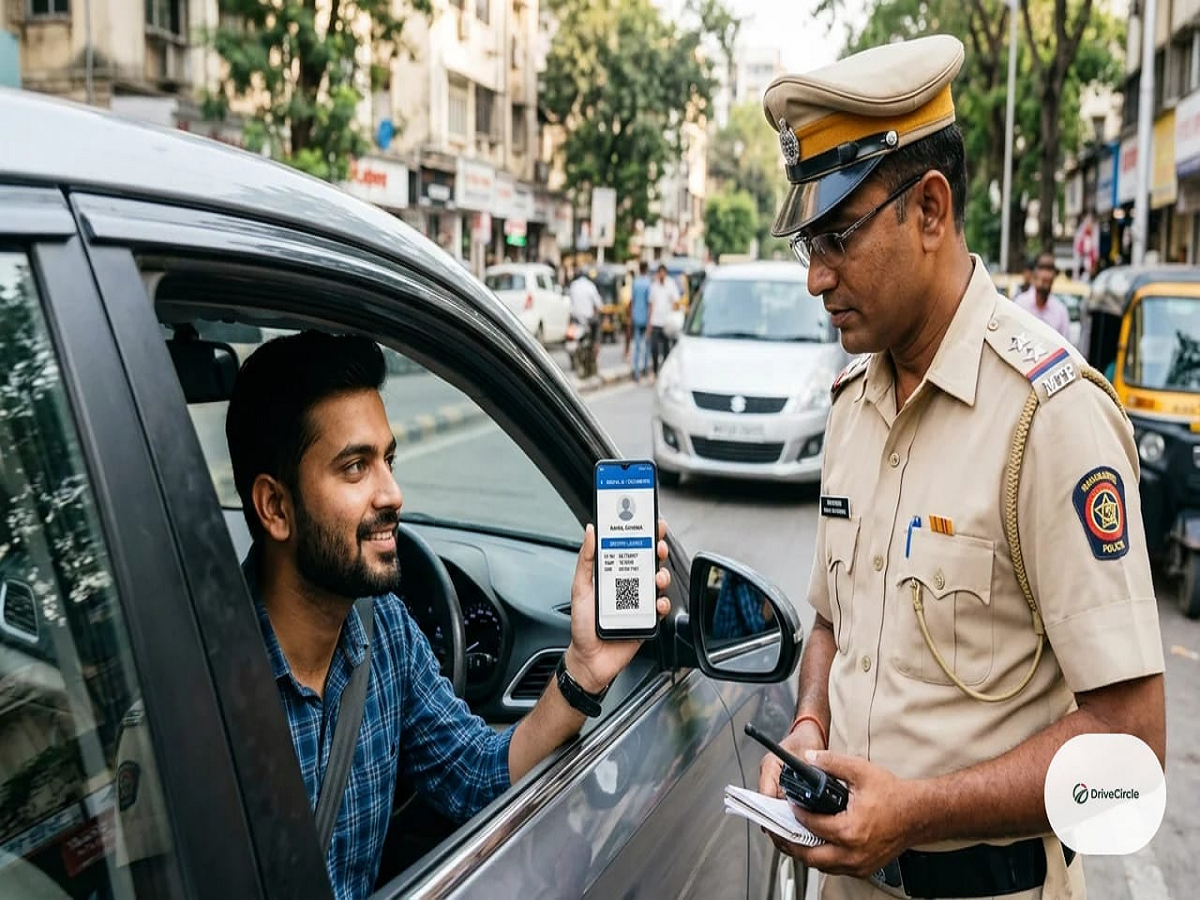
Imagine being stopped at a traffic checkpoint and realising that you have forgotten your driving licence at home. Or needing your marksheet for a job application when the original document is nowhere nearby. DigiLocker, the Government of India’s digital document platform, can help you access eligible digital records without carrying physical copies everywhere.
The platform allows users to receive, store and share digital documents issued by participating government departments and institutions. If you have not explored DigiLocker yet, here is how it works and how you can use it safely.
What Is DigiLocker?
DigiLocker is a digital document service under the Ministry of Electronics and Information Technology’s Digital India initiative.
It provides a platform where users can access documents issued electronically by participating authorities. Depending on availability, these may include driving licences, vehicle registration certificates, educational certificates and other official records.
An important distinction is that documents fetched directly from an authorised issuer are different from files uploaded manually by the user. Issued documents can be verified through the platform, while uploaded files are simply stored copies and may not carry the same status.
Which Documents Can You Access Through DigiLocker?
The documents available depend on the issuing authority and the services integrated with DigiLocker. Common examples include:
-
Driving licence and vehicle registration certificate, where available from the relevant transport authority.
-
Class 10 and Class 12 marksheets issued by participating education boards.
-
Degree certificates and other academic records from participating institutions.
-
Certain government-issued identity and registration documents.
-
Other certificates made available by authorised departments.
You should check the platform to confirm whether your particular document and issuing authority are supported.
Are DigiLocker Documents Legally Valid?
Digitally issued documents available through DigiLocker can be treated as equivalent to their physical counterparts for relevant purposes under the applicable rules. For example, officially issued driving licence and vehicle registration records available through DigiLocker or the mParivahan platform are recognised for applicable transport-related checks.
However, a photograph or scanned copy uploaded manually is not automatically equivalent to an officially issued digital document. Some organisations may also have specific verification requirements, so it is important to access the authentic record whenever possible.
How to Create a DigiLocker Account
Setting up an account is straightforward.
Step 1: Visit the official website at digilocker.gov.in or download the official DigiLocker app.
Step 2: Register using the details requested by the platform, such as your mobile number and other required information.
Step 3: Complete the authentication process. Certain services may require Aadhaar-based verification.
Step 4: Open the relevant document category and select the issuing authority.
Step 5: Enter the details requested to fetch your document, where the service is available.
Once the document has been issued or retrieved, you can access it through your account.
How to Fetch Your Driving Licence or RC
If your driving licence or vehicle registration certificate is available through DigiLocker, open the app and navigate to the relevant document section.
Choose the issuing authority and enter the information requested, such as your licence or registration details. Follow the on-screen instructions to retrieve the official record.
For transport-related checks, keep the document accessible in the official app. It is also sensible to know how to access it offline or through an alternative authorised service if mobile connectivity is unavailable.
Is DigiLocker Safe to Use?
DigiLocker is an official government platform, but users should still protect their accounts and personal information.
Use the genuine app or official website, keep your phone secured with a screen lock and never share OTPs or account credentials with unknown people.
Be cautious of messages claiming that your DigiLocker account will be blocked unless you click a link immediately. Instead, open the official app directly to check for notifications or pending actions.
What If Your Document Is Missing?
If a document does not appear in your account, first confirm that the issuing authority supports DigiLocker and that the details entered are correct.
If the record is still unavailable, contact the relevant issuing authority or check whether the document can be obtained through another official service. DigiLocker cannot necessarily retrieve every document issued by every institution.
Why Every Smartphone User Should Know About DigiLocker
DigiLocker can reduce dependence on paper documents, make official records easier to access and simplify sharing documents with participating organisations.
For students, job applicants, vehicle owners and people who frequently need official certificates, it can be a useful digital tool.
The key is to retrieve documents from authorised issuers rather than relying solely on scanned copies. Create your account through the official platform, explore the documents available to you and keep your login information secure.