BUSINESS
EPS pensioners: Attention pensioners! No need to stand in line at the bank to submit a 'life certificate'; do it using your phone
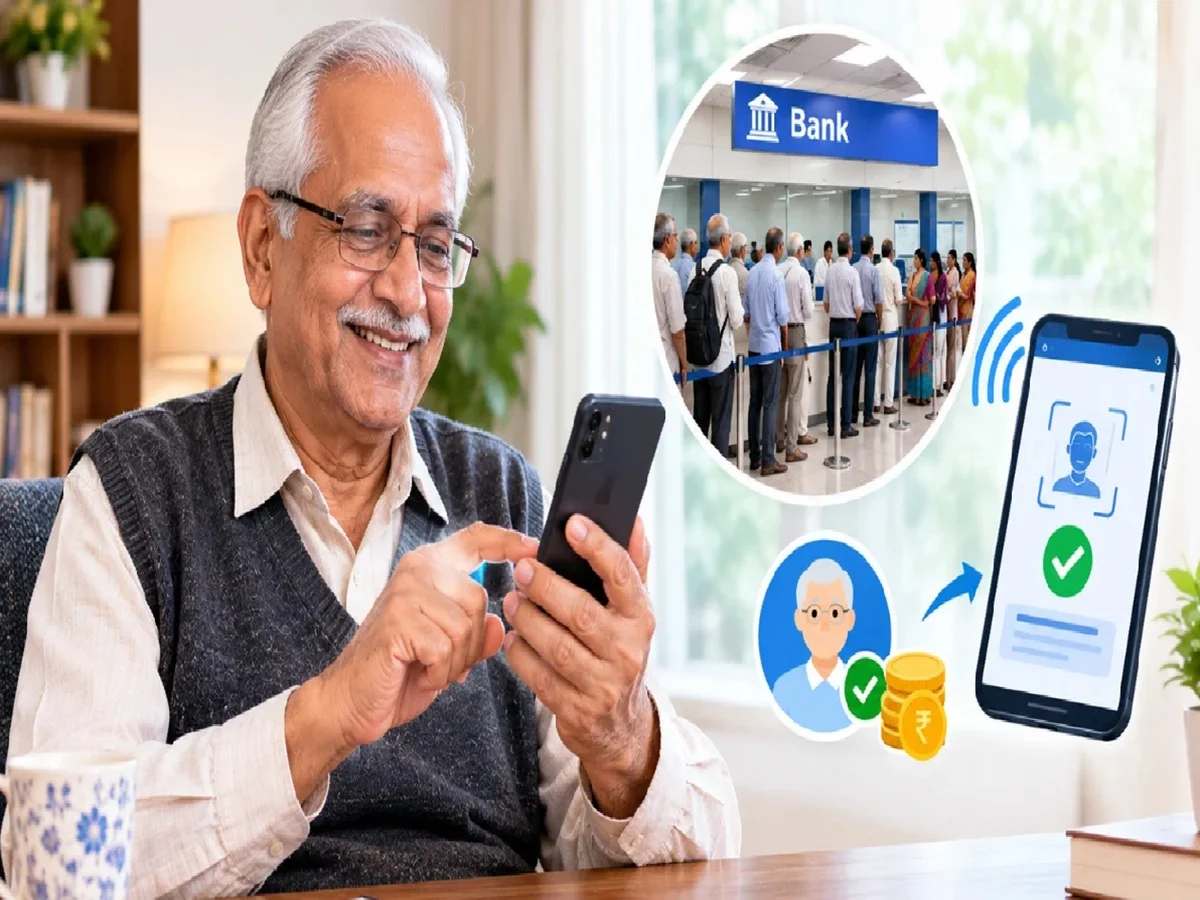
There's some very comforting news for pensioners. Now, there's no need to visit banks or pension offices or stand in long queues to submit essential documents related to the Employee Pension Scheme (EPS). The Employees' Provident Fund Organization (EPFO) shared on the social media platform Twitter that all this work can now be easily completed from the comfort of your home. Let's understand the new changes in this system and how pensioners will benefit from it.
Life certificates can be submitted through India Post Payments Bank (IPPB)'s home delivery service, with the help of a postman or Gramin Dak Sevak. Alternatively, this process can also be completed using a mobile phone.
Life Certificate has to be submitted every year
EPS pensioners are required to submit Life Certificate, also known as Digital Life Certificate or 'Jeevan Pramaan Patra', every year to continue receiving their pension without any interruption. Pensioners must remember their last date of submission. For example, if you submitted your Life Certificate on 20th October last year, then the next certificate should be submitted by 19th October at any cost to avoid pension blockage. However, the certificate can be submitted even after this date, but if this happens, your pension may get delayed.
Can the certificate be submitted with the help of postman also?
If you are unable to visit your bank or pension office, you can take advantage of IPPB's doorstep banking service. This facility is available to IPPB account holders as well as customers of other banks. You can contact your nearest post office and ask a postman or Gramin Dak Sevak to visit your home. You can also contact IPPB's doorstep banking helpline at 033-22029000. After the biometric identification process is completed at home and the Jeevan Pramaan certificate is successfully submitted, you will receive a Pramaan ID.
You can also submit your certificate using your mobile.
If you have an Android smartphone and internet access, you can submit your Jeevan Pramaan certificate using face authentication. This requires the Jeevan Pramaan app, the Umang app, and the Aadhaar Face ID app.
Steps to submit Jeevan Pramaan Certificate
You must have an Android smartphone with at least a 5-megapixel front camera and a good internet connection.
Make sure that your Unique Identification Number (Aadhaar) is already registered with your pension disbursing agency.
Go to Google Play Store and download and install 'AadhaarFaceRD' and 'Jeevan Pramaan Face App'.
Complete the operator authentication process in the application. Pensioners can also perform this process themselves as operators.
Enter the pensioner's name, identification number, PPO number and other required information in the form.
Finalize the process by taking a clear photo of your face (face scan) with the smartphone's front camera.
What documents and information are required?
Before submitting the life certificate, have your Aadhaar number, current mobile number, pension type, name of the pension-sanctioning department, name of the pension-disbursing institution, PPO number, and pension account number ready. Please note that your Aadhaar number must be pre-registered with the pension-disbursing institution. The digital life certificate is valid for one year from the date of submission. Therefore, pensioners should submit it on time to avoid any problems in receiving their pension.
PC: NAVRSHTRA