TECH
Gmail Secret Tool: Accidentally sent an email? This secret Gmail feature will instantly unsend it. Learn how
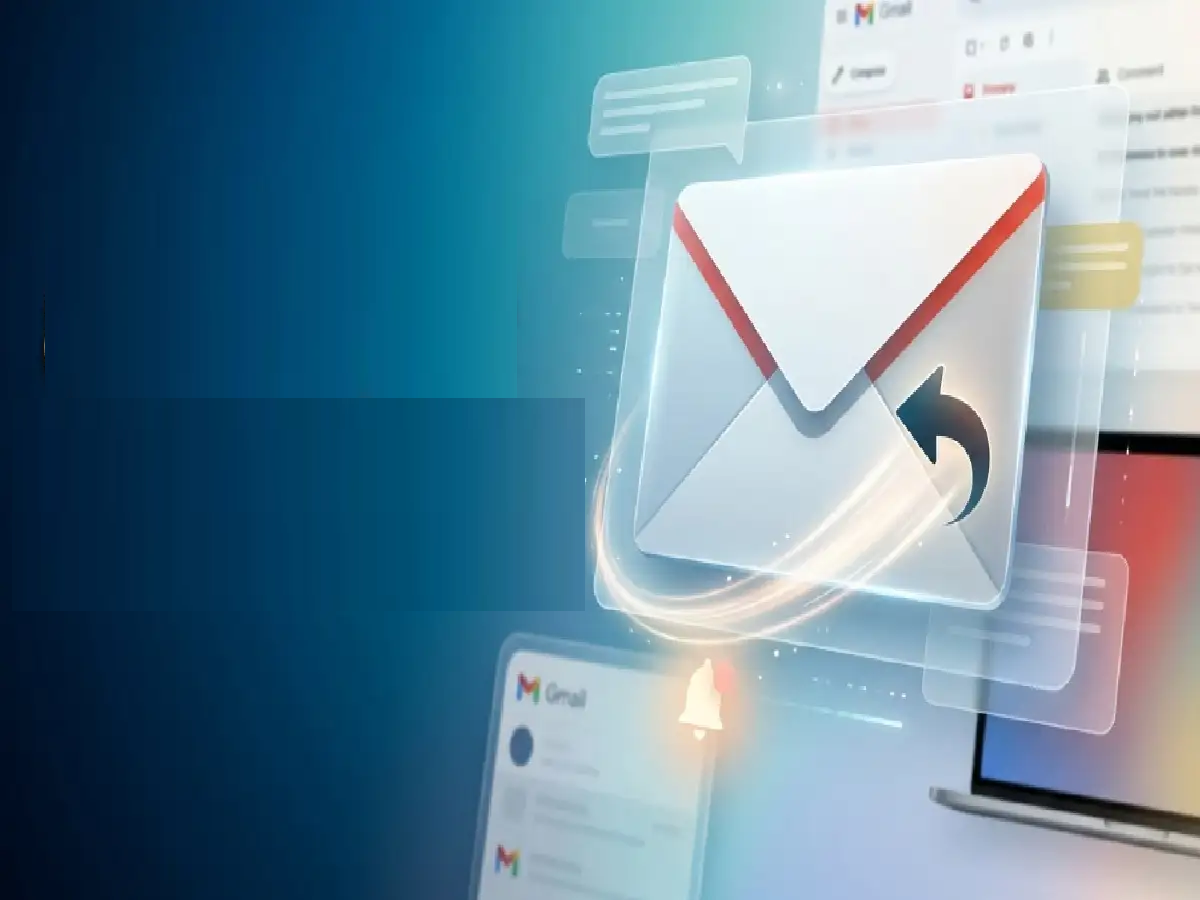
In the rush of work, we often end up sending incomplete emails , the wrong attachment, or to the wrong person. Soon after sending, we realize we've made a huge mistake. Gmail's "Undo Send" feature can be a boon in such situations.
Email and messaging
Although Gmail displays a small "Undo" button at the bottom after sending an email, the default timer is only 5 seconds. It's difficult to catch a mistake in such a short time . Fortunately, you can extend this timer to 30 seconds, giving you enough time to recall the email.
How to Extend the Undo Send Timer in Gmail (Step-by-Step)
Open Gmail in a browser . Open gmail.com in your computer's or phone's Chrome browser (keep desktop mode on).
Go to Settings: Click the Gear Icon (Settings) in the top right and tap 'See all settings'.
Select the General tab. Stay in the 'General' tab that appears first.
Change the Undo Send time: Scroll down to the 'Undo Send' option. There, increase the send cancellation period from 5 seconds to 30 seconds.
Save Changes: Go to the bottom of the page and click the 'Save Changes' button.
PC: Amarujala