
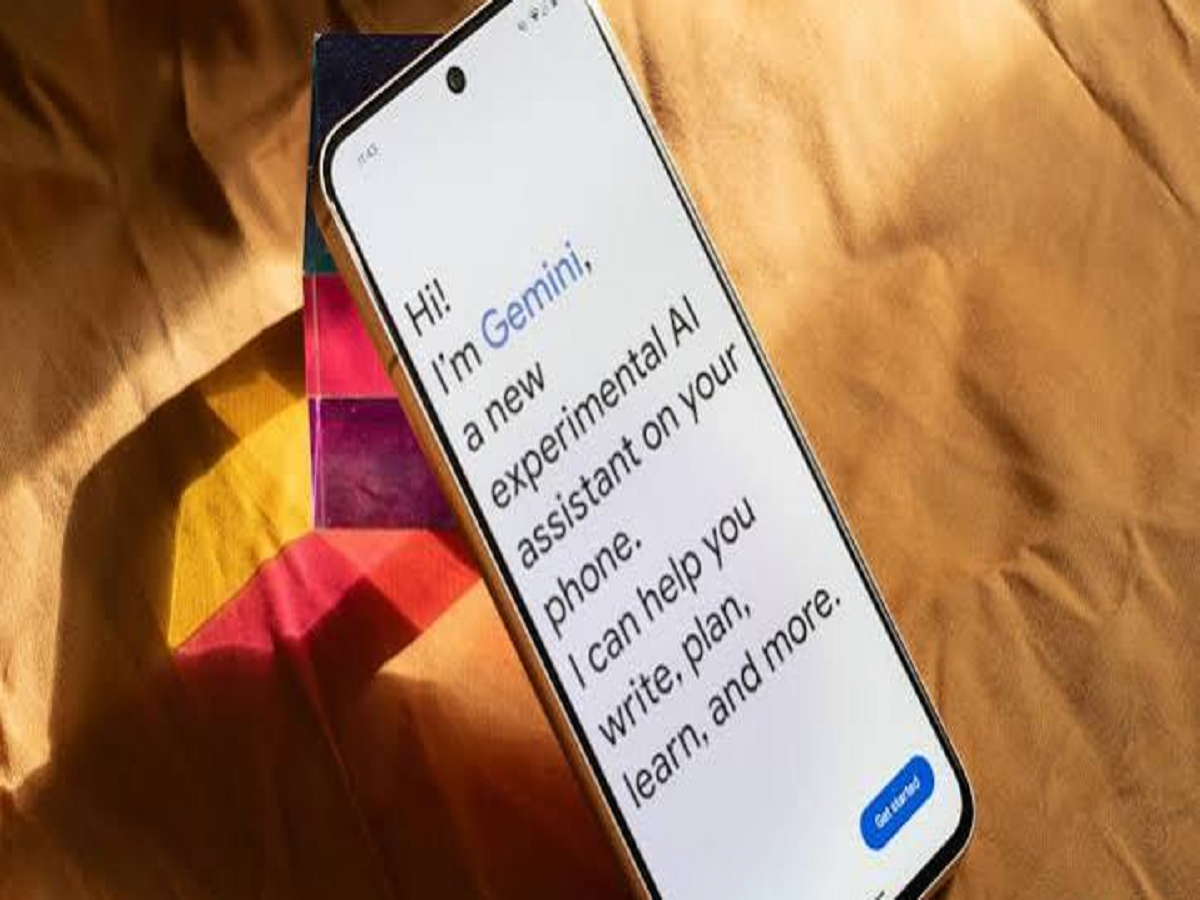
Google is making it easier for Android users to access Gemini while reading or working inside apps. The company has started rolling out a new shortcut that lets users send selected text directly to Gemini without first opening the Share menu.
The change may look small, but it could make AI assistance much more convenient for everyday tasks such as understanding difficult text, summarising information, translating sentences or asking questions about something displayed on the screen.
How does the new Gemini shortcut work?
Earlier, Android users generally had to select some text and then use the Share option to send it to Gemini. With the new update, an “Ask Gemini” option can appear directly in the system-level text-selection menu.
This means the process becomes much simpler:
- Select the text you want to understand or analyse.
- Tap Ask Gemini.
- Gemini opens with the selected text available as context.
- You can then ask a question or request an explanation.
This can be particularly useful when reading articles, documents, messages or web pages.
You don't have to leave the app
One of the biggest advantages of the change is that users don't need to manually copy text and switch between applications.
For example, if you come across a complicated technical term while reading something, you can select it and ask Gemini to explain it. Similarly, a long paragraph can be selected and summarised without having to copy and paste it elsewhere.
The update is part of Google's broader effort to integrate Gemini more deeply into Android rather than keeping AI assistance limited to a standalone application.
The power-button shortcut is still available
Google is not removing the existing method of accessing Gemini. Android users can still activate the assistant by pressing and holding the physical power button on supported devices.
The new text-selection shortcut therefore works as an additional way to access Gemini when users are already working with text.
Why this feature could be useful
The real benefit is convenience. AI assistants are most useful when they are available at the exact moment a user needs them.
Students could use the feature to understand difficult passages, professionals could quickly summarise information from documents, and everyday users could ask Gemini to translate or explain unfamiliar text.
Instead of treating AI as a separate application, Google is increasingly making it part of the normal Android interface.
Google's bigger AI strategy
Google has been steadily integrating Gemini across its products and services. The company is also expanding AI capabilities within Android and Chrome, making it easier for users to interact with AI while performing everyday tasks.
The latest text-selection integration is another example of this shift: AI assistance is moving from a separate destination to something users can call upon directly inside the apps they already use.


