
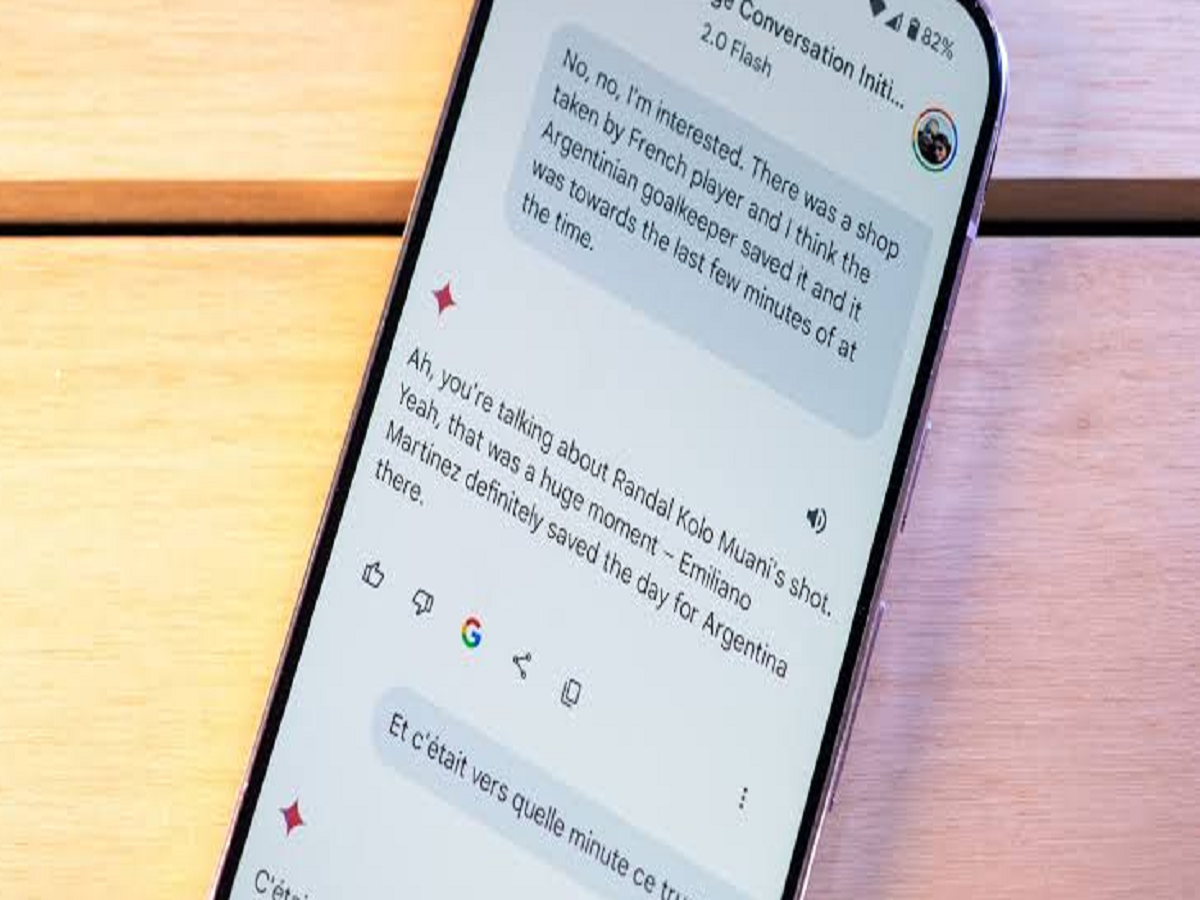
Google is making it easier for Android users to access its Gemini AI assistant while reading or working with text. A new update is adding an “Ask Gemini” shortcut directly to Android's text-selection menu, allowing users to send selected text to Gemini without going through the Share menu.
The change may look small, but it can save several taps when users want AI help with something they're reading on their phone.
How Does the New Gemini Shortcut Work?
When you select text on an Android phone, the system normally displays options such as copy, share and other actions.
With the new Gemini integration, an “Ask Gemini” option can appear directly in this menu. Users can select a sentence, paragraph or other text and send it to Gemini with a single tap.
Previously, users could use the Share menu to send selected content to Gemini, but the new shortcut makes the process more direct.
What Can You Use It For?
The feature could be useful in several everyday situations.
For example, while reading an article, you could select an unfamiliar sentence and ask Gemini to explain it. Students could select a difficult concept and request a simpler explanation, while users reading content in another language could use AI to understand or translate it.
You could also select a long paragraph and ask Gemini to summarise the information.
Fewer Steps to Get AI Help
The biggest advantage of the update is convenience.
Instead of:
Select text → Share → Find Gemini → Send
users can potentially do:
Select text → Ask Gemini
That makes AI assistance feel more integrated into Android rather than functioning as a separate app that users have to open.
Gemini Is Becoming More Deeply Integrated Into Android
Google has been steadily making Gemini more accessible across Android. On many modern Android phones, users can already activate Gemini by holding the physical power button.
The new text-selection shortcut adds another way to access the assistant based on what the user is currently doing on the phone.
This approach could eventually make AI assistants more useful for everyday tasks because users won't necessarily have to stop what they're doing and open a separate application.
Is the Feature Available on Every Android Phone?
The rollout is connected to Google's Android ecosystem, so availability can depend on the device, software version, Google app version and regional rollout.
If you don't see the option yet, it doesn't necessarily mean that your phone is incompatible. Google frequently introduces features gradually, so it may take some time before the shortcut reaches all eligible devices.
A Useful Feature for Students and Everyday Users
The new shortcut could be particularly useful for people who frequently read, research or work on their smartphones.
Whether you want to summarise an article, explain a difficult paragraph, translate text or ask a question about something you're reading, Gemini can now be accessed more directly from the text-selection interface.
As AI becomes increasingly integrated into smartphones, features like this show a shift from opening an AI app manually to having AI assistance available right where the user needs it.


