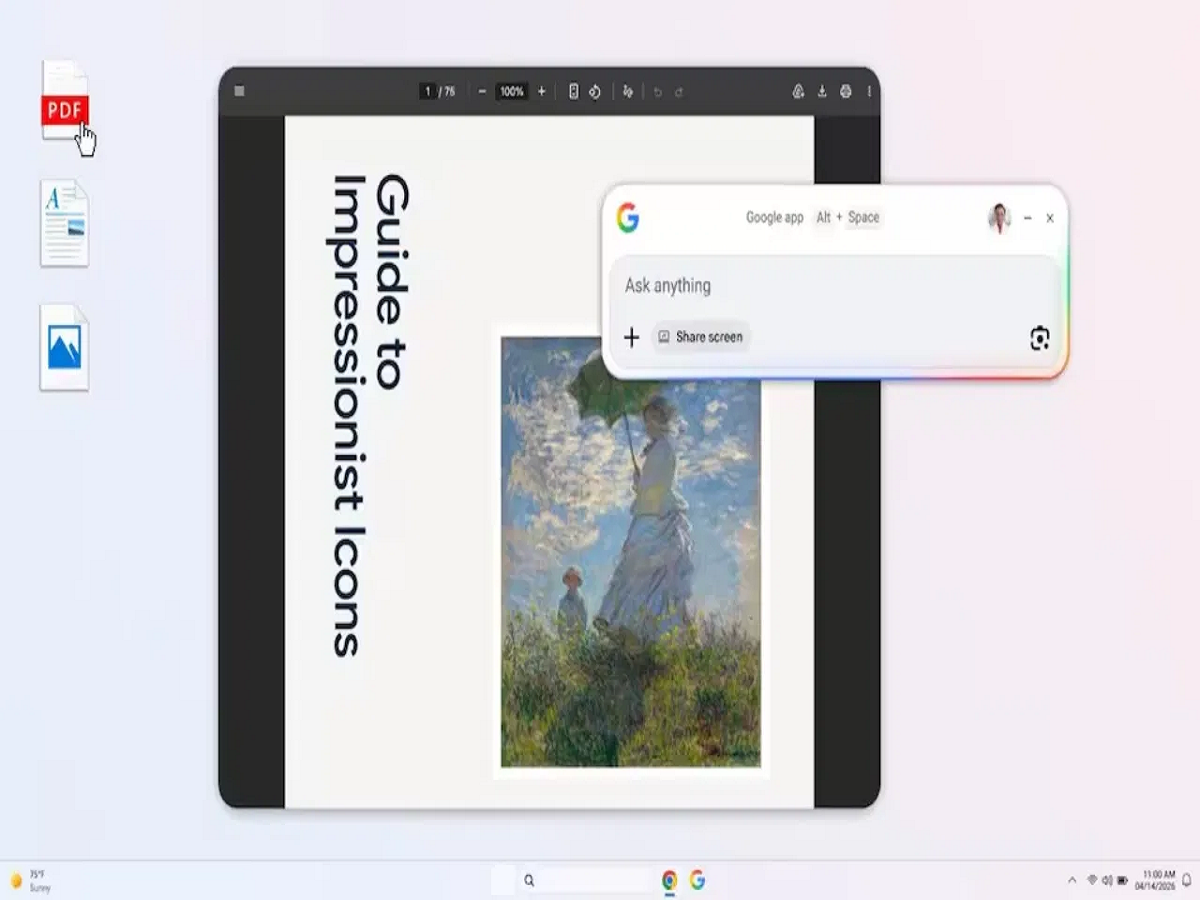
Google has introduced a new app for Windows users that brings AI-powered search directly to your desktop. The biggest highlight is that you no longer need to open a browser—everything from search to answers is now available in one place.
System-Wide Search Like Never Before
The app offers a system-wide search experience, similar to Spotlight on Mac:
- Use Alt + Space to instantly open search
- Find files, apps, web results, and Google Drive content in one place
- No need to switch between multiple apps or tabs
This makes multitasking faster and smoother, especially for users who rely heavily on quick access to information.
AI Mode for Smart Answers
The built-in AI mode changes how search works:
- Ask questions directly and get AI-generated answers
- Get explained responses, not just links
- Ask follow-up questions like a conversation
This feature is particularly useful for students, researchers, and professionals who need quick, clear insights.
Google Lens and Screen Awareness
The app also integrates powerful tools like:
- Google Lens for image-based search and translation
- Screen-aware feature to analyze any part of your desktop
- Ability to search text or visuals directly from your screen
This means you can simply select something on your screen and instantly get information about it.
Availability
- Works on Windows 10 and above
- Currently available in English only
- AI mode is rolling out gradually and may not be available to all users yet
Final Take
This new Google app aims to make searching faster, smarter, and more integrated into daily workflows. By combining AI answers, system-wide search, and tools like Lens, it could significantly change how users interact with their computers.