AUTO
If the PUC certificate is not up-to-date, you may be fined a hefty fine; check it online like this
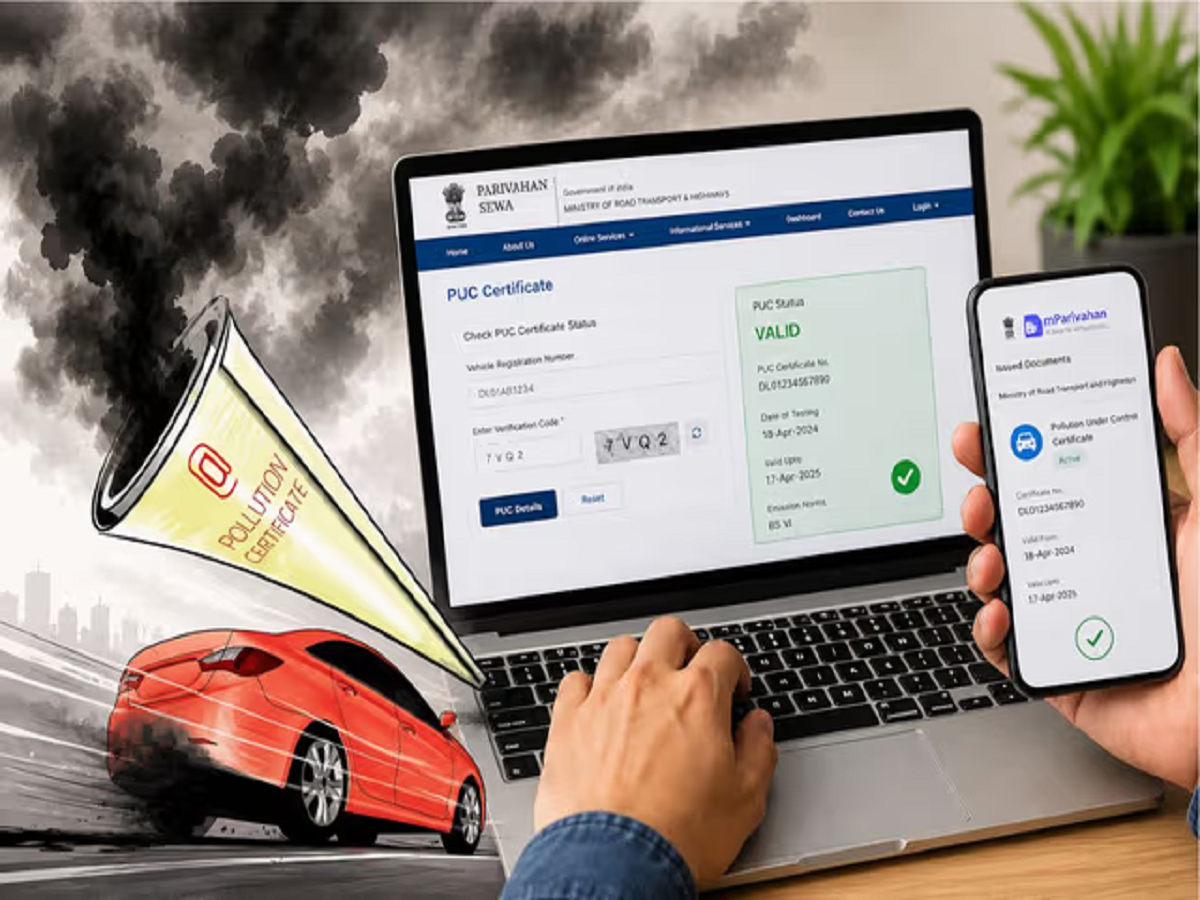
If a vehicle's PUC certificate expires, it can result in a hefty fine. Now, PUC status can be checked online within minutes using the Parivahan website, DigiLocker, and the mParivahan app.
If your car or bike's PUC certificate has expired and you're unaware of it, you could face a hefty fine at the next traffic check. Pollution control regulations have become stricter than ever before, and driving without a valid PUC can result in a direct fine. Fortunately, vehicle owners no longer need to travel to get their PUC checked. You can check your vehicle's PUC status online from home using your mobile or laptop within minutes. The government has made several digital platforms available for this purpose, allowing you to quickly determine the PUC expiry date.
Why is a valid PUC certificate necessary?
The PUC (Pollution Under Control) certificate proves that your vehicle is within the prescribed pollution limits. If an expired PUC is found during traffic police inspections, a hefty fine can be imposed. In many states, this fine can reach thousands of rupees. This is why the PUC is now considered a crucial document among the essential vehicle documents.
How to check PUC status sitting at home
Now, there's no need to wait in long lines or visit a center to check your PUC status. This can be done in just a few minutes using the Transport Department's online service. To do this, first open the Transport Department's official website. Go to the Online Services section and select the PUCC option. Next, enter the vehicle's registration number and the last five characters of the chassis number. After filling in the captcha, click on "PUC Details" and the full certificate information will appear on the screen.
Complete status will also be available from mParivahan app
The government's mParivahan app is also proving very useful for vehicle owners. By simply entering the vehicle number, you can view information such as RC, insurance, and PUC. After downloading the app, enter the vehicle number and open the details section. The validity and expiry date of the PUC are displayed here.
Information can also be found in DigiLocker
If you've linked your vehicle documents to DigiLocker, PUC details can also be viewed there. After logging into DigiLocker, go to the "Issued Documents" section and select Ministry of Road Transport and Highways. This will open the vehicle documents. In many cases, the PUC status is also displayed there. If the data doesn't appear automatically, you can fetch the documents by entering the vehicle number using the "Pull Documents" feature.
Ignoring expired PUC can be costly
Many people focus only on the RC and insurance, but driving a vehicle after the PUC has expired is considered a violation of the rules. This can not only result in a fine but also lead to future problems with vehicle fitness and other documentation. Therefore, it is important to check the PUC status periodically.
PC: Prabhat Khabar