TECH
If your phone's internet is running slow, then change these settings today and it will start running faster
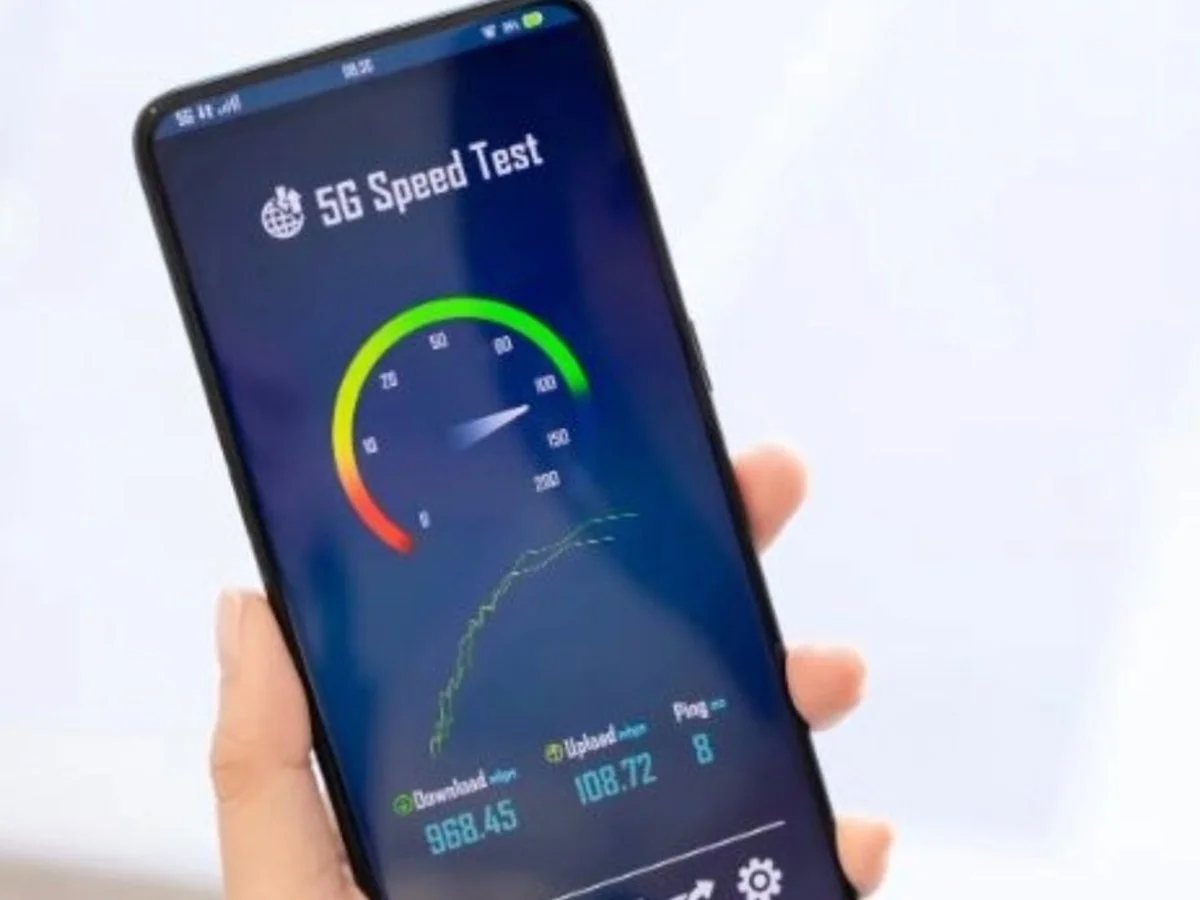
Nowadays, smartphones are used for almost every task. If the phone's internet speed slows down, even important tasks can be affected. Sometimes, in addition to network issues, incorrect settings can also cause slow internet speeds. If your phone's internet speed is slow, check these five settings.
1. Check the network mode.
Go to your phone's mobile network settings and check your preferred network type. If 5G is available in your area and your phone and SIM support 5G, select the appropriate 5G option. In case of weak 5G signals, the network may be more stable on 4G.
2. Try turning off Data Saver.
The Data Saver feature reduces mobile data consumption, but may limit background data for some apps. If internet speed is affected, try turning it off for a while and check your speed.
3. Manage Background apps.
Many apps constantly use the internet in the. Go to Mobile Data Usage to see which apps are using the most data. Restricting background data for non-essential apps can reduce network pressure.
4. Reset network settings
If your network is frequently slow or unstable, the Reset network settings option may be helpful. Note that this may delete saved Wi-Fi networks and some network preferences.
5. Check the VPN.
If you have a VPN enabled on your phone, temporarily disable it and check your internet speed. Sometimes, the VPN server can cause slow browsing speeds.
PC: Hindustan