BUSINESS
LPG Alert: Get this work done before August 31, otherwise a gas cylinder worth ₹942 will cost ₹2738!
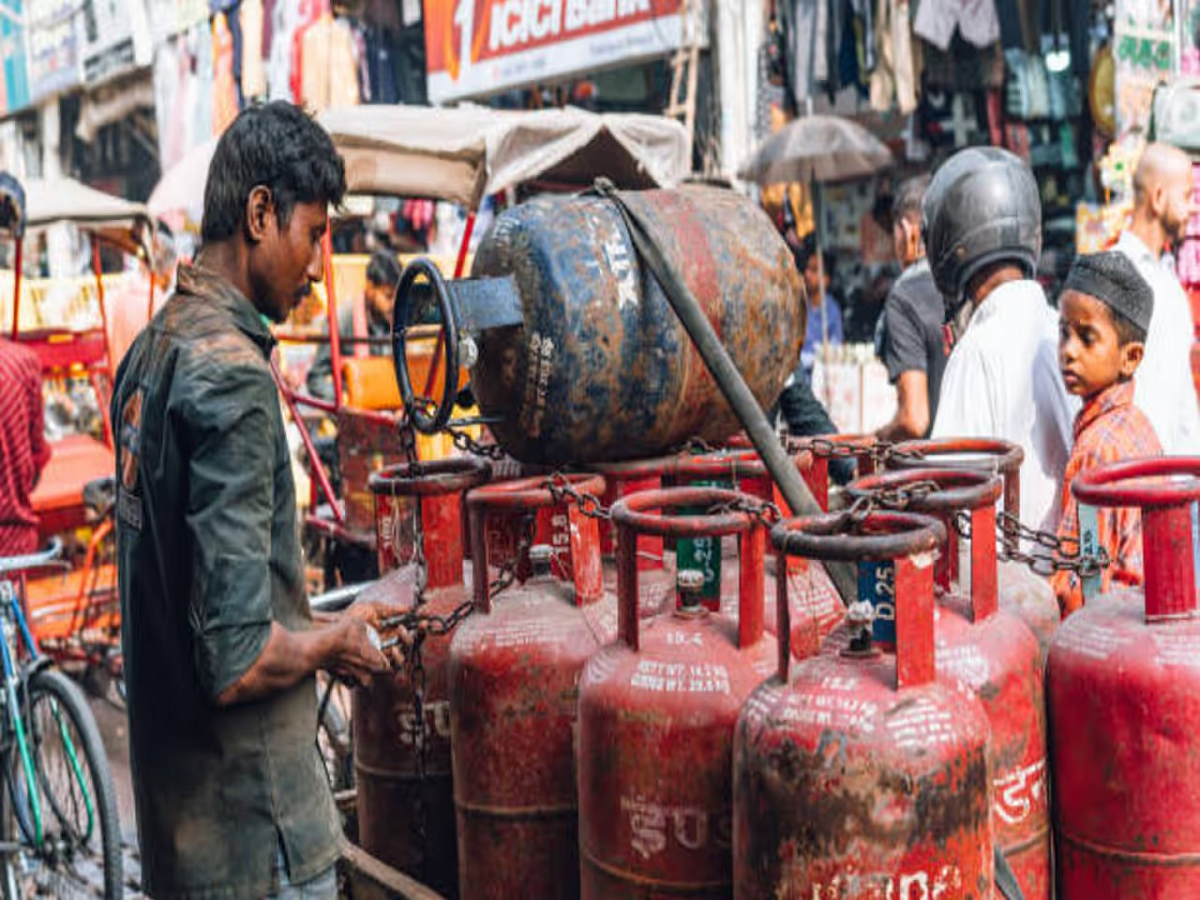
LPG Deadline 31 August 2026: Those using Indane, HP and Bharat Gas should complete their e-KYC before 31 August, otherwise the cylinder may become three times costlier.
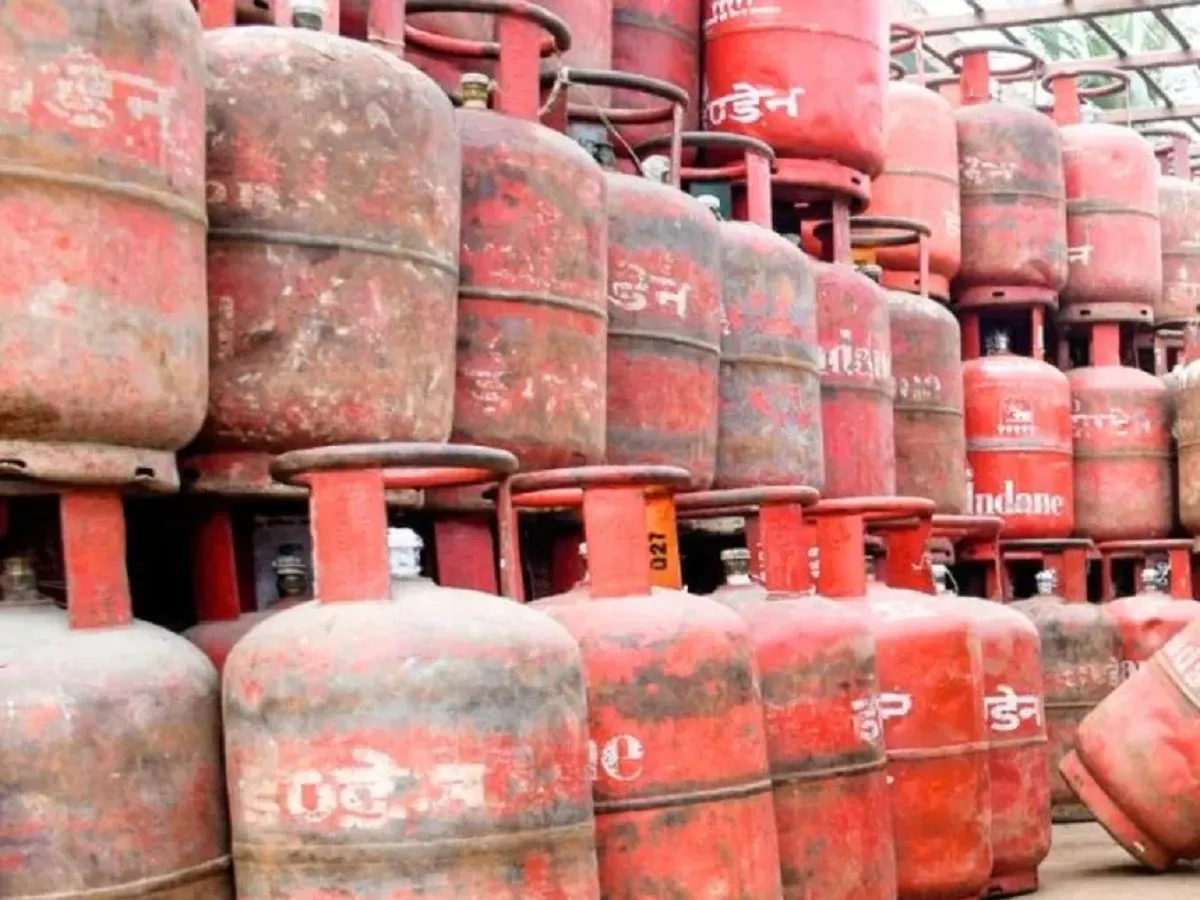
Gas Cylinder e-KYC Deadline: If you have an Indane, HP, or Bharat Gas cooking gas cylinder, this alert is for you. Oil companies have set August 31, 2026, as the deadline for biometric e-KYC for all LPG consumers. The companies have clearly stated that the deadline will not be extended this time. If you don't complete this important task by August 31, your monthly kitchen budget could be tripled. Let's explore the potential consequences of missing the deadline...
What will happen if e-KYC of gas connection is not done?
A cylinder that costs ₹942 can now cost ₹2,738.
If you don't perform biometric authentication in time, you could face two major setbacks. The first is a more expensive gas cylinder. Connections without e-KYC will be placed in the "free-trade" category. This means that even for a 14.2 kg domestic cylinder, you could have to pay the same price as a 19 kg commercial cylinder (e.g., ₹2,738 in Delhi).
The connection may be suspended
Failure to complete e-KYC may deactivate your LPG consumer number, preventing you from booking a new refill cylinder and potentially causing further problems. Verification will continue for customers seeking new connections, but this strict requirement applies to existing customers.
How to do e-KYC for gas connection?
Step 1
- First of all download the official AadhaarFaceRD app from Google Play Store.
- IndianOil One for Indane Gas
- Hello BPCL for Bharat Gas
- HP Pay for HP Gas
Step 2
Open the app and login by registering with the mobile number or email ID linked to your gas connection.
Step 3
- Go to the Profile section in the Indane app and link your 16-digit LPG ID and tap on e-KYC.
- In Bharat Gas app, the option of e-KYC will be visible on the homepage itself, where OTP will have to be entered.
- Go to 'MY HP' in the HP Gas app and select the e-KYC option.
Step 4
- After accepting the terms and conditions, the front camera of the mobile will open.
- Look directly at the camera and blink.
- As soon as the green signal appears on the screen, submit it.
- Your e-KYC will be completed instantly.
Image Credit: Getty