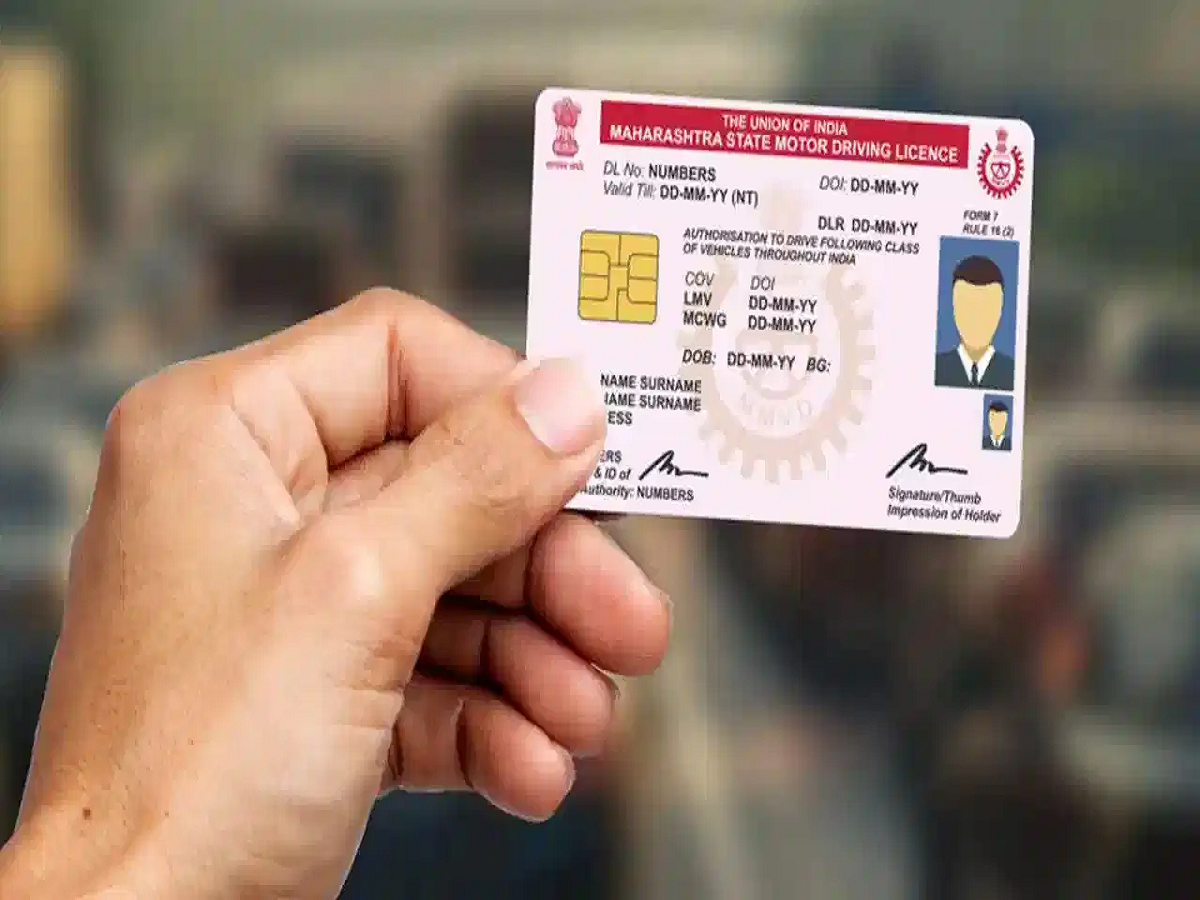
If you've recently shifted to a new house or moved to another city for work, don't forget to update the address on your driving licence. An outdated address can create problems when your documents are checked or when you need to use your driving licence as proof of identity or address.
The good news is that you may not need to spend hours at an RTO. In many cases, the address-change request can be submitted online through the Parivahan portal using a phone or computer.
Keep These Documents Ready
Before starting the application, keep clear digital copies of the required documents. Depending on your state and application, you may need:
- Existing driving licence
- Aadhaar card or another accepted address-proof document
- Passport, voter ID, ration card or eligible utility bill
- PAN card or another accepted identity document
- Recent photograph
- Scanned signature
The exact documents required can differ depending on the state and type of application.
How to Change Your DL Address Online
You can generally apply through the official Parivahan Sarathi system.
- Open the Parivahan Sarathi portal.
- Select the option for driving licence-related services.
- Enter your driving licence number and date of birth.
- Check the licence details displayed on the screen.
- Select the relevant RTO, if the system asks you to choose one.
- Choose the Change of Address service.
- Enter your new address carefully.
- Upload the required address proof and other documents.
- Complete Aadhaar-based e-KYC if the facility is available for your application.
- Upload your photograph and signature if requested.
- Pay the applicable fee online.
- Save the application receipt or acknowledgement number.
You can use the acknowledgement details to track the application later.
What If You've Moved to Another State?
Moving from one state to another can involve additional formalities.
In some cases, you may need a No Objection Certificate (NOC) from your previous RTO. The requirement depends on the circumstances and the applicable state process.
If an NOC is required, you can generally apply for it through the Sarathi portal by providing your existing DL details and selecting the appropriate NOC service.
After the NOC is issued, you may need to submit the NOC details, new address proof and other required documents through the licensing authority in your new state.
Don't Enter the New Address in a Hurry
Before submitting the application, carefully check your house number, locality, district, state and PIN code. A small spelling or number mistake can create unnecessary problems during verification or delivery.
Also make sure that the address on the document you're using as proof is clearly visible and matches the information you're entering.
Fees and Requirements Can Differ
The online facility and applicable charges can vary depending on your state, RTO and the type of request. Not every application will follow exactly the same process.
Therefore, before making the payment or submitting documents, check the latest requirements shown on the official Parivahan portal.
Updating your driving licence after moving may seem like a small task, but keeping your government records current can save you trouble when you need the document for verification, identification or other official work.