BUSINESS
OTP theft scams: Even a deleted bank SMS can empty your account; A complete guide to staying safe from fraudsters
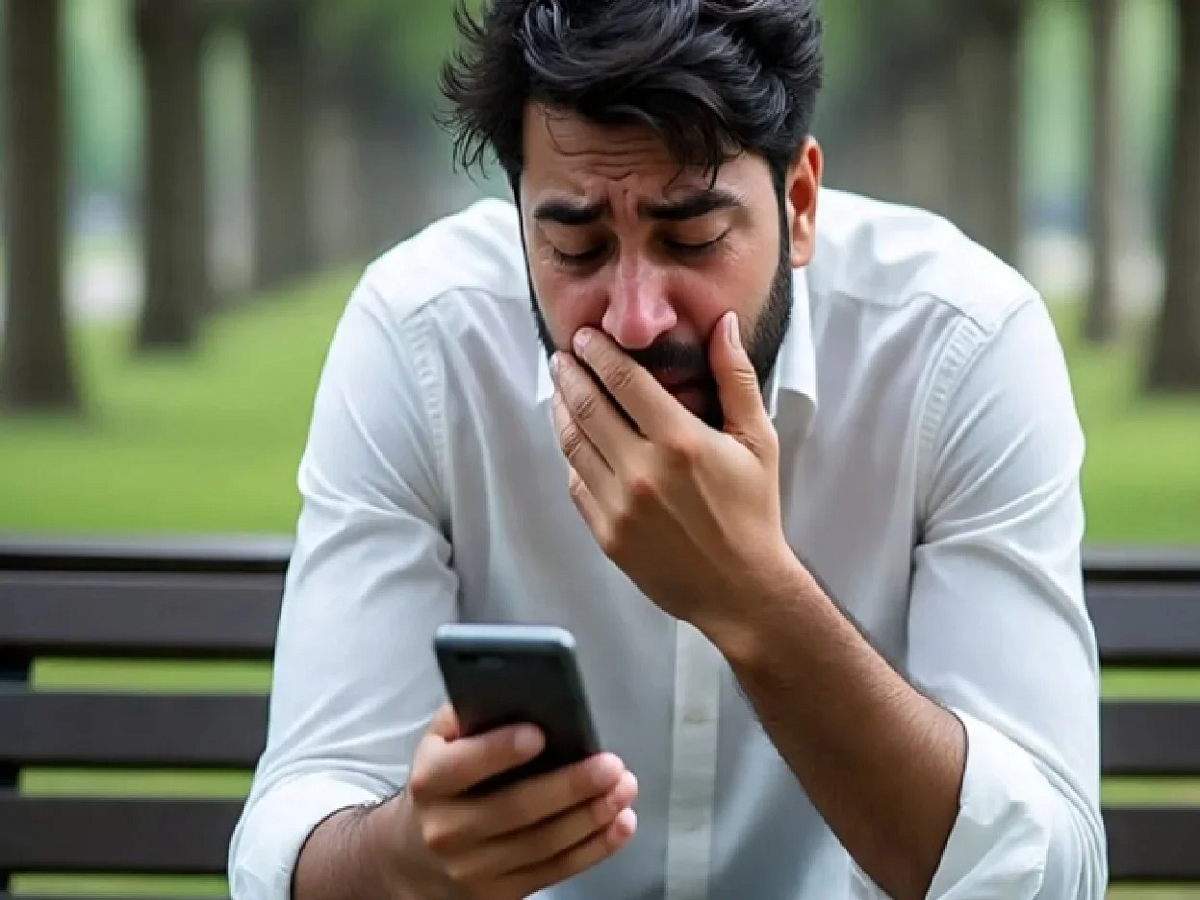
Most people think that deleting bank SMS alerts from their phones keeps their inbox clean and safe. However, cyber experts warn that deleted messages can sometimes pose a major security risk. Fraudsters are increasingly using malware, SIM swap fraud, and message syncing tricks to gain access to banking information, OTPs, and financial accounts. In many cases, users don't even realize their sensitive banking data has been compromised until money disappears from their accounts. Here's how deleted SMS messages can put your bank account at risk and what you should do to stay safe.
How do deleted SMS become a security threat?
Many smartphones automatically back up messages to cloud services or connected devices. Even after deletion, SMS data may remain stored in backups, synced apps, or malware-infected systems. Cybercriminals could exploit these vulnerabilities to obtain banking alerts and OTP details.
The growing threat of banking malware
Fraudsters are now using advanced malware that can read SMS messages directly from a user's phone. Some malicious apps silently access OTPs, banking notifications, and login alerts, without the user knowing.
What is SIM swap?
In a SIM swap scam, fraudsters duplicate a victim's mobile number by deceiving the telecom operator. Once the duplicate SIM is activated, criminals receive OTPs and banking alerts directly on their devices, allowing them to access financial accounts.
Why is OTP alone no longer secure?
Many users believe that OTP verification is enough to keep their accounts secure. However, cybercriminals are increasingly bypassing OTP security using malware, phishing links, remote access apps, and SIM swap techniques.
Are there signs your phone has been hacked?
If users suddenly stop receiving bank SMS alerts or their SIM card suddenly loses network access, they should immediately be alert, as these could be signs of a SIM swap attack. In some cases, unknown apps may appear on the device without the user having downloaded them. Experts also warn that unusual battery drain, overheating, or suspicious login notifications from banking apps could indicate that malware is silently running in the background and acccesing sensitive information
How to keep your bank account safe?
Cyber experts advise users to avoid downloading apps from unknown websites or third-party app stores, as many dangerous apps are designed to steal banking information. Users should also enable two-factor authentication wherever possible and regularly check connected devices and cloud backups associated with their accounts. Most importantly, OTPs and banking credentials should never be shared with anyone, even if the caller claims to be from a bank or telecom company. If any suspicious activity is noticed, users should immediately contact their bank and block access to their account to avoid financial loss.
PC:NDTV.in