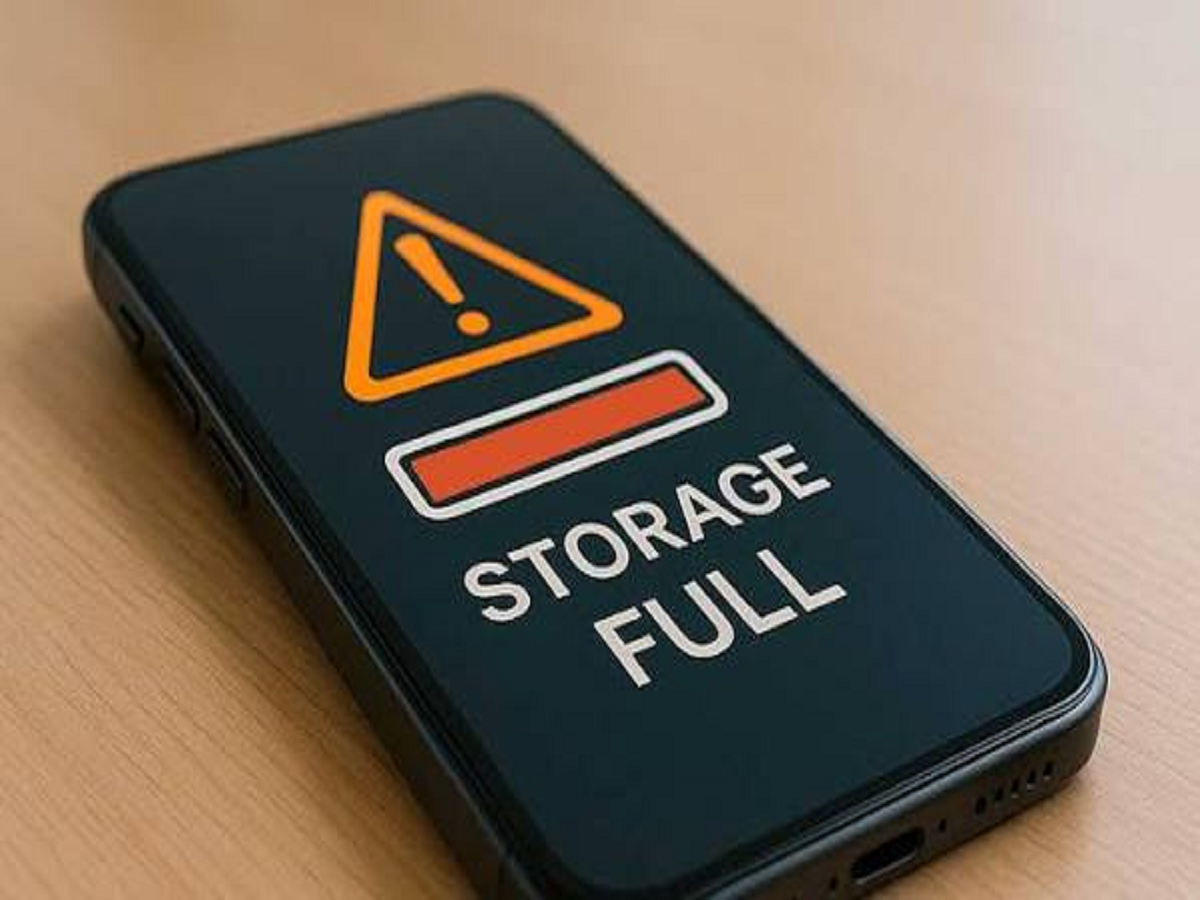
Running out of smartphone storage can cause more than an annoying warning. A nearly full phone may struggle with app updates, camera recordings, downloads and everyday performance. Before deleting important photos or documents, there are several safer ways to reclaim space.
Here are seven practical checks Android and iPhone users can try.
Find Out What Is Using the Most Space
Start by checking the phone's storage breakdown. Both Android and iPhone provide built-in storage tools that separate usage into categories such as apps, photos, videos and system data.
Identifying the biggest category can prevent unnecessary deletion of useful files.
Remove Apps You No Longer Use
Old games, shopping apps and editing tools can occupy several gigabytes without being used for months.
Instead of randomly deleting photos, review installed applications and remove those you no longer need. Remember that deleting an app may also remove locally stored data associated with it.
Clear Unnecessary Downloads
The Downloads folder is easily forgotten. PDFs, installation files, videos, documents and images downloaded months ago may still be occupying storage.
Review these files individually and remove only those you are certain you no longer need.
Check WhatsApp and Other Messaging Apps
Messaging applications can quietly become major storage consumers because photos, videos, documents and forwarded media accumulate over time.
WhatsApp includes storage-management options that help users identify large files and conversations consuming significant space. Review files before deleting them, particularly documents or personal photographs.
Move Photos and Videos to Cloud Storage
Camera videos are among the largest files stored on modern smartphones. Users with a reliable cloud backup can consider backing up their media and removing local copies that are no longer required on the device.
Before deleting anything, confirm that the backup has completed successfully and that the files can actually be opened from another device or the cloud service.
Use Built-In Storage Optimisation Features
iPhones and many Android devices offer tools designed to reduce storage usage automatically.
Depending on the phone, these features may offload rarely used apps, remove temporary files or keep smaller versions of cloud-backed photos on the device.
Always review what a feature does before enabling automatic cleanup.
Restart After a Major Cleanup
Temporary files and cached information do not always disappear from storage statistics immediately.
After removing a large amount of unnecessary data, restart the smartphone and check the storage section again. The available-space figure may update after the system recalculates usage.
How Much Free Storage Should You Keep?
There is no single percentage that works for every smartphone, but completely filling the device is best avoided. Keeping some free capacity gives the operating system room for updates, temporary files, app installations and camera recordings.
If storage keeps filling up despite regular cleaning, consider whether large applications, offline downloads or high-resolution videos are responsible.
Bottom Line
A full-storage warning does not mean you need to start deleting important memories immediately. First inspect which categories consume the most space, remove unused apps, clean old downloads and review messaging-app media.
For photos and videos, create and verify a reliable backup before removing local copies. A careful cleanup can recover several gigabytes while keeping the files that actually matter.