TECH
QR Codes Look Harmless, But One Scan Could Put Your Data at Risk: Stay Safe With These Simple Checks
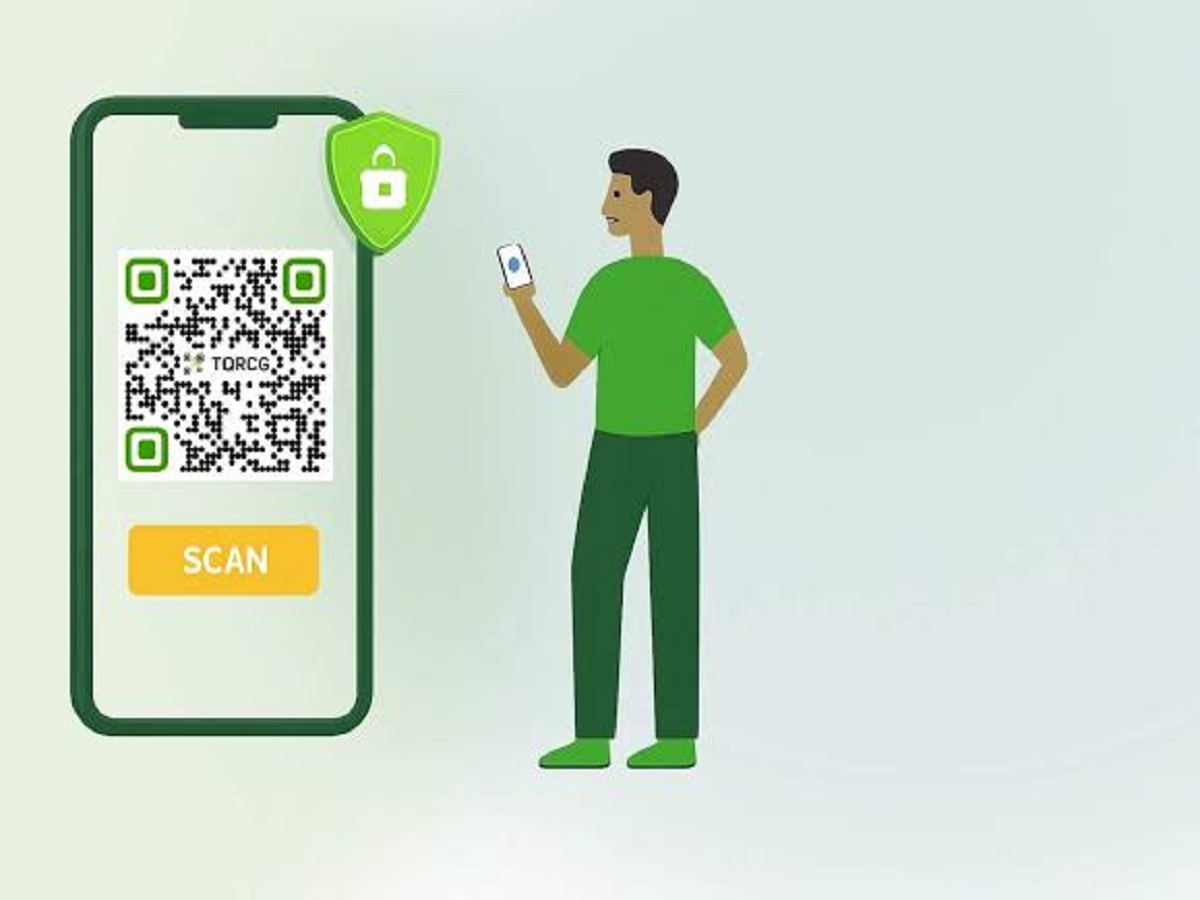
QR codes have become part of everyday life. People scan them to make payments, open restaurant menus, download apps, access tickets and visit websites. Because scanning a QR code has become such a routine action, many people don't think twice before pointing their phone's camera at one.
But a QR code itself is not necessarily trustworthy. It simply contains information, often a website address or another piece of data. The real risk comes from where that code takes you.
A QR code can hide a dangerous website
A scammer can create a QR code that looks completely normal but redirects you to a fake website.
The page may imitate a bank, shopping platform, delivery service or government website and ask you to enter personal information, passwords or payment details.
This is why you should treat QR codes in the same way you treat unfamiliar links received through messages.
Don't assume a QR code means you're receiving money
One common misconception is that scanning a QR code automatically means someone is sending money to you.
For digital payments, receiving money generally does not require you to enter your UPI PIN. Your UPI PIN is used to authorise payments from your account.
If someone tells you to scan a QR code and enter your UPI PIN to "receive" money, stop and verify the transaction.
Check the website before entering information
After scanning a QR code, look at the website address carefully.
A fraudulent website may use a name that looks almost identical to the genuine service, with small spelling differences or an unfamiliar domain.
Don't enter passwords, card details or other sensitive information simply because a page looks professional.
Be especially careful with QR codes in public places
Scammers can potentially place fake QR stickers over legitimate ones on posters, parking machines, advertisements or other public surfaces.
Before scanning a code, check whether it appears to have been pasted over another code or looks physically unusual.
For payments, verify the recipient's name and transaction details on your payment app before authorising anything.
Don't download an app just because a QR code tells you to
A QR code can also direct you to a page that asks you to download an application.
If the app is not available through your phone's official app store, be particularly cautious. Installing applications from unknown sources can create additional security risks.
QR codes can also be used in phishing messages
A QR code doesn't have to appear on a physical poster.
It can be sent through email, SMS, social media or messaging apps. A message may claim that you need to scan a code to verify your account, collect a parcel or resolve a payment issue.
The urgency of the message is often intended to make you act before thinking.
What should you do if you scanned a suspicious QR code?
If you scanned a QR code but did not enter any information or approve a payment, close the webpage and avoid downloading anything.
If you entered a password, change it immediately from the legitimate website or app and enable two-factor authentication where available.
If you authorised a financial transaction, contact your bank or payment service as soon as possible and report the transaction through the appropriate channels.
The safest habit is simple
Don't fear QR codes. They are extremely useful technology.
The important thing is to remember that scanning a QR code is effectively opening a digital link. Treat unfamiliar QR codes with the same caution you would give an unknown website or message link.
Before entering sensitive information or approving a payment, stop for a few seconds and verify exactly where the QR code has taken you and what you are being asked to do.