TECH
Switch from iPhone to Android in Minutes: New ‘Transfer to Android’ Feature Makes Data Migration Easy
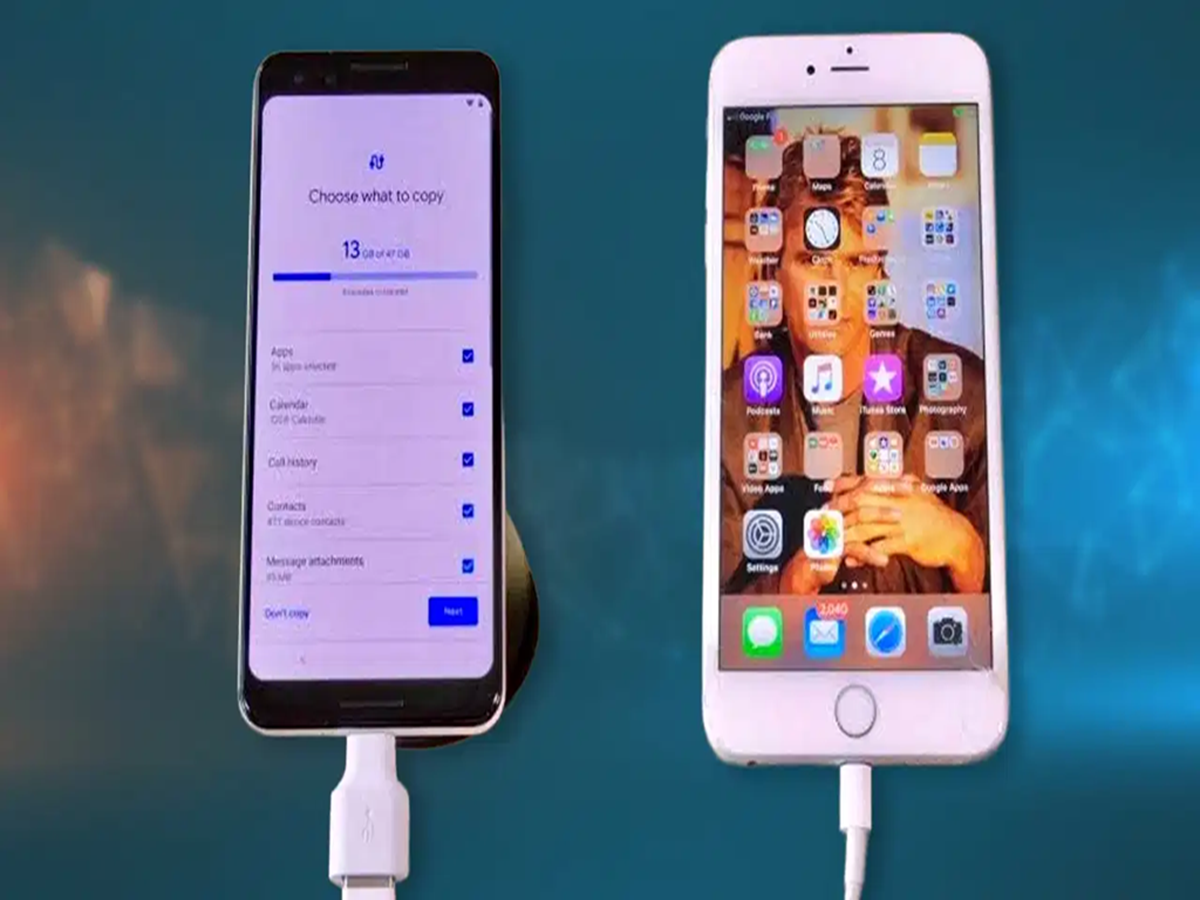
Changing from an iPhone to an Android device is now significantly simpler, thanks to the latest update introduced with iOS. The new Transfer to Android feature allows users to move essential data quickly and securely during setup.
Easy transfer of photos, chats, and contacts
With this update, users can seamlessly transfer:
- Photos and videos
- Contacts and messages
- Chats and other key files
The process is designed to reduce the need for manual backups and third-party tools, making the switch between ecosystems much smoother.
Preparation before transferring data
Before starting the migration, both devices must be properly prepared:
- iPhone should be updated to the latest available iOS version
- Android device should run Android 16 or later
- Both phones should have at least 80% battery (preferably charging)
- Wi-Fi and Bluetooth must be enabled on both devices
- A backup on iCloud or a computer is recommended for safety
Step-by-step transfer process
On the iPhone, users need to go to:
Settings → General → Transfer or Reset iPhone → Transfer to Android
On the Android device:
- Start the initial setup
- Select the option to transfer data from iPhone or iPad
- Scan the QR code displayed on the Android screen using the iPhone
Once both devices are paired, users can choose what data they want to transfer. The migration process then begins and completes within minutes, depending on file size.
What gets transferred automatically
The system supports transfer of:
- Photos (including Live Photos, converted into motion format on Android)
- Videos
- Messages (converted into RCS/Google Messages format on Android)
- Passwords via iCloud Keychain to Google Password Manager
- Contacts and selected app data
In some cases, eSIM transfer is also supported by carriers, removing the need for a physical SIM swap.
What still needs manual setup
Certain items are not transferred automatically and must be set up manually:
- Health data
- Locked notes
- Bluetooth device connections
- Some apps (must be reinstalled via Play Store)
- Payment cards in digital wallets
After completing the transfer, users should also disable iMessage on their iPhone to ensure messages are delivered correctly on the new Android device.
This updated system aims to make switching between platforms faster, safer, and more user-friendly than ever before.