Nowadays, we all spend hours using our smartphones, but they hide many amazing features that we're unaware of. If you want to use your phone smartly and save precious time and mobile data, these two amazing tech tips will be very useful. Let's learn about them:
Scan any document to PDF directly from your phone without any third-party app
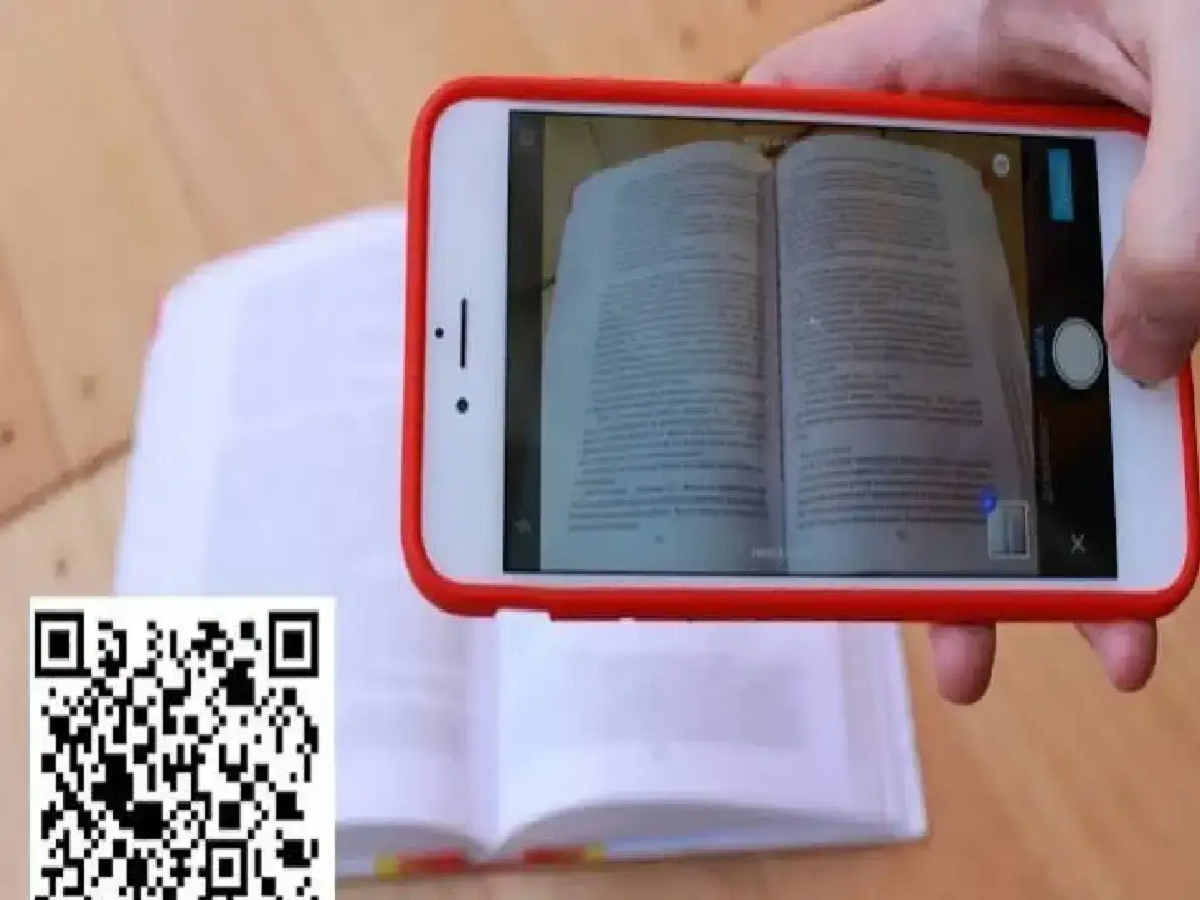
Often we need a separate CamScanner or any other app to scan any important documents, bills or assignments, which take up space in the phone and sometimes also show ads.
For Android (Google Drive/Files): Open your phone's built-in Google Drive app > Tap the '+' (Plus) icon at the bottom > Select 'Scan' and take a photo of the document. It will automatically convert to a clean PDF.
For iPhone (Notes App): iPhone users can open their phone's default Notes app > create a new note > tap on the camera icon and select 'Scan Documents' and easily create a PDF.
PC: India TV