TECH
Turn Your Old Smartphone Into a Home CCTV Camera: A Simple Hack That Boosts Security at Zero Cost
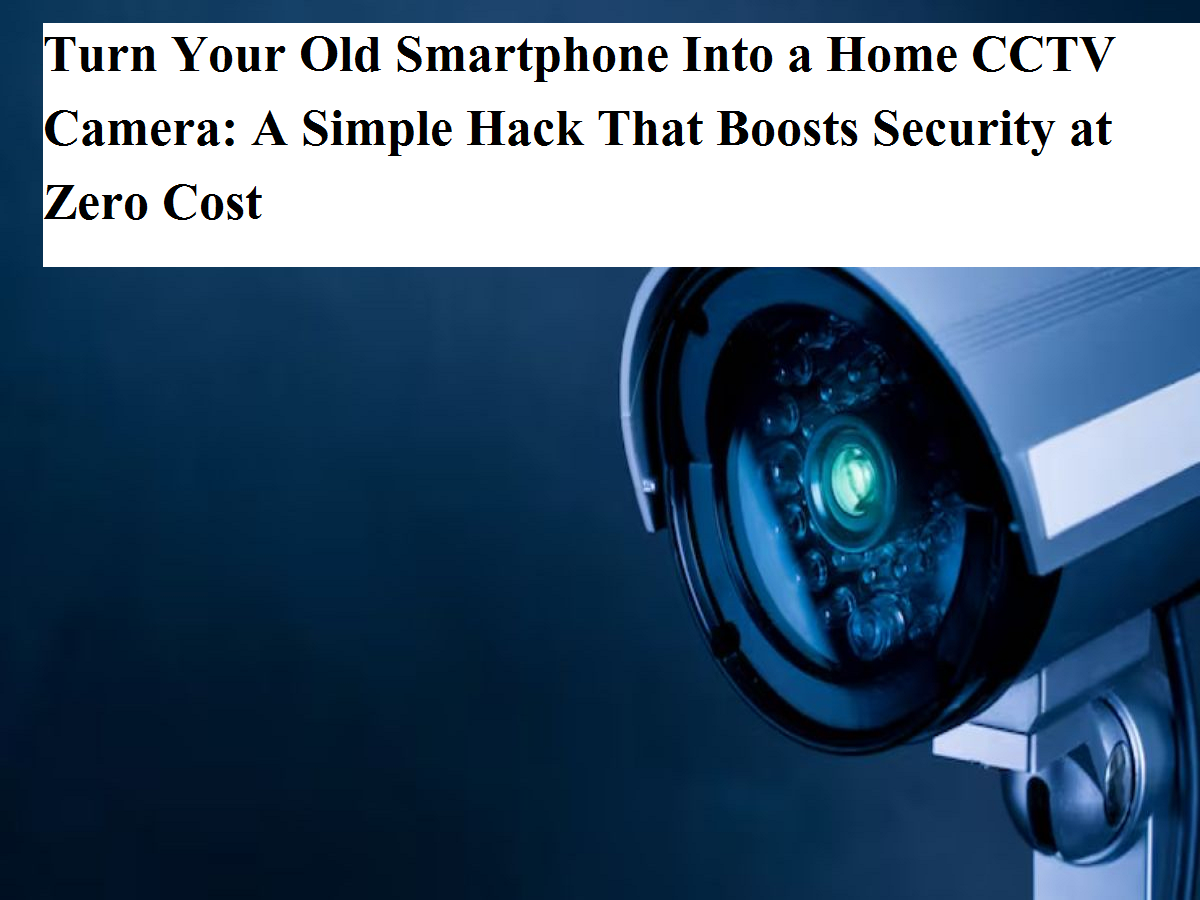
In today’s digital age, smartphones have become an inseparable part of daily life. From online payments and video calls to shopping and entertainment, almost everything revolves around mobile phones. Many people upgrade their smartphones every year, and as a result, old devices often end up lying unused in drawers or cupboards. What most users don’t realize is that this old smartphone can still be extremely useful. In fact, it can play a crucial role in keeping your home or workplace secure.
Yes, you read that right. Your old smartphone can be easily converted into a CCTV camera and used for home surveillance. This simple and budget-friendly trick can help you monitor your surroundings without investing in expensive security systems.
Why Use an Old Phone as a CCTV Camera?
Modern smartphones come equipped with high-quality cameras, internet connectivity, and smart sensors. Even if the phone is no longer suitable for daily use, its camera and WiFi capabilities can still function perfectly. With the help of a security camera app, your old phone can work just like a regular CCTV camera, offering live video streaming, motion alerts, and even recording options.
This hack works on both Android and iPhone devices, making it accessible to almost everyone.
What You Need to Set Up a DIY CCTV Camera
Before you start, make sure you have the following items ready:
-
An old smartphone (with a working camera)
-
Your current smartphone
-
A stable WiFi connection
-
Charger and cable
-
A phone stand or stable surface
In this setup, the old phone will act as the CCTV camera, while your current phone will be used to view the live footage.
Choosing the Right Security Camera App
The next step is to download a reliable security camera app on both phones. Visit the app store and select an app with good ratings and positive user reviews. Most trusted security camera apps offer features such as:
-
Live video streaming
-
Motion detection alerts
-
Video recording
-
Cloud or local storage options
Make sure to install the same app on both devices for seamless connectivity.
How to Connect Both Phones
Once the app is installed, log in using the same account on both smartphones. This step is crucial, as it allows both devices to sync with each other. After logging in:
-
Set the old phone as the camera device
-
Set the new phone as the viewer device
Follow the instructions shown in the app. Within a few seconds, the camera feed from the old phone will start appearing on your current phone’s screen.
Where and How to Place the Old Phone
Positioning plays an important role in effective surveillance. Place the old phone in an area you want to monitor, such as:
-
Main entrance or gate
-
Balcony
-
Children’s room
-
Store room or shop
Ensure the phone is securely placed and has a clear view of the area. Keep it connected to a charger, as continuous camera usage can drain the battery quickly. Also, make sure the phone is protected from water, dust, and direct sunlight.
Enable Motion Alerts and Recording
After setting up the camera, go to the app settings and enable motion detection. This feature will send instant notifications to your current phone whenever movement is detected. You can also turn on video recording to save footage for later review. This is especially helpful if you want to check what happened when you were away.
Instead of letting your old smartphone go to waste, you can turn it into a powerful security tool with minimal effort. This smart hack not only saves money but also enhances home safety using technology you already own. With the right app and proper placement, your unused phone can function just like a CCTV camera.
If you found this tip useful, don’t forget to share it with others. Stay connected for more practical tech hacks that make everyday life easier and smarter.