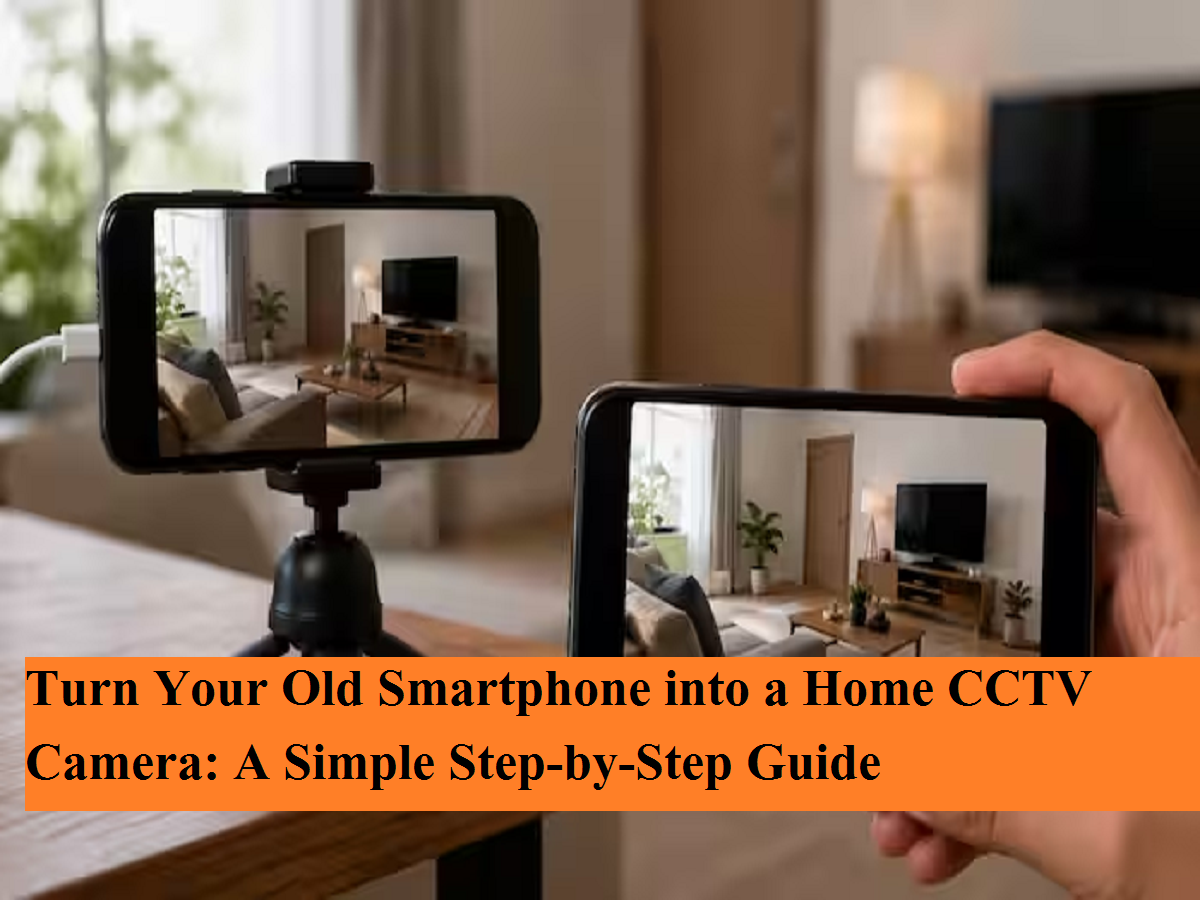
Old Smartphone CCTV Trick: Have an unused smartphone lying in a drawer? Instead of letting it collect dust, you can turn it into a fully functional home security camera. With the help of a free app and a few simple settings, your old Android or iPhone can monitor your home, office, shop, or garage and stream live video directly to your current phone.
Give Your Old Phone a New Purpose
Many people replace their smartphones every few years, leaving older devices unused. Rather than selling or storing them away, these phones can be repurposed as security cameras for indoor surveillance.
This budget-friendly solution is ideal for monitoring entrances, pets, children, elderly family members, or small businesses without purchasing an expensive CCTV system.
How to Convert an Old Phone into a CCTV Camera
Setting up your old phone as a security camera takes only a few minutes.
Step 1: Prepare the Phone
Before you begin:
-
Remove unnecessary apps to free up storage.
-
Ensure the camera and microphone are working properly.
-
Connect the phone to a stable Wi-Fi network.
-
Update the operating system if possible.
-
Keep the device fully charged.
Step 2: Install a Security Camera App
Several apps can transform your phone into a surveillance camera, including:
-
Alfred Camera
-
AtHome Camera
-
Manything
Install the same app on both devices:
-
Your old phone (Camera Device)
-
Your current smartphone (Viewer Device)
Follow the app's setup instructions, which usually include scanning a QR code or signing into the same account on both devices.
Step 3: Connect Both Devices
Once paired successfully:
-
Your old phone will begin capturing live video.
-
You can watch the live feed from anywhere using your primary smartphone.
-
Most apps also support motion detection, alerts, and remote viewing.
Place the Camera Carefully
Camera positioning plays a major role in effective monitoring.
For the best results, place your phone where it has a clear view of important areas such as:
-
Main entrance
-
Living room
-
Hallway
-
Office reception
-
Shop counter
-
Garage
Use a stable phone stand or wall mount to avoid movement and maintain a wide viewing angle.
Keep the Phone Connected to Power
Unlike traditional CCTV cameras, smartphones rely on internal batteries.
For continuous surveillance:
-
Keep the phone plugged into a charger.
-
Use a reliable charging cable.
-
Ensure proper ventilation to prevent overheating during long recording sessions.
Manage Storage Efficiently
Continuous recording can quickly fill the phone's storage.
Many security camera apps offer:
-
Cloud storage
-
Motion-triggered recording
-
Automatic deletion of older footage
-
Video backup options
Cloud storage allows you to access recordings even if the phone is lost or damaged.
Advantages of Using an Old Phone as a CCTV Camera
-
No need to purchase a separate CCTV system.
-
Live remote monitoring from anywhere.
-
Motion detection and instant alerts.
-
Easy installation without professional help.
-
A practical way to recycle an unused smartphone.
Things to Keep in Mind
While this setup is useful for home monitoring, it may not fully replace a professional CCTV system for businesses or high-security environments. A stable internet connection, continuous power supply, and proper placement are essential for reliable performance.
Final Thoughts
If you have an old smartphone sitting unused, converting it into a CCTV camera is a smart and cost-effective solution. With just a free security app, Wi-Fi connectivity, and a charger, you can create a simple surveillance system that helps keep your home or workplace under constant watch.