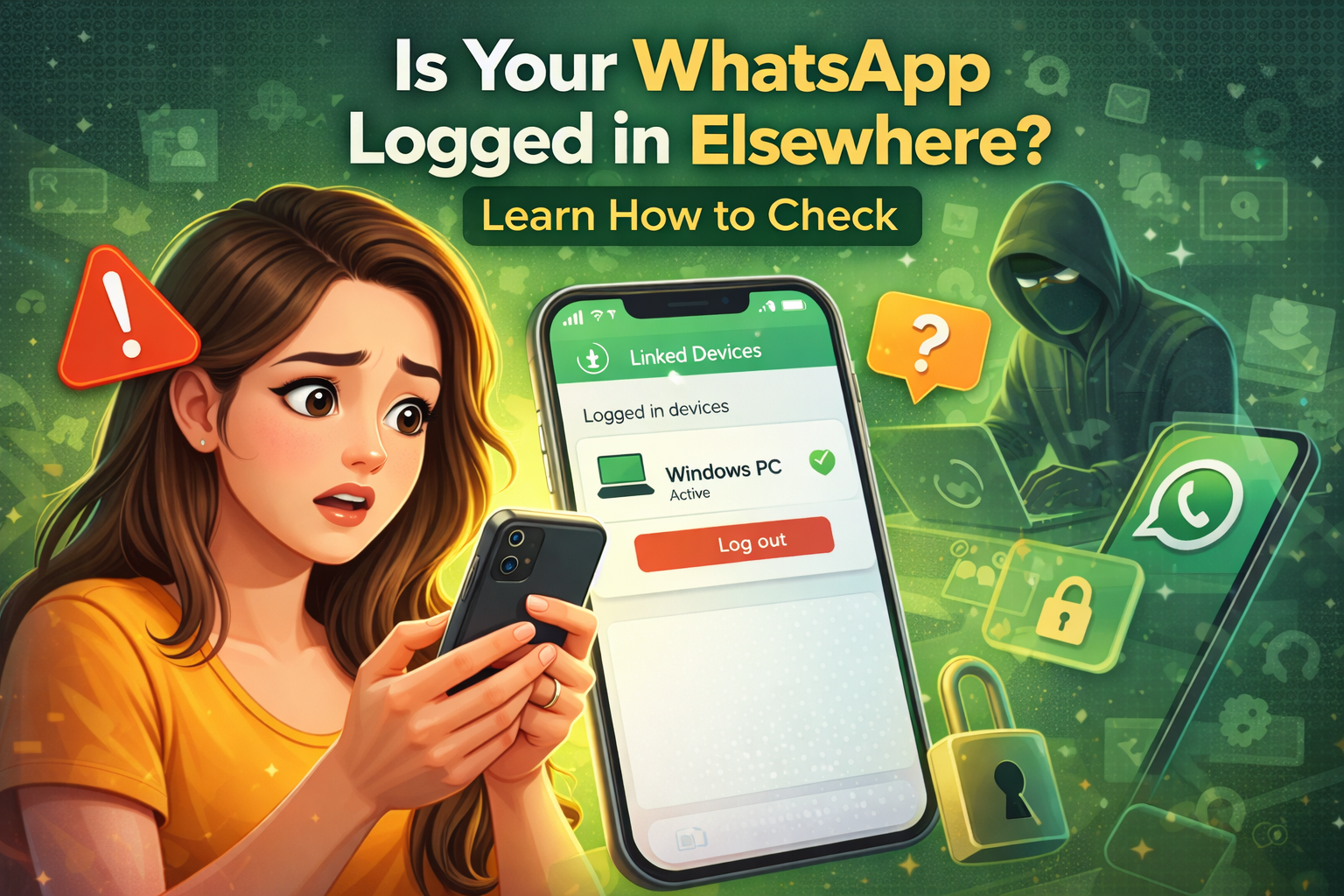
WhatsApp has become an essential part of daily communication in today’s digital world. From sending morning greetings to sharing important office updates, millions of people rely on this messaging app for both personal and professional conversations.
However, with the increasing use of WhatsApp, cases of cyber fraud and online hacking are also rising. In some situations, users may not even realize that their WhatsApp account is active on another device. If this happens, your personal chats, sensitive information, and documents could be at risk.
Fortunately, there are simple ways to check whether your WhatsApp account is being used somewhere else.
Check the Linked Devices Section
The first step is to review the Linked Devices section in WhatsApp settings.
WhatsApp allows users to connect their account to laptops, desktops, or other devices using WhatsApp Web. Sometimes someone may scan your QR code without permission and gain access to your account.
To check this:
-
Open WhatsApp
-
Tap on the three-dot menu
-
Select Linked Devices
Here you will see a list of devices currently connected to your account. If you notice any unknown device, you should immediately log it out.
Pay Attention to Login Notifications
WhatsApp sometimes sends notifications or alerts related to login activity. These messages are sent to the registered phone number.
If you suddenly receive a message indicating that your account has been accessed or linked to a device, you should take it seriously. Such alerts may indicate an attempt to access your account without permission.
Unexpected Logout Can Be a Warning Sign
If WhatsApp suddenly logs you out of your account without any action from your side, it may be a warning sign.
Sometimes the app may ask for OTP verification again. If you did not request this change, it could mean that someone else is trying to log into your account.
Check Sent Messages and Read Receipts
Another way to identify suspicious activity is by checking your chat history.
If you notice messages that you never sent, it could indicate that someone else has access to your account. Similarly, if a message shows as read even though you have not opened it, your WhatsApp may be active on another device.
Tips to Keep Your WhatsApp Account Safe
To protect your WhatsApp account from hacking, follow these precautions:
-
Never share your OTP with anyone
-
Enable Two-Step Verification
-
Regularly check the Linked Devices list
-
Avoid clicking on suspicious links
-
Always keep your phone locked
By following these simple steps, you can ensure that your WhatsApp account remains secure and protected from unauthorized access.