TECH
WhatsApp Trick: Your status won't appear blurry anymore! Upload HD quality photos and videos without quality loss
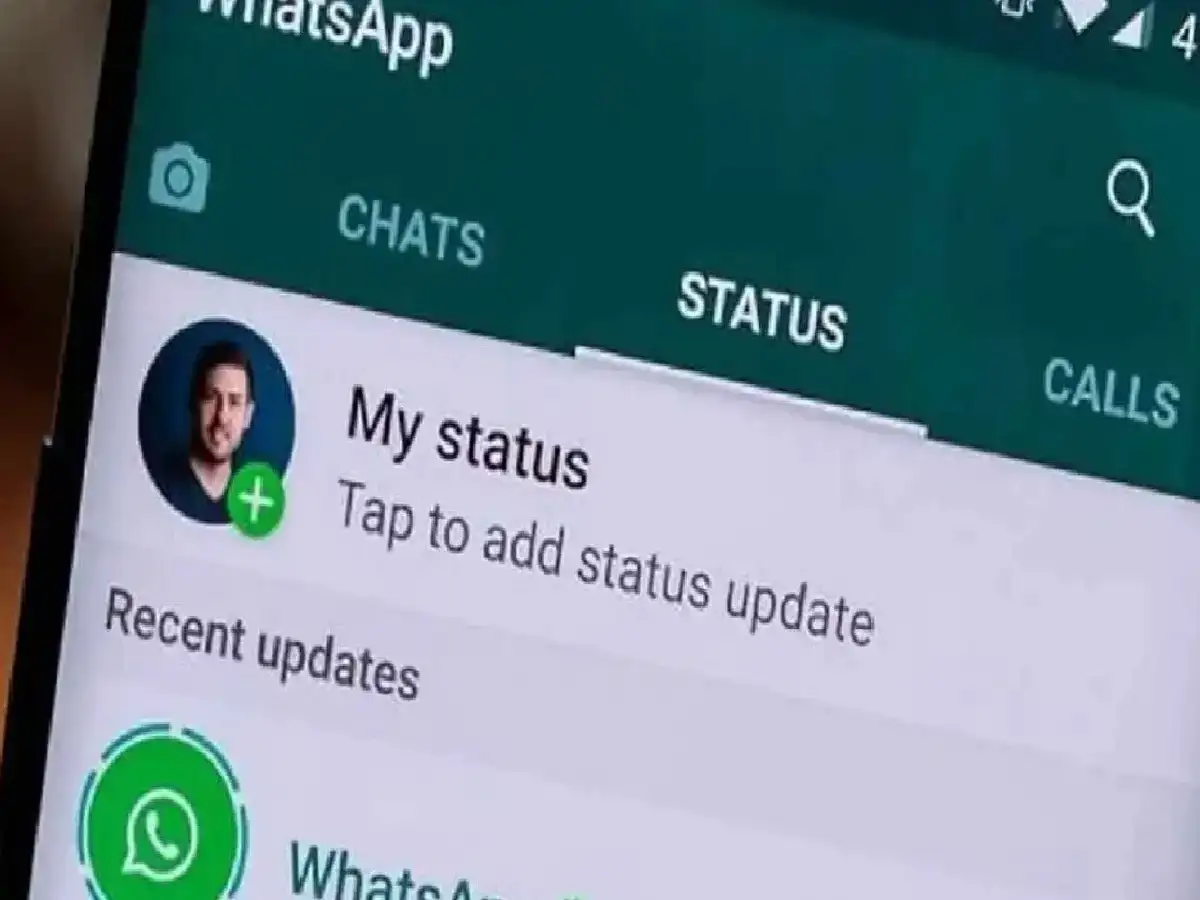
Whenever we upload a photo or video directly to the status on WhatsApp, the automatic compression system of WhatsApp reduces its quality, due to which the video or photo appears blurry or hazy.
There's no dedicated "HD Status" button for WhatsApp Status, but you can upload your status in the best quality by following some simple smart tricks:
Trick 1: Forward yourself to the chat
Using this method, you can significantly preserve the quality of your video or photo:
Send to your own chat: First of all open the chat of your own number (You / Saved Messages) in your WhatsApp.
Send in HD: Now select the photo or video from your gallery that you want to set as your status. Before sending, click on the 'HD' icon at the top and select 'HD Quality' to send it to yourself.
Share to Status: Long-press on the photo or video you just sent. Click the Share/Forward button at the top and select 'My Status' to post it directly.
Trick 2: Sending a video as a document and posting it as a status
If you want to ensure that the quality of your video remains the same, you can use this trick:
Go to any of your chats (or your own chat) on WhatsApp and click on the Attachment (Paperclip) icon.
Instead of sending directly from the gallery, choose the 'Document' option.
Click on 'Browse other docs' above, select your video and send it.
After this, download that video and save it in your phone's gallery and then put it on your WhatsApp status in the normal way.
Trick 3: Keep the video size and resolution appropriate
Video length: Posting long videos on WhatsApp Status can lead to quality degradation. Try to keep your videos to 30 seconds or shorter, or cut longer videos into shorter parts.
Clear source file: Always use a video or photo with good lighting and at least 1080p (Full HD) quality so that it remains clear even after compression.
PC: INDIA TV HINDI