TECH
Why Does Your Smartphone Become Slow After 3–4 Years? 7 Reasons and Ways to Make It Faster Without Buying a New Phone
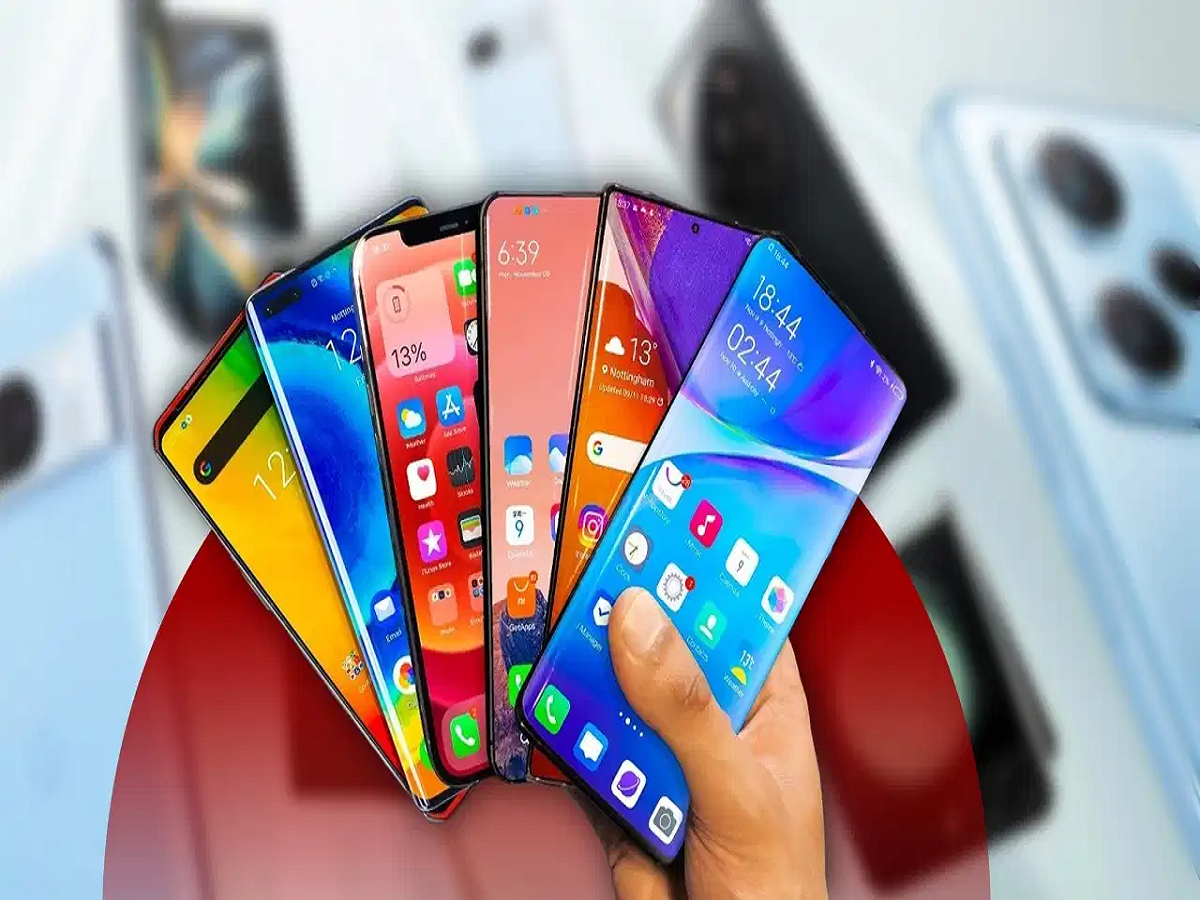
Remember how quickly your smartphone worked when you first bought it? Apps opened instantly, games ran smoothly, and switching between applications felt effortless. But after three or four years, the same phone may start freezing, heating up and taking longer to perform even simple tasks.
This experience is common among smartphone users. However, an ageing phone does not necessarily mean you need to spend money on a new one. Several factors can affect smartphone performance over time, and some of them can be fixed without replacing the device.
Let's understand why smartphones become slower and what you can do to improve their performance.
1. New apps demand more processing power
One of the biggest reasons older smartphones struggle is that applications become more demanding over time.
Developers regularly introduce new features, animations, security improvements and advanced tools. These changes can require more RAM and processing power than earlier versions.
While a newer smartphone can handle these requirements more comfortably, an older device may struggle with resource-intensive applications, particularly games, video editors and social media platforms.
As a result, apps may take longer to open, and switching between them can become less responsive.
2. Your phone's storage is almost full
Smartphone storage gradually fills up with photographs, videos, downloaded files, applications and messaging-app data.
When available storage becomes very low, the operating system has less room for temporary files, updates and other operations. This can contribute to sluggish performance.
To improve things, try these steps:
-
Delete duplicate photographs and unnecessary videos.
-
Remove applications you no longer use.
-
Clear unnecessary downloads and large files.
-
Review WhatsApp and Telegram media storage.
-
Keep some free space available for normal phone operations.
You can usually check storage usage under Settings and then Storage.
3. Battery health deteriorates over time
Smartphone batteries gradually lose their ability to hold a charge because of repeated charging and discharging cycles.
As battery health declines, you may notice that your phone needs charging more frequently or shuts down unexpectedly.
In some smartphones, battery-related performance management can also reduce peak processor performance to prevent unexpected shutdowns. This is not necessarily the case with every device, but it can contribute to slower performance on certain models.
If your phone is significantly slower and its battery drains unusually quickly, getting the battery health checked may be worthwhile. Replacing an ageing battery can sometimes make an older smartphone usable for much longer.
4. Overheating forces the processor to slow down
Have you noticed your smartphone becoming hot while playing games, recording videos or charging?
Modern smartphones have thermal management systems that reduce processor performance when internal temperatures become too high. This process is known as thermal throttling.
It protects internal components from excessive heat, but it can also cause applications to lag and games to experience lower frame rates.
To reduce overheating:
-
Avoid playing demanding games while charging.
-
Remove thick phone covers if the device becomes excessively hot.
-
Close unnecessary "1">
-
Restart your phone: A restart can clear temporary issues and refresh system processes.
-
Free up storage: Remove unnecessary files and applications.
-
Update applications: Install stable updates that fix bugs and improve compatibility.
-
Check battery health: Consider battery replacement if the existing battery has significantly deteriorated.
-
Reduce