
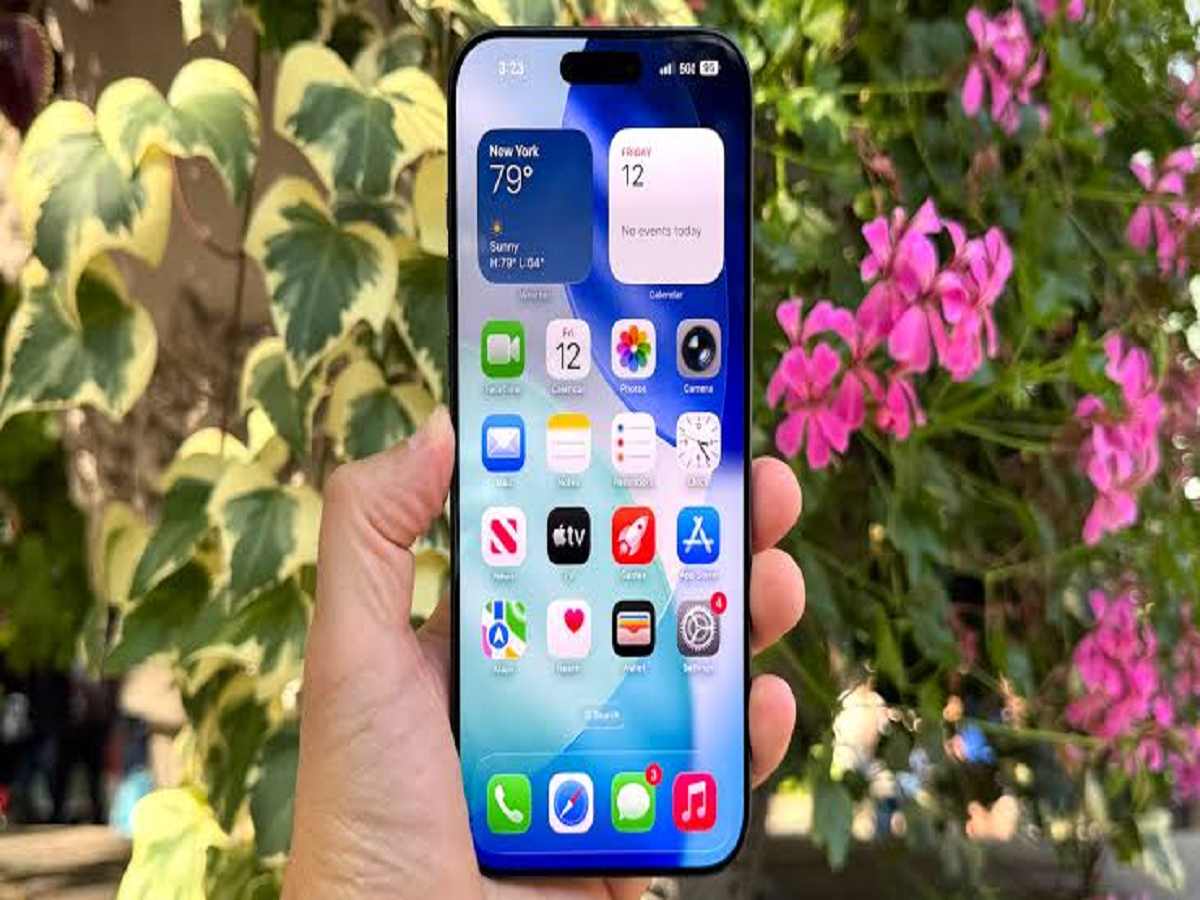
Many iPhone users use their phones every day but still don't know about several useful features hidden inside iOS. Apple has added so many functions over the years that some of the most practical tools can easily go unnoticed. Here are five simple tricks that can make your iPhone easier and faster to use.
Turn an app into a widget
You don't always need to open an app to see the information you want. On supported apps, you can turn the app icon into a widget directly from the Home Screen.
Long-press the app icon and choose the available widget size. You can then see information or shortcuts directly on the Home Screen without opening the full application.
Quickly find places you've visited
Your iPhone can help you look back at places you've previously visited through location-related features in Maps.
This can be useful if you visited a restaurant, shop or tourist attraction some time ago but don't remember its name or exact location. Check your Maps settings and location history options to see what information is available on your device.
Use Shortcuts to automate repetitive tasks
The Shortcuts app has become much more powerful, with Apple's latest updates making automation easier. Some tasks can now be created by describing what you want rather than manually building every step.
For example, you can create shortcuts that:
- Remind you about something when you open a particular app
- Check information automatically at a certain time
- Trigger an action when your battery reaches a particular level
- Perform several actions with a single command
This can save considerable time if you repeatedly perform the same task.
Turn screenshots into useful information
Instead of simply keeping screenshots in your gallery, use your iPhone's built-in tools to interact with information shown in them.
For example, text appearing in a screenshot can often be selected or copied, allowing you to quickly transfer addresses, phone numbers or other information into another app.
This is particularly useful when someone sends you information as an image instead of plain text.
Check your battery before leaving home
If you're heading out and don't want your phone to run out of power, you can create a battery-related automation using Shortcuts.
For example, you can set up an alert when the battery drops below a particular percentage. You can also create location-based automations that remind you about charging when you arrive at a particular place.
One more thing to remember
Not every feature is available on every iPhone. Some functions depend on the iPhone model, iOS version, language, region or whether Apple has enabled the feature on your device.
So, before assuming that a feature is missing, make sure your iPhone is running the latest available software and check the relevant settings.


