TECH
Your Phone Could Be Dirtier Than It Looks: Clean the Screen, Camera, Speakers and Charging Port Safely
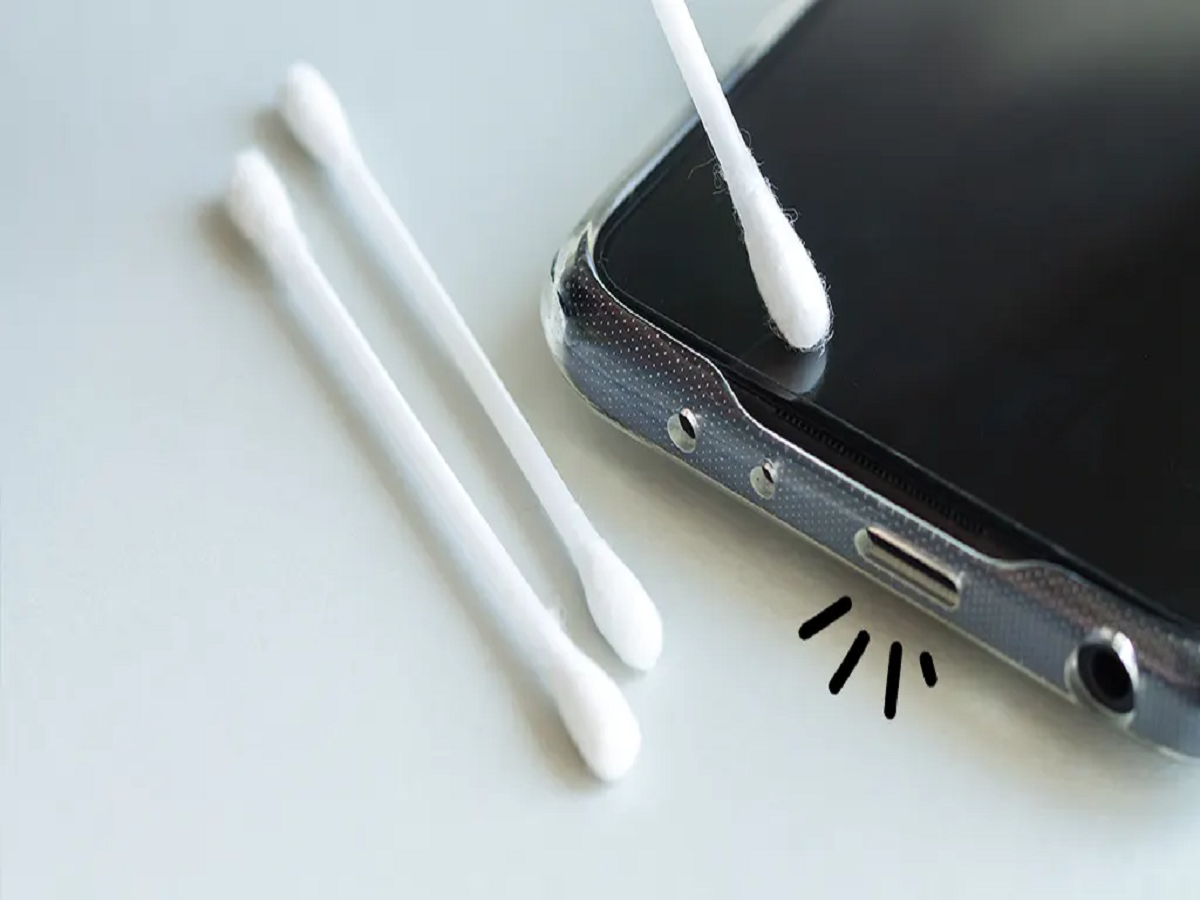
Smartphones are used throughout the day and regularly come into contact with hands, pockets, bags and different surfaces. As a result, fingerprints, dust, lint and other debris can gradually build up around the display, camera lenses, speakers and charging port.
This is not only a cosmetic problem. A clogged speaker grille can affect sound, while debris inside a charging port may prevent the cable from connecting properly.
Switch Off the Phone Before Cleaning
Before starting, turn the smartphone off, disconnect the charger and remove the case. A clean, soft microfiber cloth is generally the safest option for wiping the exterior.
Do not spray cleaning liquid directly onto the phone. Samsung recommends keeping moisture away from openings such as speakers and charging ports and applying any suitable cleaning solution to the cloth rather than directly to the handset.
Clean the Screen With a Microfiber Cloth
Fingerprints and everyday marks can usually be removed with a dry microfiber cloth. Wipe gently instead of applying excessive pressure.
If more cleaning is necessary, follow the manufacturer's instructions for your particular handset. Avoid abrasive materials and do not allow liquid to enter buttons, speakers or ports.
Don't Forget the Camera Lenses
A camera lens may look clean at first glance but still carry fingerprints or a thin layer of dust. This can affect image clarity, especially when shooting around bright lights.
Use a clean microfiber or lens cloth and gently wipe each camera lens. Avoid rough materials that could damage the lens surface.
Speaker Grilles Need Extra Care
Dust and pocket lint can collect around speaker openings and potentially make audio sound quieter or muffled.
A clean, dry, soft-bristled brush can be used gently across the speaker grille to loosen surface debris. Avoid sharp metal objects and excessive pressure because the protective mesh and components underneath can be delicate.
Be Extremely Careful With the Charging Port
A charging cable that suddenly feels loose or does not connect correctly can sometimes be affected by compacted lint inside the port.
However, the charging connector is also one of the easiest areas to damage during DIY cleaning. Avoid inserting metal objects such as pins, paper clips or tweezers because they can damage internal contacts. Compressed air is also discouraged by some manufacturers because it may push debris farther inside or affect delicate components.
If debris cannot be removed safely or charging problems continue, professional inspection is preferable to repeatedly digging inside the port.
Never Charge a Phone With a Wet Port
If water or cleaning liquid reaches the charging connector, do not immediately plug in a cable.
Samsung advises disconnecting accessories and allowing moisture to evaporate completely before attempting wired charging again. External heat should not be used to force the drying process.
Bottom Line
Regular cleaning can help keep a smartphone's screen clearer, camera lenses cleaner, speakers unobstructed and charging connection reliable.
The safest approach is also the simplest: power the phone down, use a soft microfiber cloth, keep liquids away from openings and never use sharp metal tools inside the ports.
A few minutes of careful maintenance can prevent ordinary dirt and lint from turning into an unnecessary repair problem.