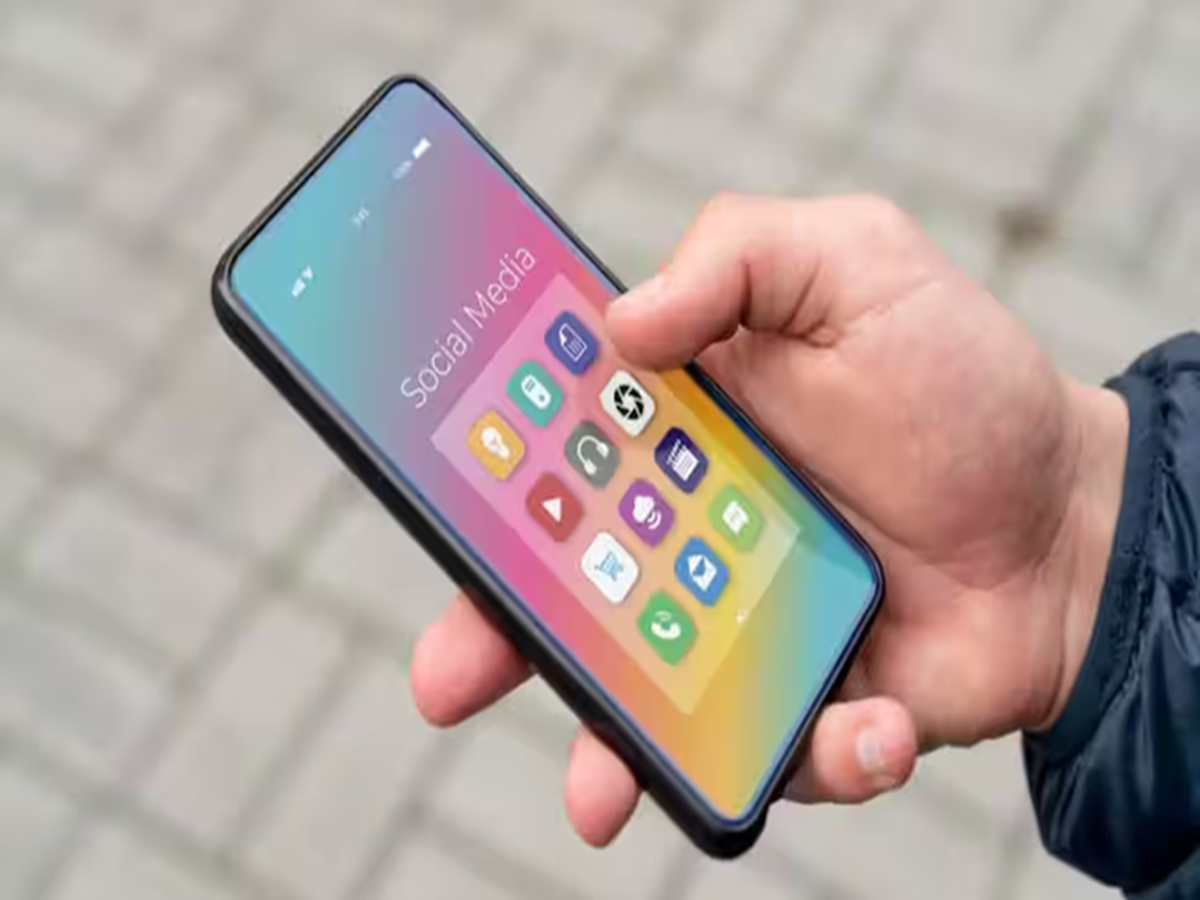
Is your smartphone taking longer to open apps, freezing frequently, or running out of battery much faster than before? Many people assume an aging phone needs to be replaced, but in most cases, everyday habits are responsible for the slowdown.
The good news is that a few simple changes can significantly improve your phone's speed and performance without spending a single rupee.
1. Don't Let Storage Fill Up Completely
One of the biggest reasons behind a slow smartphone is insufficient free storage.
When your device is almost full, it struggles to create temporary files needed for smooth operation. Experts recommend keeping at least 15–20% of your storage free for optimal performance.
Delete unnecessary downloads, duplicate photos, and unused apps regularly.
2. Restart Your Phone Every Few Days
Many users keep their phones running continuously for weeks.
Restarting your smartphone clears temporary memory, closes 't always mean it's time to buy a new one. In many cases, simple maintenance habits—such as freeing up storage, limiting background apps, installing updates, and restarting your phone regularly—can restore much of its original speed. Spending just a few minutes each month maintaining your device can improve performance, extend battery life, and help your phone last much longer.