LIFESTYLE
Diwali AI Photo Tips: Create 5 stunning Diwali photos with ChatGPT, just type this simple prompt
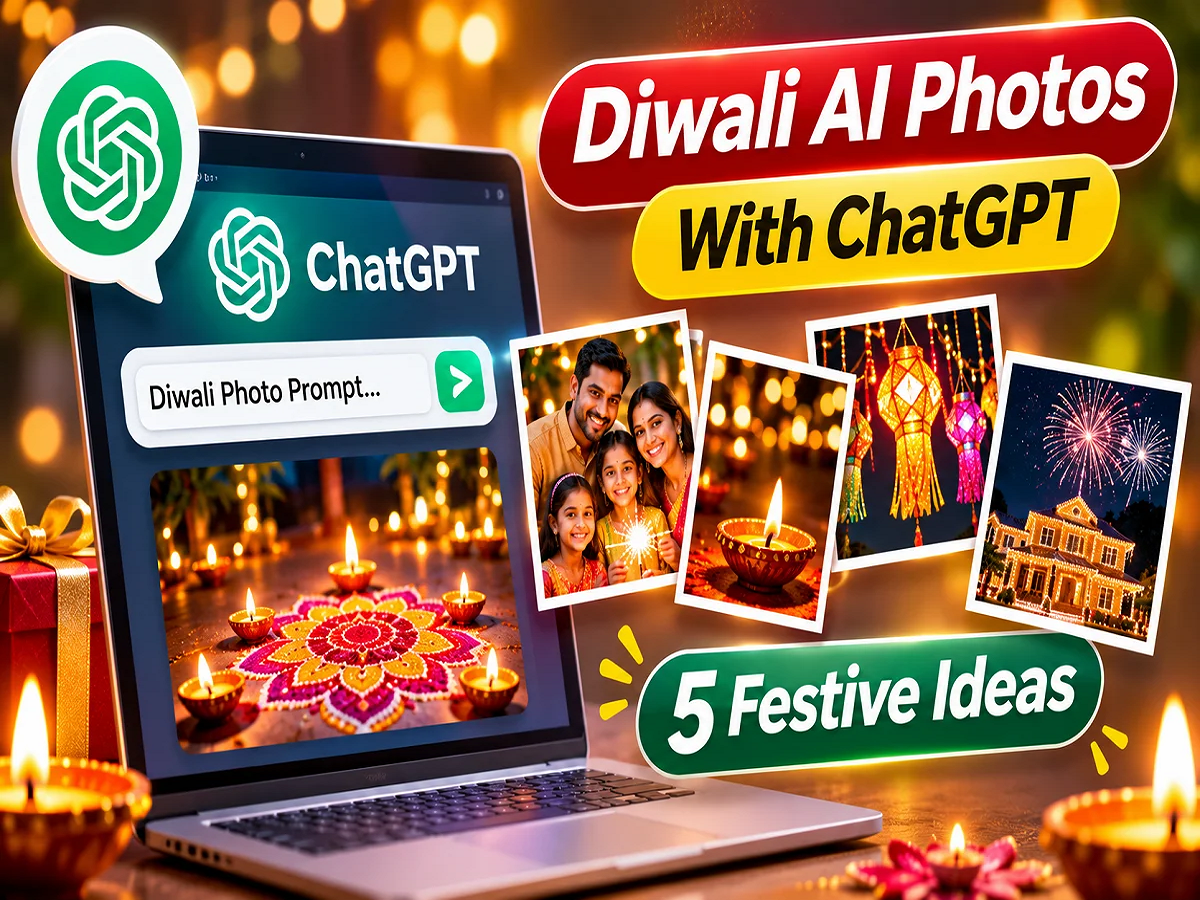
Diwali AI Photo Creation 2026: Everyone wants to share beautiful photos on social media during Diwali. Home decorations, colorful rangolis, lit diyas, and capturing special moments spent with family have become an integral part of the festival. However, sometimes the desired location, the right lighting, or a stunning background is not available.In such situations, attractive festive photos can be created with the help of artificial intelligence (AI).
With AI image generation tools like ChatGPT, you can create Diwali images based on your imagination. You don't need expensive photography equipment or a special location. You just need to give the AI the right instructions, or prompts. Let's explore how ChatGPT can be used to create images based on five different Diwali themes.
1. Create a romantic Diwali photo with diyas on the ceiling
Taking a photo on a lit-up rooftop on a Diwali evening has its own charm. If you want to create a photo with the beautiful city lights in the Create a realistic cinematic Diwali rooftop photograph featuring a young Indian couple wearing elegant traditional outfits. They are holding glowing clay diyas at twilight. The background shows a beautiful Indian city skyline decorated with golden fairy lights. Use warm lighting, soft bokeh, realistic facial expressions, detailed fabric textures and professional 35mm photography. No text or watermark."
2. Create beautiful Diwali photos of the entire family
Diwali is a festival of sharing joy with family. A stunning family portrait can make festive memories even more special. With the help of AI, a photo can be created that shows grandparents, parents, and children celebrating the festival together.
The photo can include a traditional living room, marigold garlands, colorful lights, and beautiful decorations. Family members' natural smiles and interactions with each other can make the photo more lively.
Prompt for ChatGPT:
"Generate a photorealistic Indian family celebrating Diwali together in a beautifully decorated living room. Include grandparents, parents and children wearing colorful traditional Indian clothes. Show natural smiles, affectionate interactions, glowing diyas, marigold decorations and warm fairy lights. Use soft golden lighting, realistic skin textures, professional 50mm portrait photography and natural expressions."
If you prefer to base your image on real family photos, you can also use the available image editing features to change the ''>3. Create stunning Diwali decorations without firecrackers and rangoli.
The beauty of Diwali isn't limited to firecrackers or rangoli. The decorations at the place of worship, brass lamps, flower garlands, and idols of Lakshmi and Ganesha can also make for captivating photographs.
AI can be used to create an image of a traditional place of worship with lamps burning and their light falling on surrounding metal objects. Such an image could be useful for a website, social media post, or Diwali greeting card.
Prompt for ChatGPT:
"Create a high-resolution traditional Indian Diwali decoration photograph showing a peaceful home altar with brass oil lamps, glowing diyas, jasmine flowers, marigold garlands and small Lakshmi-Ganesha idols. Include elegant wooden textures, beautiful golden reflections and soft festive lighting. Use realistic macro photography with a shallow depth of field. No people, no firecrackers, no rangoli, no text."
4. Create attractive photos with Diwali sweets
The joy of festivals is incomplete without sweets. Sweets like laddus, kaju katli, gulab jamuns, and barfi are found in almost every household during Diwali.
You can have AI create an image of a young woman dressed in traditional attire enjoying sweets, with a silver plate filled with various sweets and festive decorations in the Generate a realistic candid Diwali photograph of a young Indian woman wearing a colorful traditional kurta and enjoying kaju katli. Place a decorative silver platter filled with laddoos, gulab jamun and colorful barfi in the foreground. Add a cup of steaming masala chai, warm festive fairy lights and a cozy Indian home atmosphere. Use natural indoor lighting, realistic food textures and professional food photography."
5. Create beautiful pictures of children making Rangoli
The tradition of creating rangoli in the courtyard and near the main door of the house is very popular on Diwali. If you want to turn this beautiful moment into an AI image, you can choose a scene of children making rangoli.
The picture shows two sisters wearing traditional clothing and creating a rangoli on the floor. Surrounding them are small pots of red, yellow, blue, and green paint. The rangoli can include floral and geometric designs.
Prompt for ChatGPT:
"Create a photorealistic Diwali celebration scene featuring two young Indian sisters making a colorful rangoli at the entrance of their home. Show their hands carefully placing bright red, yellow, green and blue rangoli powders into floral patterns. Include glowing clay diyas, decorative lanterns and warm string lights. Capture natural expressions, realistic details, vibrant colors and documentary-style photography from a low camera angle."
How to Create Diwali AI Photo with ChatGPT?
If you are using AI image generation for the first time, then below are the simple steps to follow.
- Open ChatGPT on your mobile or computer and use the image creation feature if available.
- Select the theme of Diwali photo as per your choice.
- Copy one of the prompts above and insert it into the chat.
- Give instructions to change the color of clothes, location, 'line-height: normal;mso-list:l0 level1 lfo1;tab-stops:list .5in'>After the image is ready, write a new command to make changes to it.
- If you like it, you can save the picture and use it in personal greetings or social media posts.
Keep these things in mind to create better AI photos
Simply typing "make a Diwali photo" isn't enough to get a good image from AI. The more specific the description, the better the results are likely to be.
It's helpful to specify in the prompt whether the photo is indoors or outdoors, the time of day, how many people are visible, and the lighting. You can also specify whether the photo is realistic, cinematic, or traditional.
If the image is for Instagram, a 4:5 or 9:16 aspect ratio might be recommended. For a website, a 16:9 horizontal image might be useful. The AI isn't always guaranteed to follow the instructions exactly. Therefore, the prompt may need to be modified for better results.
What is the difference between an AI photo and a real photo?
Creating beautiful Diwali images with AI is a creative option, but it can't replace real memories. Performing puja with family, watching children make rangoli, and sharing sweets with loved ones are moments that hold their own emotional value.
AI imagery can help visualize imagery, create festive designs, and create creative for social media. However, sharing them as images of real events should be avoided. Clearly identifying AI-generated imagery, especially in news or factual content, is good editorial practice.
Conclusion: AI tools like ChatGPT have made it easy to create innovative Diwali images. With the right prompt, an attractive