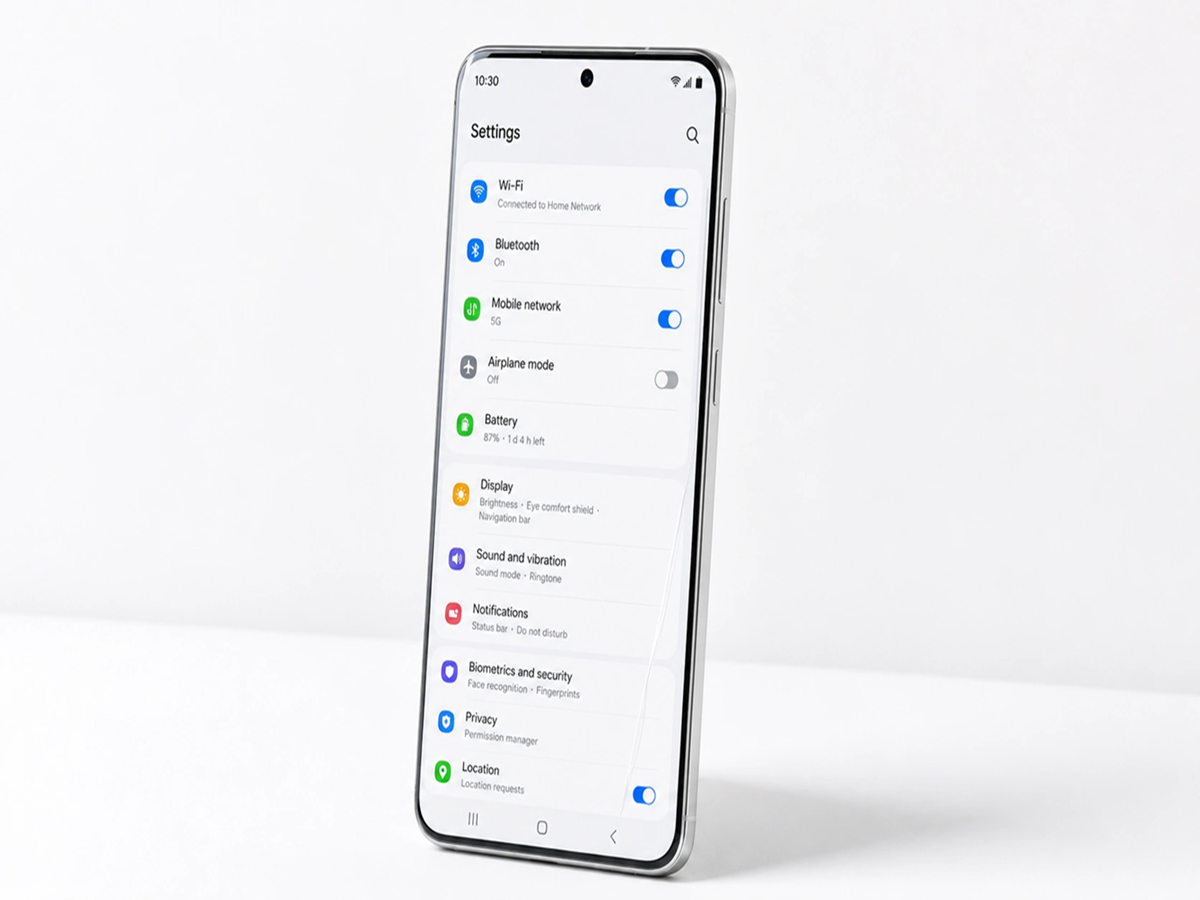
Your smartphone works hard every day, but many of its best features remain hidden inside the Settings app. A few small changes can improve battery life, boost privacy, and make your phone faster and more secure. Here are 10 settings worth checking today.
1. Turn On Automatic App Updates
Outdated apps can contain bugs and security vulnerabilities. Enabling automatic updates ensures you always have the latest features and security fixes without having to check manually.
2. Enable Two-Factor Authentication
If your phone stores important accounts like email, banking, or social media, adding two-factor authentication gives you an extra layer of protection against unauthorized access.
3. Review App Permissions
Many apps request access to your camera, microphone, contacts, or location even when they don't need it. Regularly review permissions and remove access for apps that don't require it.
4. Activate Battery Optimization
Most smartphones include battery optimization features that reduce background activity for apps you rarely use. This can significantly extend your daily battery life.
5. Clear Cached Data Occasionally
Over time, apps collect temporary files that can take up storage. Clearing cached data from apps you use frequently may help free up space and resolve minor performance issues.
6. Turn On Find My Device
Losing a phone can be stressful. Enabling your phone's built-in device finder lets you locate, lock, or erase your phone remotely if it's ever lost or stolen.
7. Use a Strong Screen Lock
A six-digit PIN, strong password, fingerprint, or face unlock offers better protection than a simple four-digit PIN or swipe pattern.
8. Disable Unused Background Apps
Some apps continue running even when you're not using them, consuming battery and mobile data. Restrict unnecessary background activity for apps you rarely open.
9. Check Your Storage Regularly
Keeping at least 15–20% of your storage free helps your phone run more smoothly. Delete duplicate photos, unused apps, and old downloads to maintain good performance.
10. Restart Your Phone Once a Week
A simple restart clears temporary processes, refreshes memory, and can fix small glitches before they become bigger problems.
Final Thoughts
You don't need a new smartphone to enjoy a better experience. Spending just a few minutes adjusting these settings can improve security, increase battery life, and keep your device running efficiently for the long term.