
TECH
3 easiest and most effective ways to prevent Instagram from being hacked, you should also follow
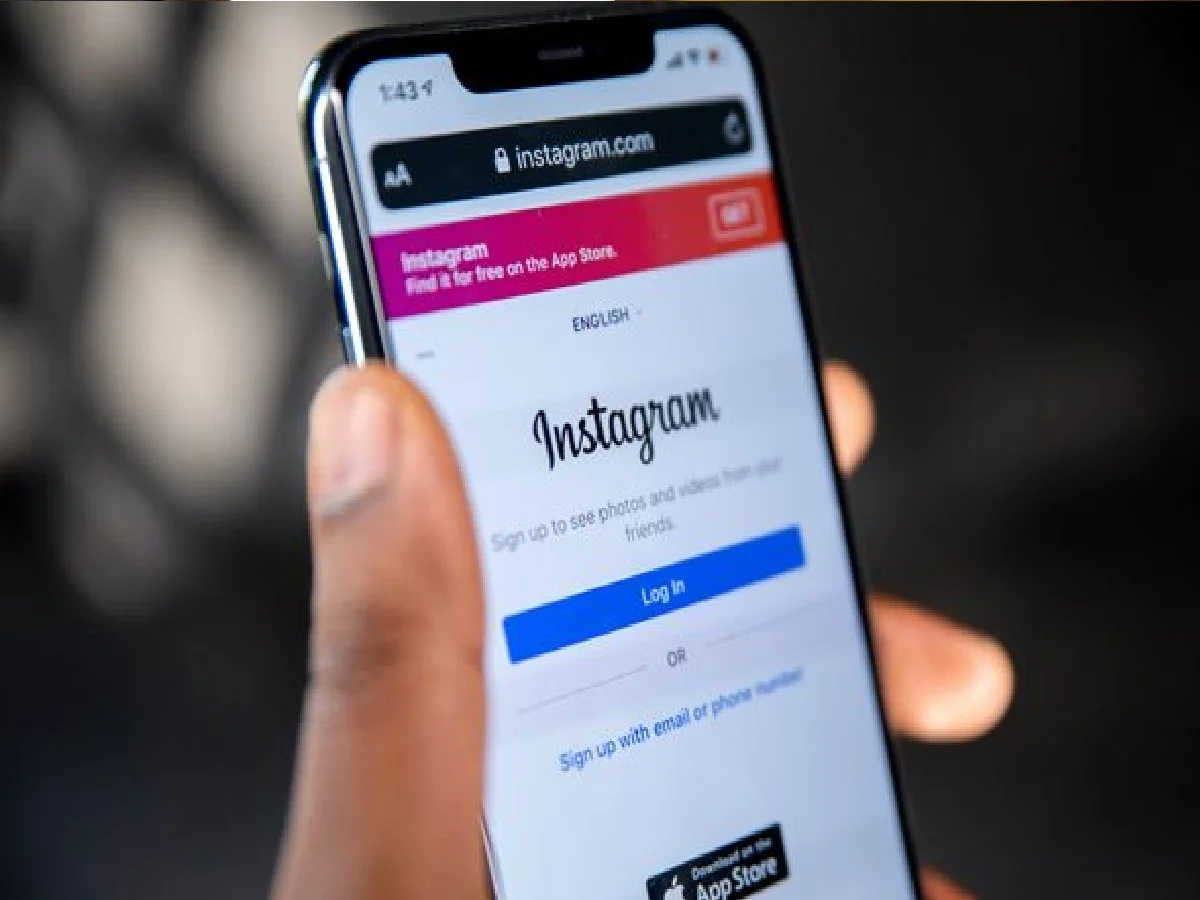
Instagram account hacking and data theft are on the rise these days. Hackers gain access to profiles through phishing links, weak passwords, and third-party apps. A little caution can keep your account completely secure.
The 3 most important settings and precautions to protect your Instagram account from hackers:
1. Turn on Two-Factor Authentication (2FA)
This is the strongest layer of security. Once it's turned on, whenever someone logs in from a new device, they'll need the OTP or Google Authenticator code that's sent to their phone after entering their password.
How to turn it on: Go to Profile > Menu (3 lines) > Accounts Center > Password and security > Two-factor authentication and turn it on.
2. Strong Password and Login Activity
Strong Password: Create a strong password of at least 10-12 digits by combining letters, numbers and special characters (@, #, $) instead of your name or phone number.
Check Login Activity: Periodically check where your account is active in Accounts Center > Where you're logged in. If you see an unfamiliar device, log out immediately and change your password.
3. Avoid phishing links and third-party apps.
Phishing messages: Don't enter your login details on links in any messages or emails that promise "blue ticks," "copyright infringement," or "free followers." Instagram never asks for passwords in DMs.
Remove access to unauthorized apps: Never log in to third-party apps that boost followers or views. Immediately remove access to suspicious apps by going to Settings > Website permissions > Apps and websites.
PC: AAJ TAK


