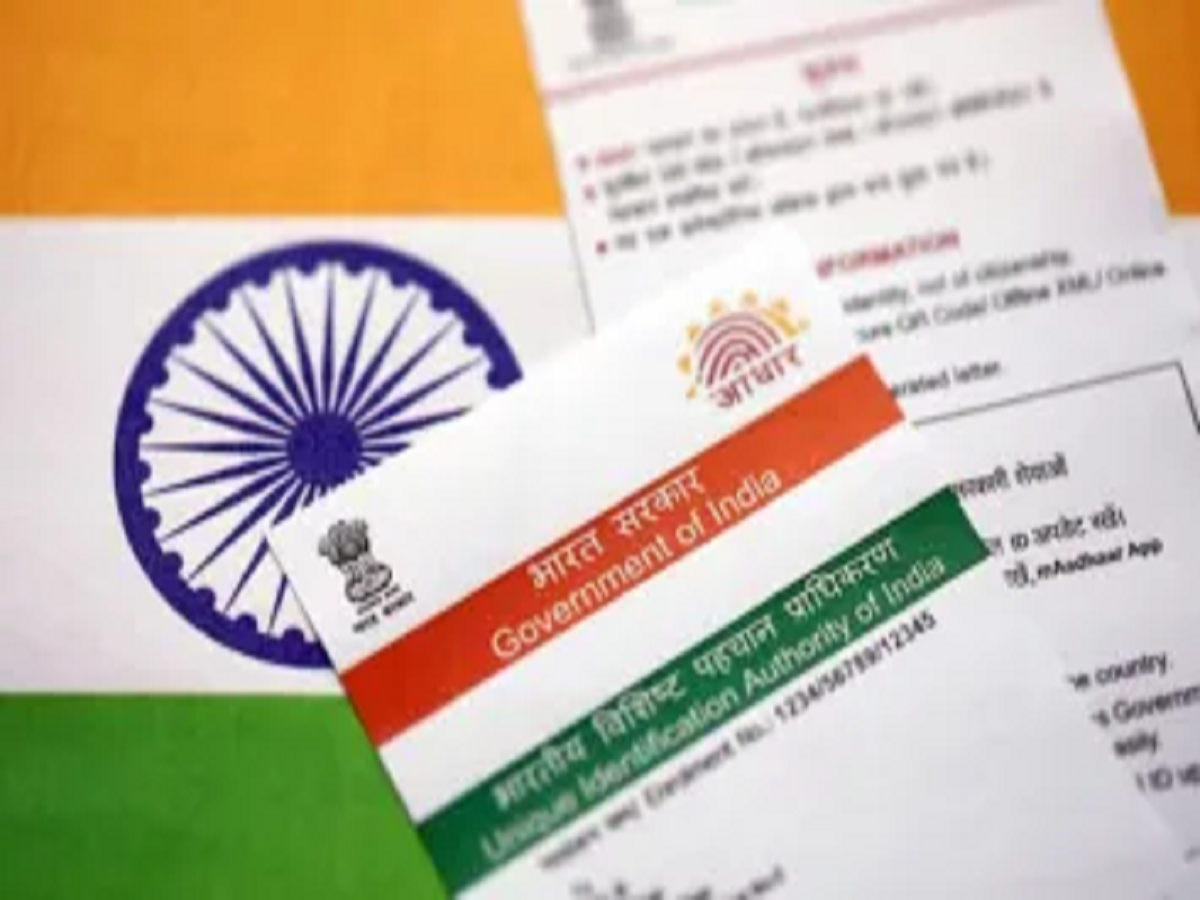
Aadhaar is one of the most widely used identity documents in India. It is required for various services, including banking, government schemes, mobile connections and other verification processes. If you have recently shifted your home, updating the address on your Aadhaar card is important to ensure that your details remain accurate.
The Unique Identification Authority of India (UIDAI) provides an online facility that allows eligible Aadhaar holders to request an address update without visiting an Aadhaar Seva Kendra.
What Documents Are Required to Update Your Aadhaar Address?
Before starting the process, keep a valid Proof of Address document ready. UIDAI accepts several documents, depending on its prescribed list.
Some commonly accepted documents include:
-
Passport
-
Voter ID card
-
Ration card
-
Bank or post office passbook with the required details
-
Electricity, water or gas bill
-
Valid rent agreement
-
Government-issued address certificate, where applicable
Make sure that the document is valid, clearly readable and contains the address you want to update.
How to Change Your Aadhaar Address Online
You can submit an address update request through the official UIDAI website by following these steps:
-
Visit the official UIDAI website at uidai.gov.in.
-
Open the Aadhaar update section and select the online address update service.
-
Log in using your Aadhaar number and the OTP received on your registered mobile number.
-
Select the address update option.
-
Enter your new residential address carefully.
-
Upload the required Proof of Address document.
-
Review all the details before submitting the request.
-
Pay the applicable update fee, if required, and complete the submission.
After submitting the request, you will receive an Update Request Number (URN), which can be used to track the status of your application.
Can You Update Your Aadhaar Address Without Proof?
In certain circumstances, UIDAI provides an address update facility through an eligible Head of Family (HoF). This option may help individuals who do not have address proof in their own name.
The Head of Family must provide the required consent and supporting documents as specified by UIDAI. The request is processed after the prescribed verification procedure.
How to Check Your Aadhaar Update Status
You do not need to repeatedly visit an Aadhaar centre to know whether your request has been processed.
Simply visit the UIDAI website, open the 'Check Aadhaar Update Status' facility and enter your URN or the relevant details requested by the portal.
The system will display the current status of your update request.
Important Precautions Before Updating Aadhaar
Always ensure that your new address is entered correctly, including the house number, locality, PIN code and other relevant details. Incorrect information can lead to rejection or delays.
Also, remember that online Aadhaar services require access to your registered mobile number for OTP-based authentication. Never share your OTP or Aadhaar details with unknown individuals.
Updating your address on time helps keep your identity records accurate and reduces the possibility of verification-related problems when using Aadhaar for essential services.