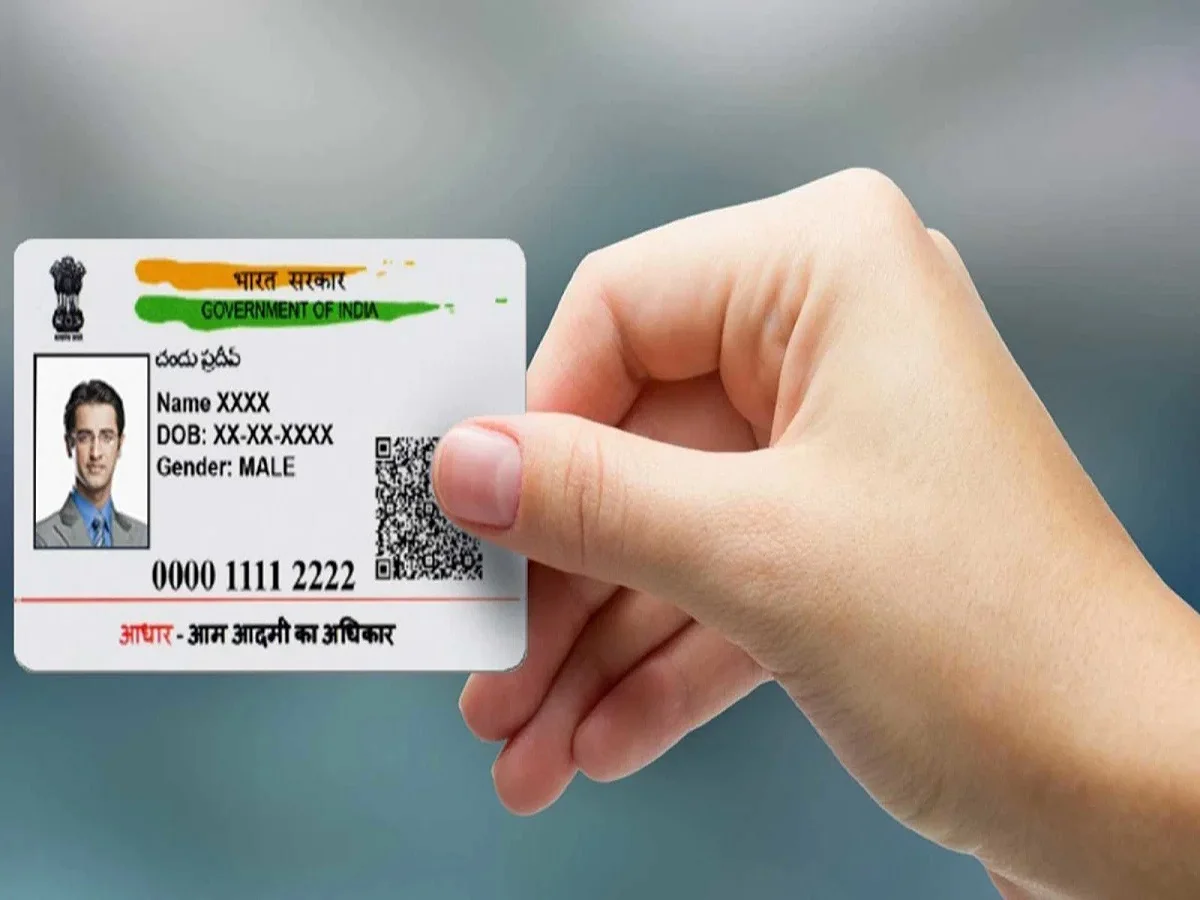
If the Aadhaar card is called the most important document of today's time, then there would be no second opinion. Yes, this is true; without it, many of your tasks can be hampered. In such a situation, it is essential to have an Aadhaar card. In addition to the cardholder's biometric and demographic information, the Aadhaar card also links a mobile number to it. However, if for some reason you need to change the mobile number linked to your Aadhaar card, you can do so from the comfort of your home. Let's find out how.
How to change mobile number linked to Aadhaar from mobile?
You can change the mobile number linked to Aadhaar using the new Aadhaar app.
First, you need to download and install the new Aadhaar app.
Then, log in to the app and enter your Aadhaar number.
You can then login to the app using face authentication.
You will see several options on the app, but you need to click on the service option
and then click on the mobile number update option.
After this, you have to click on Continue to Update Mobile Number.
Now enter your mobile number which you want to link with Aadhaar.
Then OTP will come on the entered mobile number, enter it here.
Now you have to undergo face authentication, that is, your verification is done,
After this you have to pay an online fee of Rs 75,
After paying the fee, submit it.
Then within 15 days your new mobile number gets updated in Aadhaar.