TECH
Android Phones Get New Anti-Scam Features: Check These Settings to Protect Your Calls, Messages and Personal Data
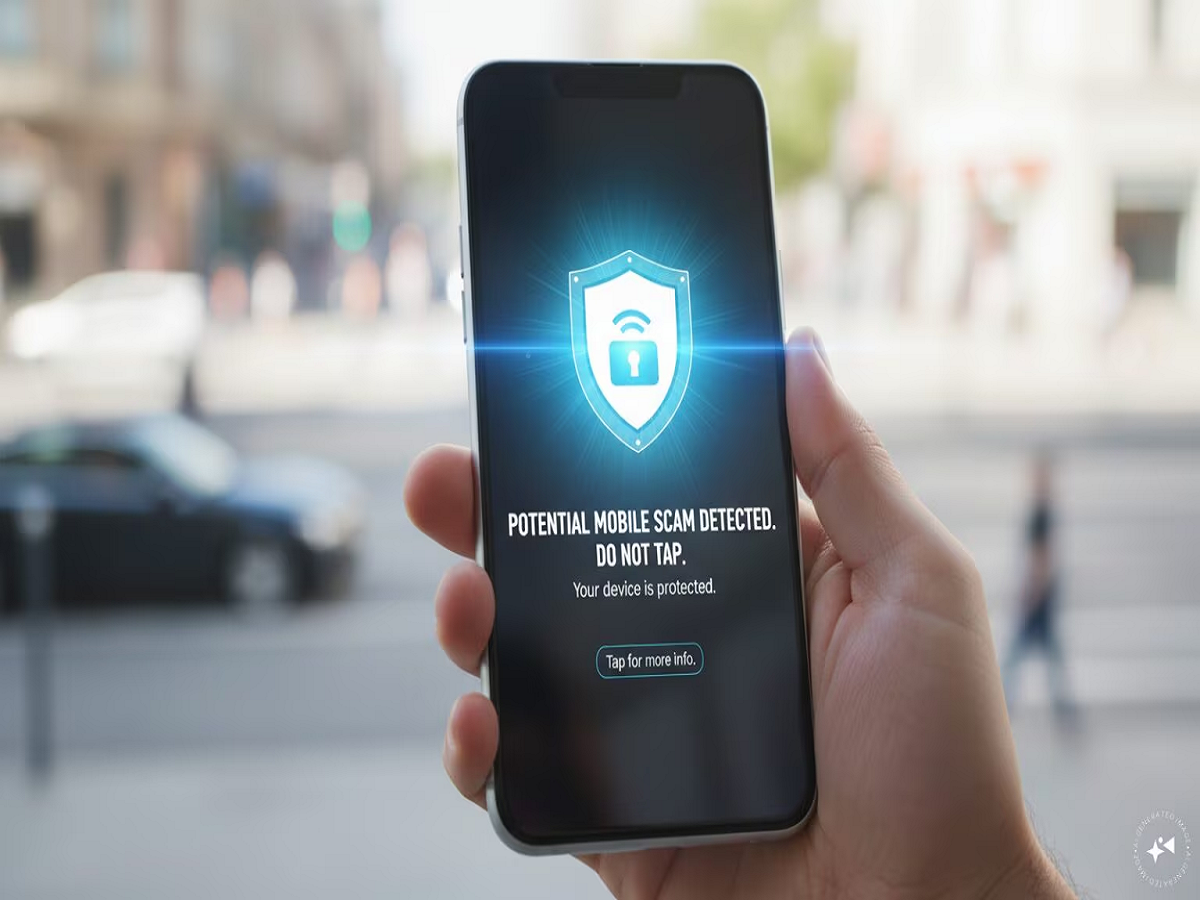
Your smartphone may soon do more than block spam calls and filter unwanted messages. Google is introducing additional security features for Android devices to help users identify suspicious messages, recognise scam attempts and avoid certain tricks used by cybercriminals.
The latest announcements, made during October 2026, include improvements to scam detection, protection against suspicious links and safeguards against unauthorised call forwarding. However, availability depends on the phone model, Android version and rollout schedule.
1. Your Phone Could Warn You About Suspicious Messages
One of the key developments is the expansion of scam detection to more Android devices.
The feature is designed to identify messages that appear suspicious and warn users before they interact with potentially harmful content. Such warnings can be particularly useful when a message creates urgency by claiming that a bank account will be blocked, a parcel cannot be delivered or a payment must be completed immediately.
Users should still exercise caution. Automated detection cannot identify every scam, and a message that looks genuine may still be fraudulent.
2. Extra Protection Against Dangerous Links
Google has announced additional link protection for Google Messages, including safeguards designed to identify potentially malicious links from unfamiliar numbers.
On supported devices, enhanced protection can use on-device AI capabilities to help detect suspicious content. Some of these features require newer hardware and software, so they may not be available on every Android phone.
The safest approach remains to avoid opening unexpected links, particularly those requesting banking details, passwords or identity documents.
3. A New Warning for Suspicious Call Forwarding
Call forwarding is a legitimate feature that redirects incoming calls to another number. However, criminals may attempt to trick people into activating it so that they can intercept calls or verification codes.
Google has announced additional safeguards intended to prevent applications from silently enabling call forwarding in the background. Supported devices may display a warning or require user authentication before certain changes can be made.
If you receive an unexpected call asking you to dial a code or change your call settings, do not follow the instructions without independently verifying the request.
4. Screen Sharing Could Become Safer
Screen-sharing scams often involve criminals persuading victims to display their banking app or enter sensitive information while another person watches.
Google has also announced protections designed to hide certain login fields and payment screens during supported screen-sharing sessions on compatible devices.
This provides an additional layer of protection, but it should not encourage users to share their screens with unknown callers. Never allow an unfamiliar person to remotely guide you through banking transactions.
5. How to Check Your Android Phone's Security
You can take several practical steps today, even if your device has not received every new feature.
-
Open Google Play Store, tap your profile picture and check Play Protect.
-
Install available Android security updates.
-
Update Google Messages, the Phone app and Google Play services.
-
Review applications that have Accessibility permissions.
-
Remove applications you no longer use or do not recognise.
-
Avoid installing APK files from unfamiliar websites.
-
Never disclose your UPI PIN, banking password or OTP to someone who contacts you unexpectedly.
You can also search your phone's Settings for “Security and privacy” to review the protections available on your device.
Will Every Android User Get These Features?
No. Some protections are limited to particular devices, Android versions or applications. Other features are being rolled out gradually, so they may not appear immediately even on compatible phones.
Google's October 2026 announcements include features for newer Android devices as well as certain protections for phones running Android 15 and earlier. Users should consult their device manufacturer's update information for exact compatibility.
The Bottom Line
Smartphone security is no longer just about installing antivirus software. Modern protection also involves identifying suspicious messages, controlling sensitive permissions and preventing criminals from manipulating everyday phone functions.
The new Android safeguards could help users recognise certain threats earlier, but no automated system can stop every scam. Keeping your phone updated, questioning unexpected requests and never sharing financial credentials remain essential habits for anyone who uses a smartphone for banking or digital payments.