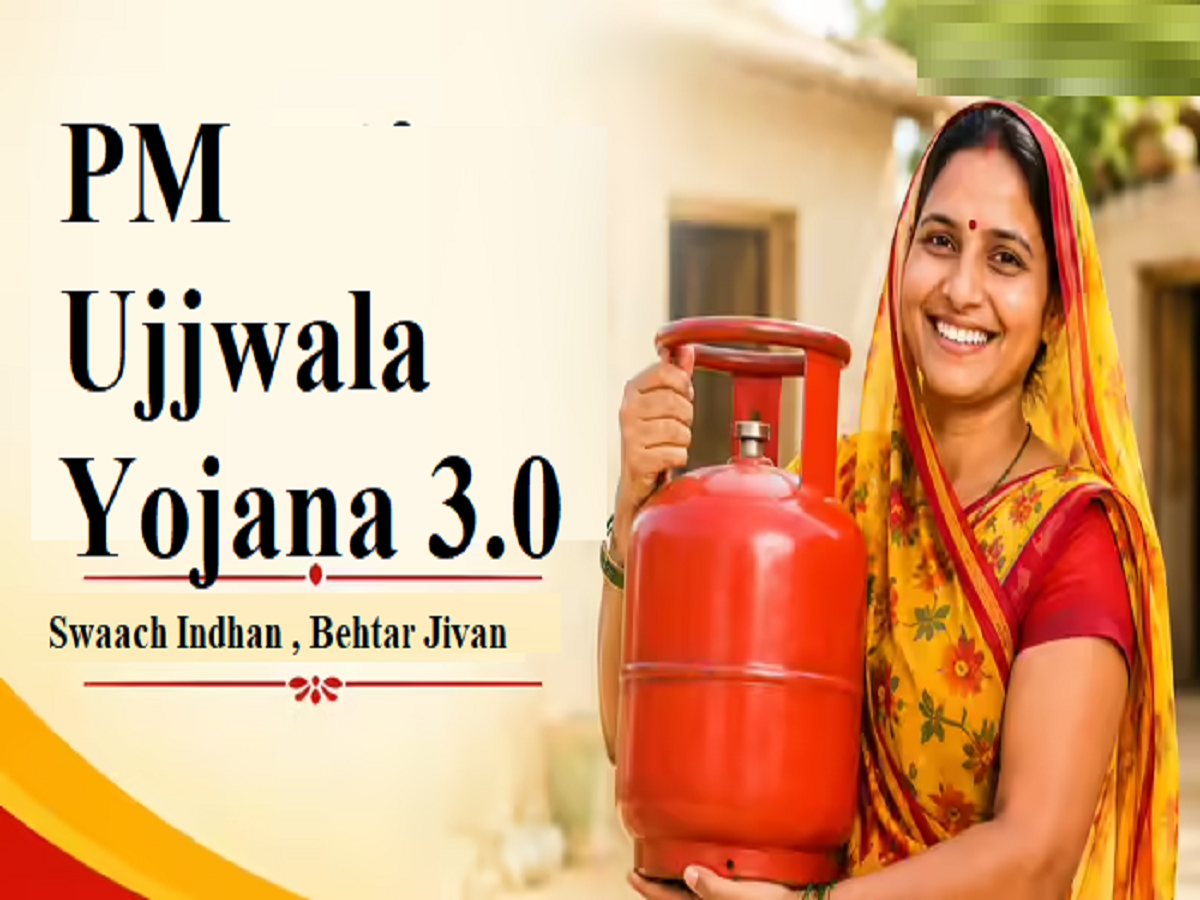
The Indian government launched Ujjwala Yojana 3.0 to help women from poor and marginalized families. Under this scheme, rural women receive free gas connections. A government refund of ₹300 is credited to their accounts, making the cost of a cylinder under the Ujjwala scheme ₹642. This scheme can be applied for in simple steps via mobile.
The government's primary goal is to help rural women by providing them with free gas connections through the Pradhan Mantri Ujjwala Yojana . Earlier, village women used to cook on stoves, which caused them many health problems. The government launched this scheme for the mothers of the country, and today, poor women in all villages are provided with gas connections for cooking. The government launched this scheme on May 1, 2016, from Ballia district in Uttar Pradesh by Prime Minister Modi. Today, this scheme is providing clean fuel to women, preventing them from suffering from diseases caused by stove smoke.
Who can apply for this scheme?
- The woman of the house who is interested in taking benefit of the scheme should be an Indian citizen.
- The applicant must be 18 years of age or older
- Scheduled Caste or Scheduled Tribe families
- Families falling under BPL category, Extremely Backward Class
- Beneficiaries of Pradhan Mantri Awas Yojana Gramin
- Beneficiaries of Antyodaya Anna Yojana (AAY)
- Tea and ex-tea garden tribes
- People living in islands and river islands
- Poor families as per the 14-point declaration
Keep these important documents with you before applying.
- Aadhar card
- Residence Certificate (not required if the address on Aadhaar is the same)
- Passport size photo
- Ration card
- Caste Certificate
- e-KYC is mandatory through Ujjwala connection
- KYC is not required for Assam and Meghalaya
- Bank account number and IFSC code
- Name in BPL certificate or SECC list
Easy Steps to Apply for PM Ujjwala Yojana 3.0
We'll show you the easiest steps to apply for this scheme without any hassle. You can also apply for this scheme on your mobile phone using the Chrome browser. You can also use the Umang App to apply for this scheme or check your status.
Steps to apply online from mobile
Step 1 - First of all go to chrome browser in your mobile
Step 2 - Search pmuy and go to the official website https://www.pmuy.gov.in/
Step 3 - Click on Apply for New PMUY Connection tab
Step 4 - Select the connection type (Ujjwala Connection 3.0)
Step 5 - Now select your state and district and click on show list
Step 6 - Select the distributor of your city
Step 7 - Enter your mobile number and captcha and submit the OTP
Step 8 - Do your e-KYC in which you will first select your ration card
Step 9 - Select your state, after that your form will appear, fill in all your details in the form as per the documents
Step 10 - Fill in the details of family members under the form, select which cylinder you want to take
Step 11 - Enter the bank account number, IFSC code, save the reference number
Now take a printout of your form. After filling the form, you will get a registration number.
Note down the registration number or click a screenshot and keep it safe. When you go to the gas agency, tell that number and submit the form. You will also get a gas connection and cylinder as per this scheme. If you face any kind of problem, you can get all the information about this scheme through the Umang app and the official website.
If you have a connection and want to book a refill, for that you will have to go to the official website of PMUY https://www.pmuy.gov.in/ . You will have to select Refill Booking from
Online Services . After that, you will get the numbers of all three gas agencies, you can contact them and book your gas.
PC: NBT