BUSINESS
Driving Licence Update 2026: Change the mobile number registered in DL sitting at home, update it online using Aadhaar
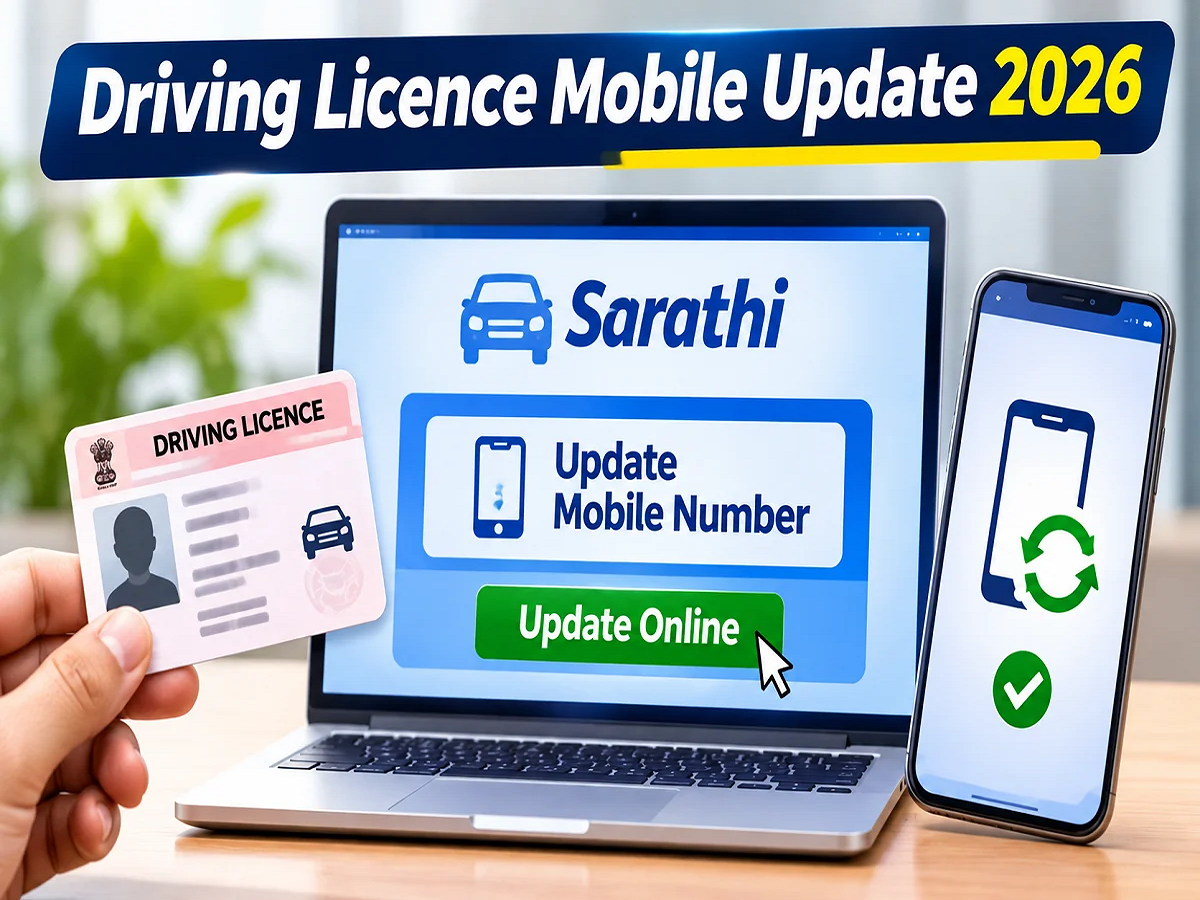
Driving Licence Mobile Number Update 2026: If your driving license has an old mobile number or one that's now deactivated, there's no need to visit the RTO office every time to update it. The Ministry of Road Transport and Highways (MoRTH) has provided an online mobile number update facility on the Sarathi Parivahan portal. This allows drivers to update their driving licenses using Aadhaar authentication. However, this feature depends on the state and the services available in the license records. Let's explore the complete process.
Why is it important to keep the mobile number updated in the driving license?
Many services related to the Transport Department are available online these days. Your mobile number may be needed for renewing your driver's license, checking your application status, and using other digital services.
Many services send an OTP for identity verification. If the license records an old or disabled mobile number, you may have trouble receiving important messages.
According to the Ministry of Road Transport and Highways, mobile numbers of a large number of vehicle owners and driving licence holders are not updated in the VAHAN and SARATHI databases.
In such a situation, important information, service related messages and statutory notices of the Transport Department may face difficulty in reaching the concerned person.
This is why the government is encouraging citizens to keep their contact details correct and updated.
plansSearch
What is Sarathi Parivahan Portal?
Sarathi Transport is an online platform affiliated to the Ministry of Road Transport and Highways, Government of India.
Various services related to driving license can be availed through this portal.
This includes driving license application, renewal, application status and other services available.
The facility to update mobile number can also be availed through this portal if available in the respective state.
How to change mobile number in Driving Licence online?
If you have a driving license and an active mobile number linked to Aadhaar, you can start the update process through the steps given below.
Step 1: Open the official website of Sarathi Parivahan
First of all open the internet browser on your mobile phone or computer.
After this, go to the official website of Sarathi Parivahan https://sarathi.parivahan.gov.in/ .
After the website opens, you will see the list of states.
In this, select the state to which your driving license belongs.
Step 2: Select the option to update your mobile number.
After selecting the state, see the list of available online services.
In some states, the facility to update mobile number may be available under the name 'Mobile Number Update' under the 'Others' section.
Click on this option to proceed further.
Please note that the options and their status visible on the portal may vary from state to state.
Step 3: Enter your driving license details
Now you will have to fill the information asked on the portal.
This may include details such as:
- Driving License Number
- Date of birth as recorded in the license
- Driving Licence Issue Date
- Information about the respective state
- Captcha code displayed on the screen
Enter all the details carefully.
Entering incorrect information may cause problems in searching license records or completing verification.
Step 4: Select the Aadhaar authentication option
After entering the driving license details, select the Aadhaar based verification option if available.
For this you may have to enter your Aadhaar number.
Mobile number registered with UIDAI is required during Aadhaar authentication.
So before starting the process, make sure that the mobile number linked with Aadhaar is active.
Step 5: Verify identity via OTP
OTP will be sent to your Aadhaar linked mobile number for Aadhaar authentication.
Enter the received OTP in the space provided on the portal.
After the verification is successful, you will get the option to complete the further process.
Keep in mind that Aadhaar OTP should not be shared with any other person.
Step 6: Enter the new mobile number
Now enter the mobile number which you want to update in your driving license record.
While entering the number, check all the digits carefully.
If the portal asks to enter the mobile number again, enter the same number in both the places.
Step 7: Verify the new mobile number and submit the application
In the next step, OTP can be sent to the new mobile number.
Once you receive the OTP, enter it to complete the verification.
After this submit the application.
If the process is completed successfully, a confirmation message may appear on the portal.
Keep the application receipt or reference number safe if available.
What information should be kept ready before updating the mobile number?
It is better to keep some important details ready in advance to make the online process easier.
|
Driving License Number |
To search license records |
|
Date of Birth |
For identity and record verification |
|
Date of issue of license |
If requested on the portal |
|
Aadhaar number |
For Aadhaar based authentication |
|
mobile number linked to aadhaar |
To receive UIDAI OTP |
|
New mobile number |
To update your driving license |
Having these details available can help avoid unnecessary delays in the application process.
Can I change my driving license mobile number without going to the RTO?
In many states, the facility to update the mobile number related to driving license is available online.
This means that eligible applicants can complete the process of changing their contact details from the comfort of their homes.
However, it is not necessary that the entire process be completed online in all cases.
In some states, you may have to contact the concerned RTO office in case the service is not available, there is a problem with the license record or additional verification is required.
Therefore, it is important to check the services available in your state before applying.
What to do if the old mobile number is also there in Aadhaar?
A major problem arises while updating the mobile number in the driving license when the mobile number linked to Aadhaar is also closed.
The mobile number registered in UIDAI records is used for Aadhaar based OTP verification.
If that number is not available, then the mobile number may have to be updated in Aadhaar first.
You can seek assistance from an authorized Aadhaar enrollment or update center. You can also check the UIDAI's official website for information on other supported options.
After the new mobile number is successfully updated in Aadhaar, the process can be started again on the Sarathi portal.
Is there any last date to link mobile number with driving license?
Many types of messages keep circulating on social media regarding updating the mobile number in the driving license.
Some messages claim that the driving licence will be automatically cancelled if the mobile number is not updated.
Such claims should not be trusted without official confirmation.
As per the available information, there is no universal last date prescribed for automatic cancellation of driving licence only due to non-updating of mobile number.
However, it is important to keep the contact details updated so that information from the Transport Department can be received on time.
What is the difference between Sarathi and VAHAN portal?
While using the online services of the Transport Department, many people consider Sarathi and Vehicle Portal to be the same.
But both are used for different purposes.
|
Chariot Transport |
Driving License Related Services |
|
LITTLE |
Vehicle registration and RC related services |
If you need to update mobile number in driving license, then use Sarathi portal.
At the same time, the relevant service of VAHAN can be used to change the mobile number related to the RC of the vehicle.
Keep these things in mind while updating your mobile number online.
While using any online service related to driving license, open only the official government portal.
Avoid sharing personal information like Aadhaar and driving license through any unknown website or link found on social media.
Do not share OTP, password and other confidential information with anyone.
After entering the new mobile number, please verify it.
If any technical issue arises during the application process, the help option available on the portal or the concerned transport office can be contacted.
Having the correct mobile number on your driver's license is crucial in today's digital age. This can make it easier to access information from the transportation department and use online services.
Mobile number can be updated with the help of Aadhaar authentication in many states through Sarathi Transport Portal.
However, the application process may vary depending on the respective state and license record. Therefore, please check the information available on the official portal before making any changes.
PC:Rajasthan Khabre